
Get XX% off premium password protection
Store, share, and end-to-end encrypt credentials
Hide your email with private aliases
Autofill usernames and passwords securely
Defend against hackers and data breaches
Monitor the dark web for exposed information
30-day money-back guarantee


Featured in

Stay secure and save time with Proton Pass
Store important files securely and easily
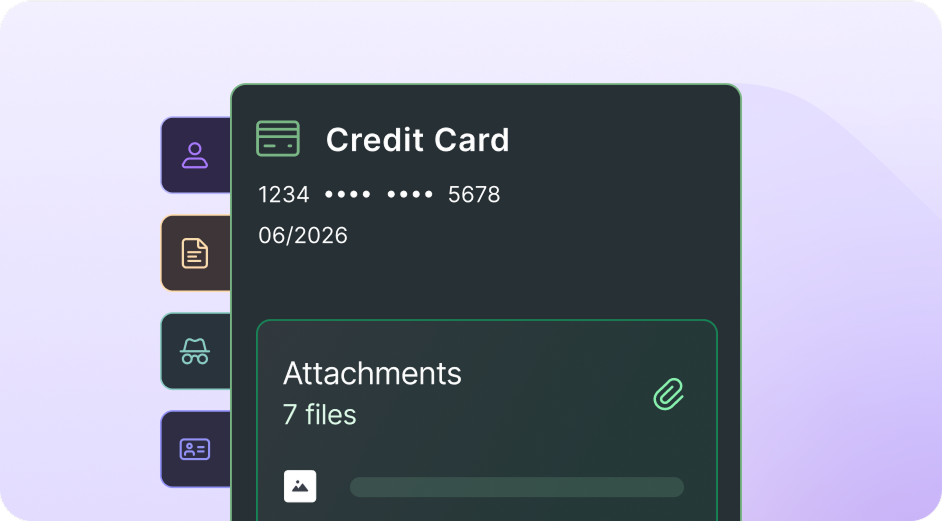
Organize and simplify your digital life. When you create a password, Identity, or note in Proton Pass, you can also attach files, letting you store all the relevant information for a particular account in one secure place.
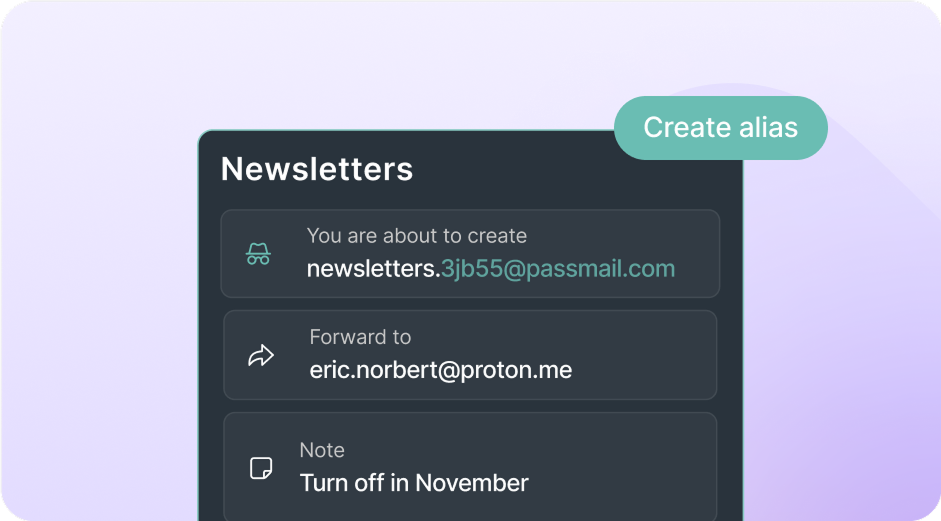
Hide-my-email aliases
Besides storing your logins, Proton Pass protects your identity with an integrated email alias feature. Whenever you sign up for a new online account, Proton Pass can automatically create an alias to keep your actual email address protected.
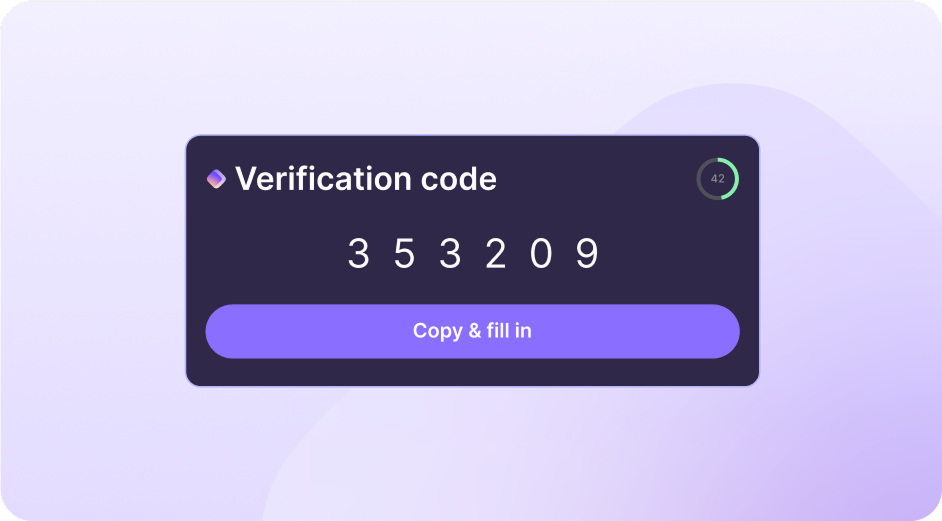
Integrated 2FA authenticator
Two-factor authentication (2FA) is one of the best ways to protect your accounts online. Proton Pass makes 2FA easier with an integrated authenticator that stores your 2FA codes and automatically displays and autofills them.
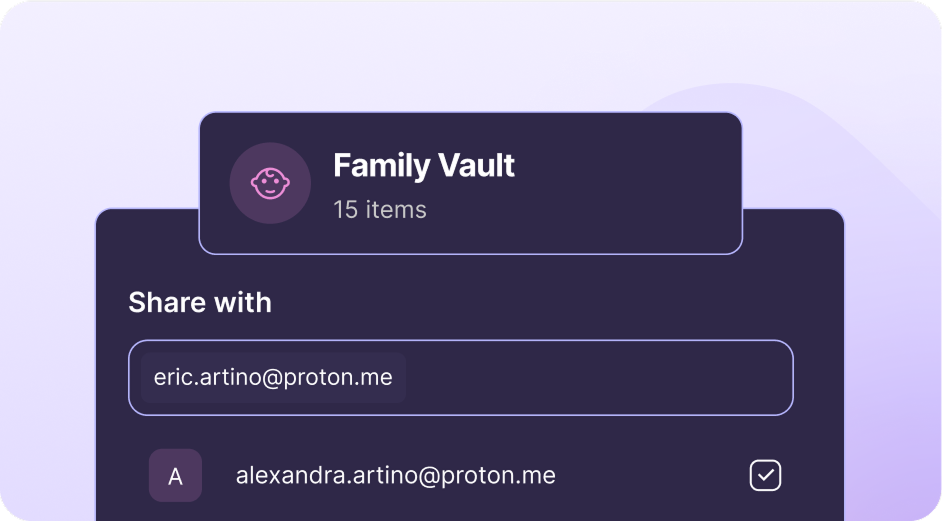
Secure password sharing
Easily share sensitive information with anyone, even if they don’t use Proton Pass. You can share single items such as passwords, notes or credit cards or a full vault.
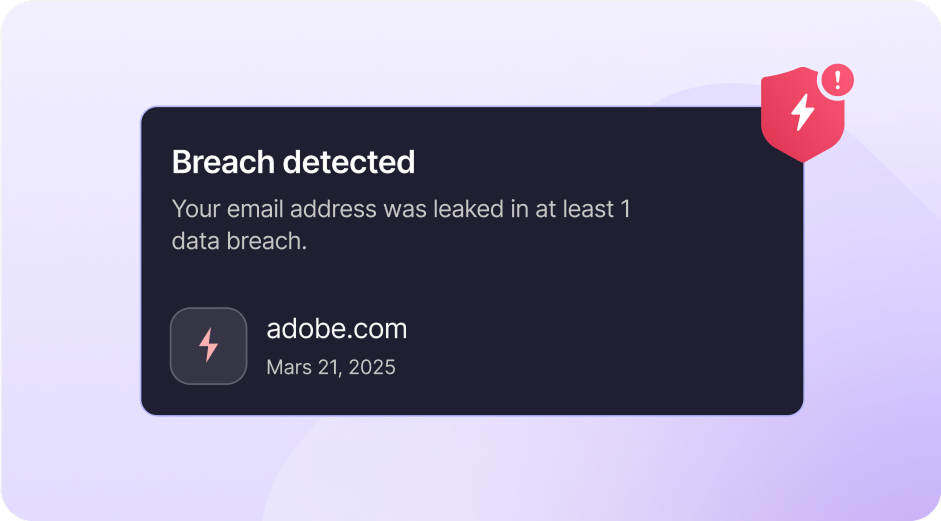
Dark Web Monitoring
Receive immediate alerts if your personal information is leaked in a third-party data breach. You can monitor multiple email addresses or your own domain name.
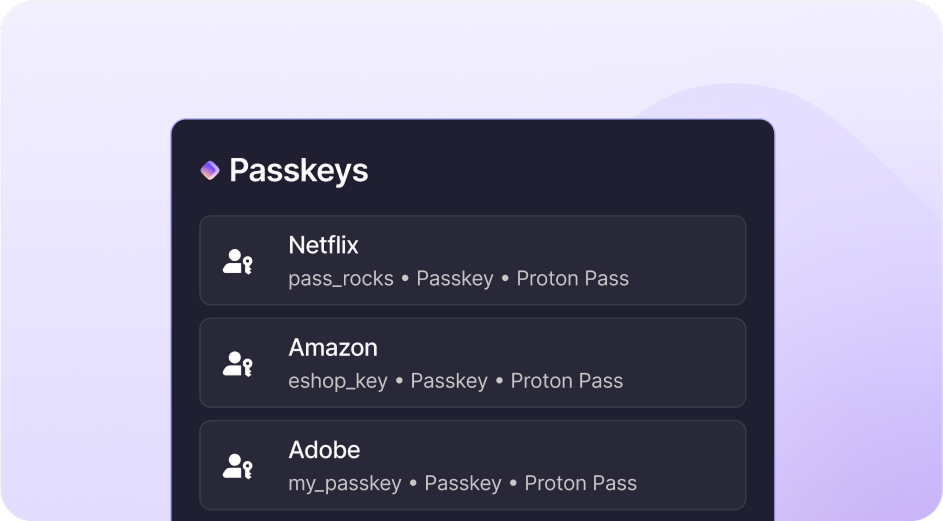
Securely log in with passkeys
Passkeys are an easy and secure alternative to traditional passwords that prevent phishing attacks and make your online experience smoother. Proton Pass supports passkeys on all platforms.
| |  |  |  |  |
|---|---|---|---|---|
| Zero knowledge encryption | | | | |
| Integrated 2FA | | | | |
| Securely share vaults | | | | |
| Hide-my-email aliases | | | | |
| Single item sharing | | | | |
| Advanced account protection | | | | |
| Full privacy ecosystem | | | | |
| Unlimited passwords | | | | |
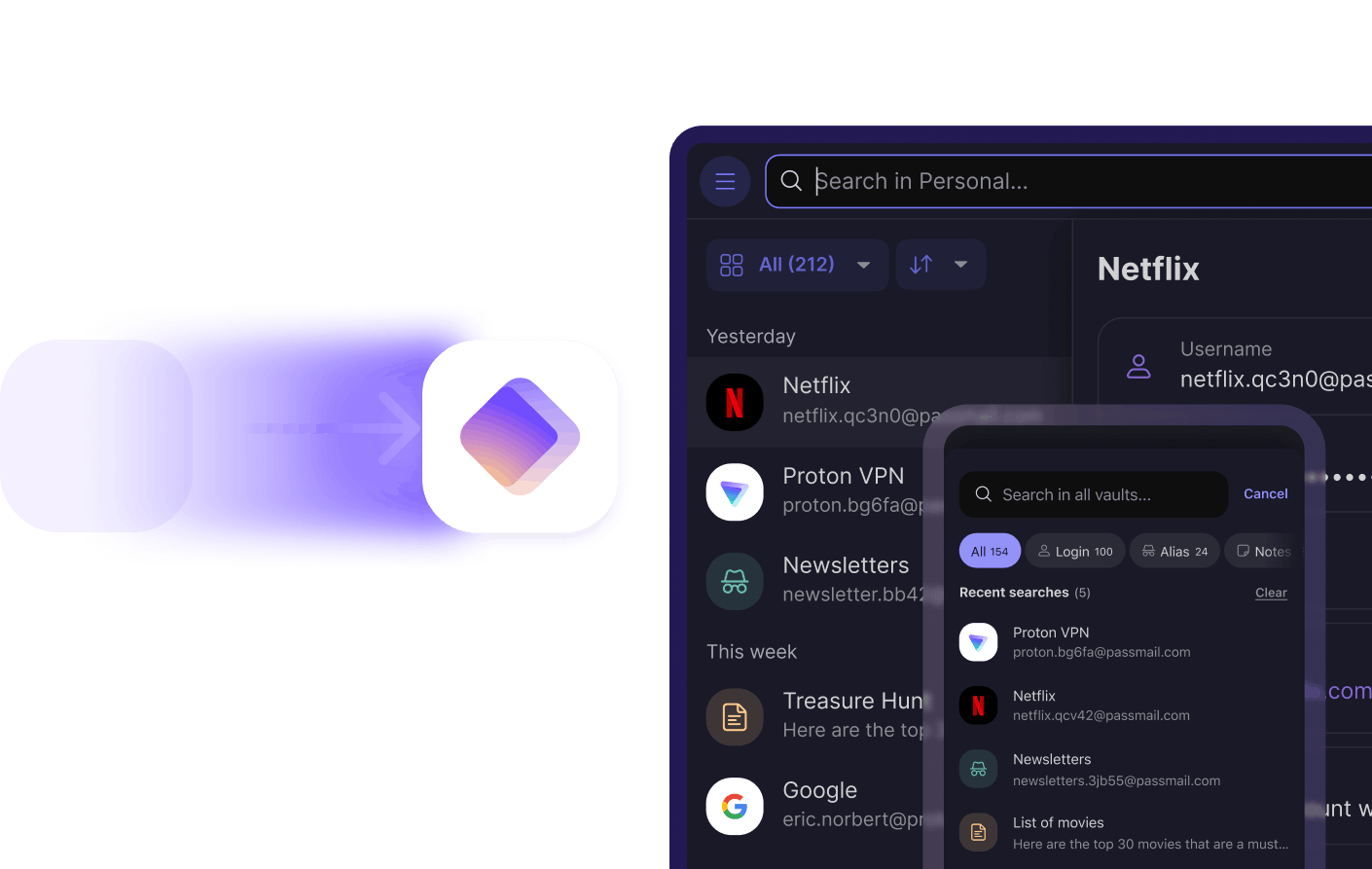
Switch from any browser or password manager to Proton Pass in 1 click
- Pass Plus - 1 month
Recommended
Pass Plus - 12-month
Family Plan - 12-month
30-day money-back guarantee
Frequently Asked Questions
- What is a password manager?
- Is Proton Pass secure?
- I already use my browser to remember my passwords (Chrome, iCloud Keychain, etc.). Why is Proton Pass better?
- Does Proton Pass work on my iPhone or Android phone?
- I already use another password manager. How can I easily switch to Proton Pass?