
TUNE: Payment
All the information you need about payments.
Tax Information and Payment Method
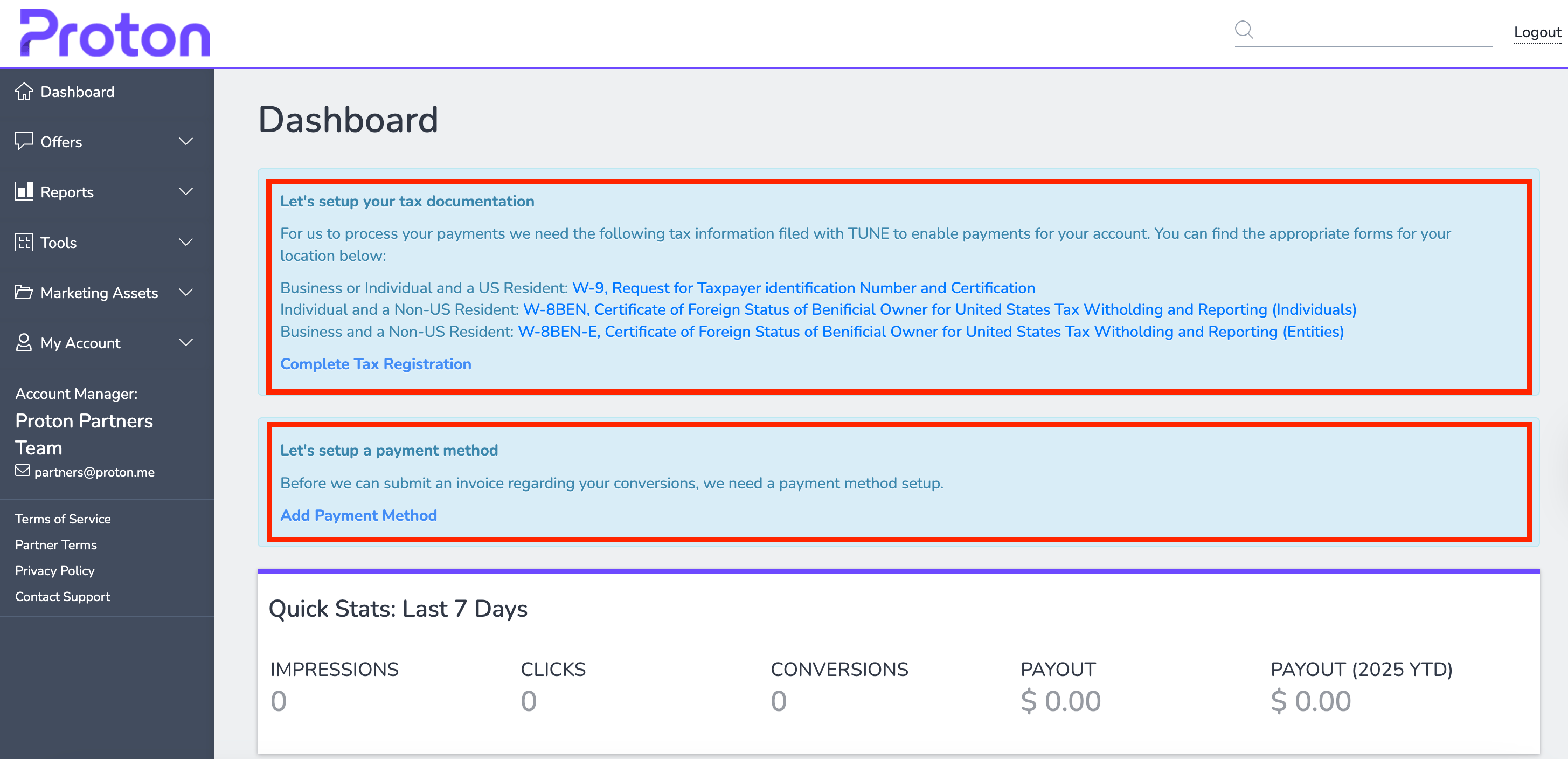
Before receiving payment through Tune Pay, you will need to proceed with the following:
Set up your tax documentation: it's mandatory to fill out and upload the appropriate tax form in PDF format. US-based business or individual partners need to complete a W-9(new window). Non-US-based individuals need to complete a W-8BEN(new window), and non-US-based businesses need to complete a W-8BEN-E(new window).
On submission of the tax information, the status will change to "Pending" and the TUNE finance team will review it within 24-72 business hours. The status will change to "Approved" once the correct documentation has been submitted. The status will change to "Rejected" with the reason if there is missing information submitted.
Set up a payment method. Note that there is a threshold of $100 for bank transfers and $1,000 for PayPal.
Please reach out to TUNE Pay Support Desk at payments@tune.com for all your payment queries.
Payment frequency
Invoices are automatically generated 30 days after the end of the month and paid by the end of the following month. For example, January's invoice will be generated at the end of February and paid by the end of March.