
Keep secure with Proton Pass
Strengthen your passwords and protect your online identity
Easily create unique and secure password
Sync login information across unlimited devices
Free forever


Featured in

Benefits of using Proton Pass
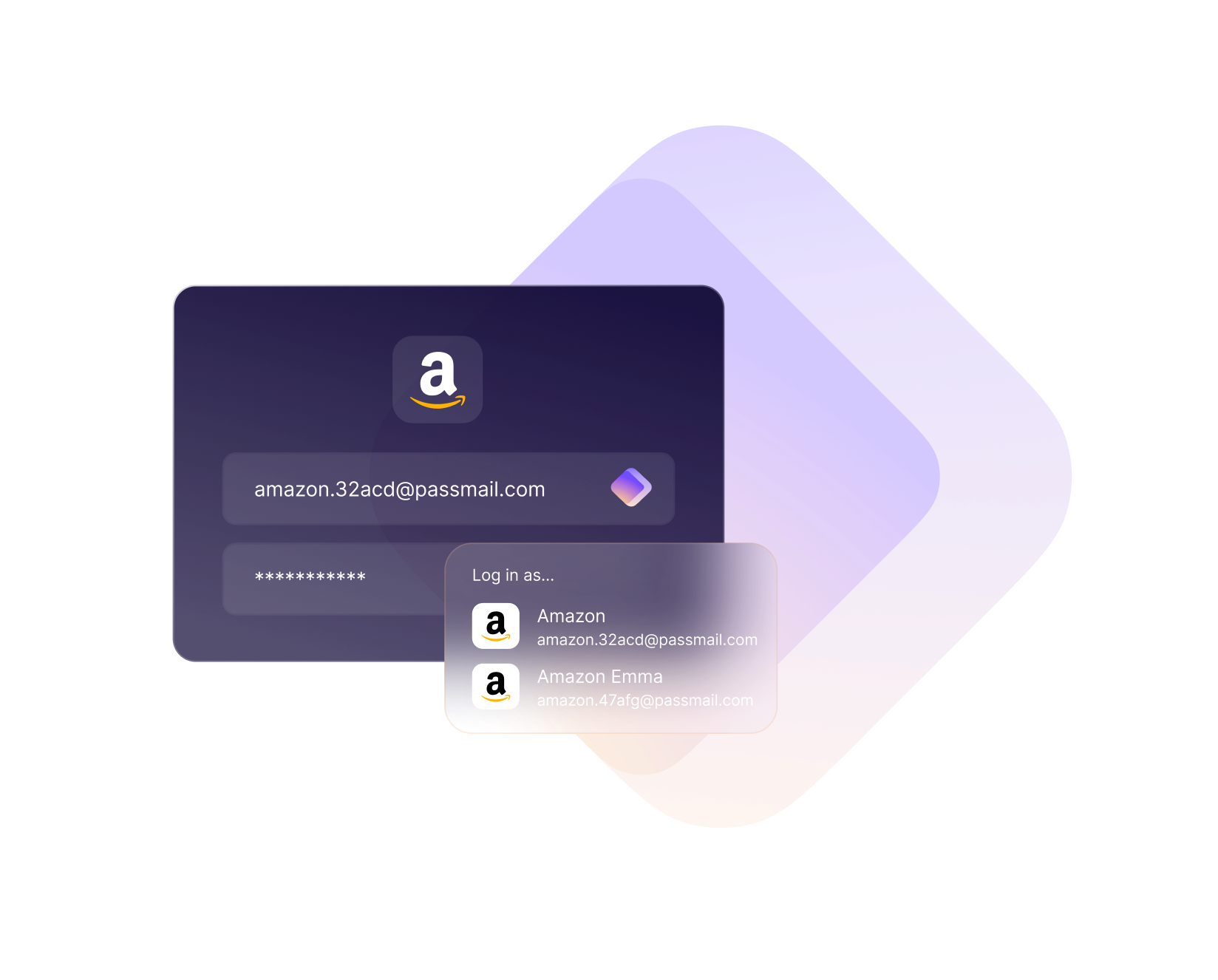
Faster logins
Auto-fill your account information to make signing in easier. Proton Pass recognizes the websites and apps you use and auto-fills forms with your credentials for you on any browser or device. No need to copy and paste. Passkeys are also supported on Proton Pass across all devices.
No more password resets
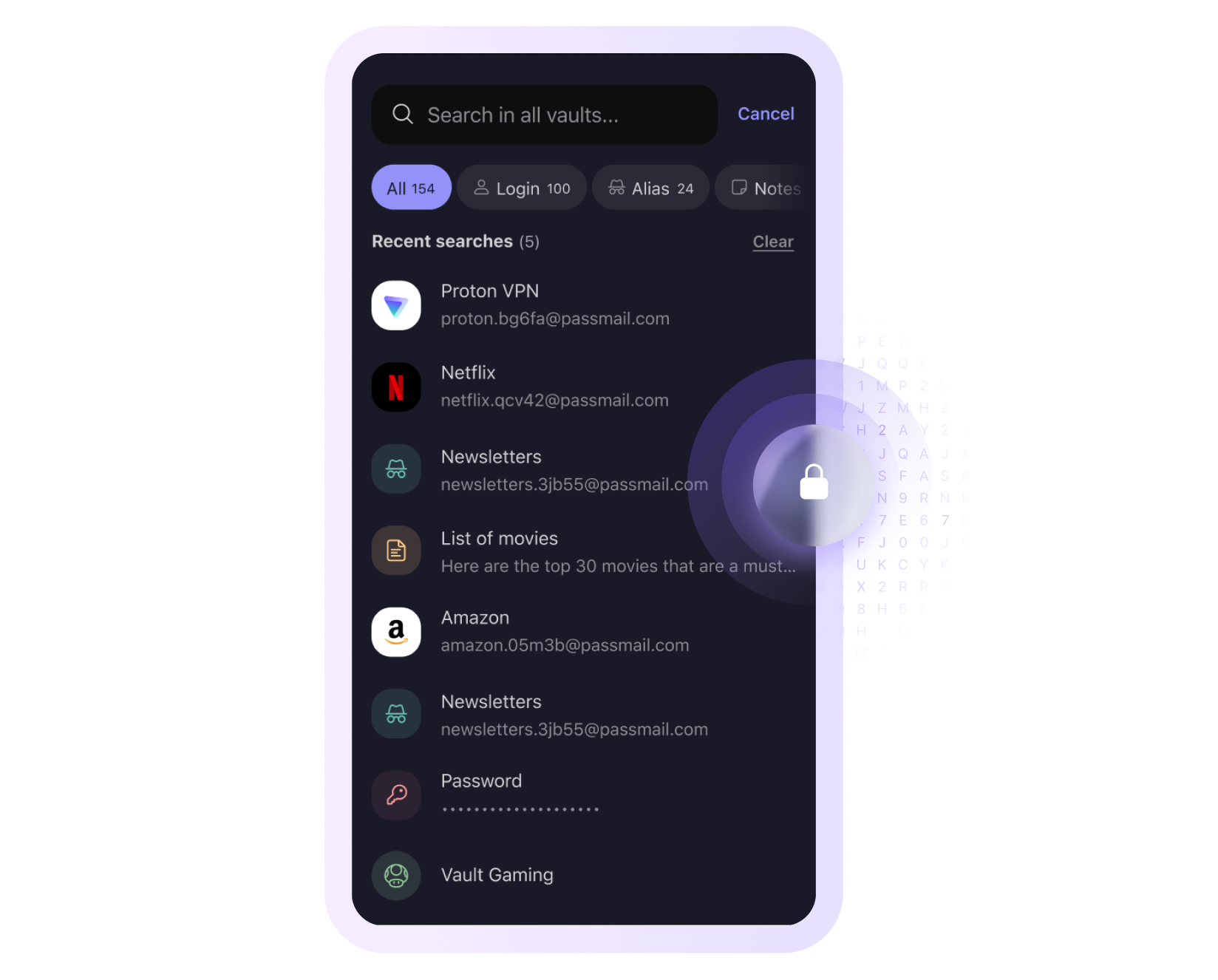
Never forget a password again by storing them on Proton Pass. Don’t compromise on security - with our built-in password generator, generate secure passwords with just one click. Proton Pass makes it easy to create and manage strong, robust passwords wherever you are.
Sync across any device
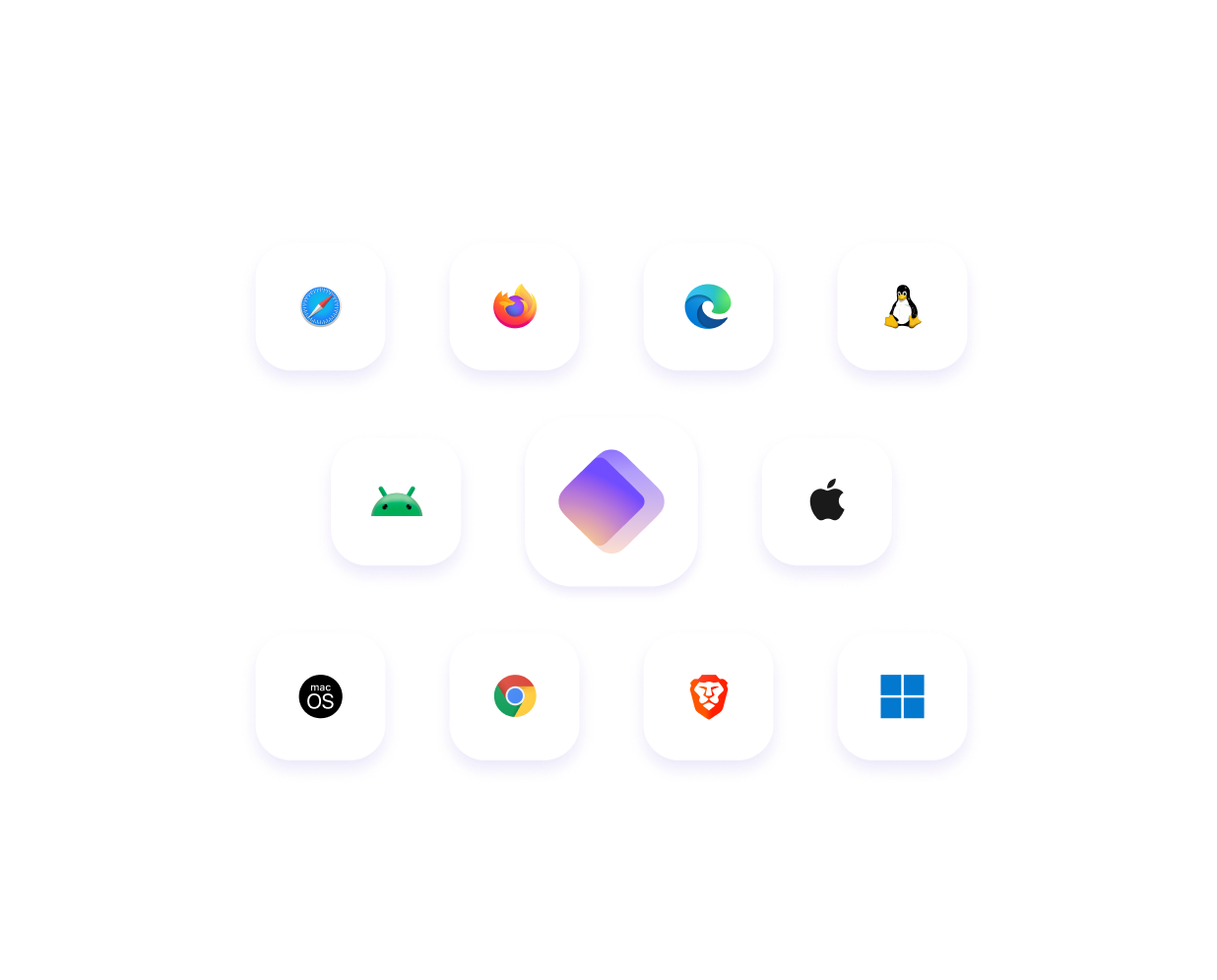
Whether you're on your phone, tablet, or computer, your passwords are always up-to-date and accessible. Proton Pass has apps for Android, iOS, Windows, macOS, and Linux. It is also available through web app and browser extensions, including Chrome, Safari, Edge, Firefox, Brave and more.
Protect your identity
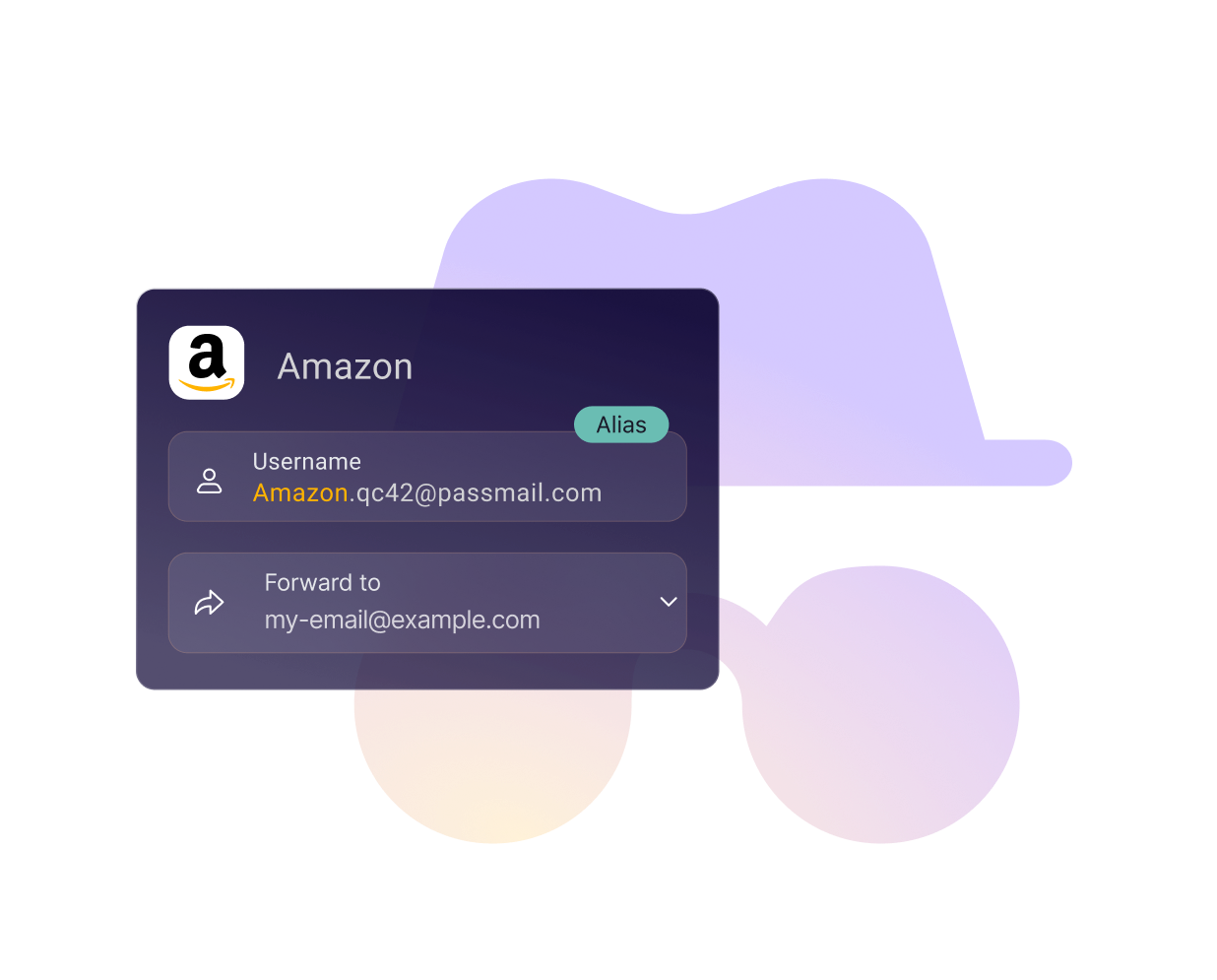
Protect your email and digital identity from hackers and spammers by using aliases. An alias is a randomly generated email address that forwards messages to your main inbox, keeping your real email address hidden. With Proton Pass Hide-my-email aliases, you can easily create unique aliases for online forms, ensuring your actual email address remains private and secure.
Join over 100 million users who trust Proton to keep their data safe
Featured by

Frequently Asked Questions
- What happens if I cancel my subscription? Will I lose access to my saved passwords?
- Is Proton Pass secure?
- Does Proton Pass have an app for my device or an extension for my browser?
- I already use another password manager. How can I easily switch to Proton Pass?