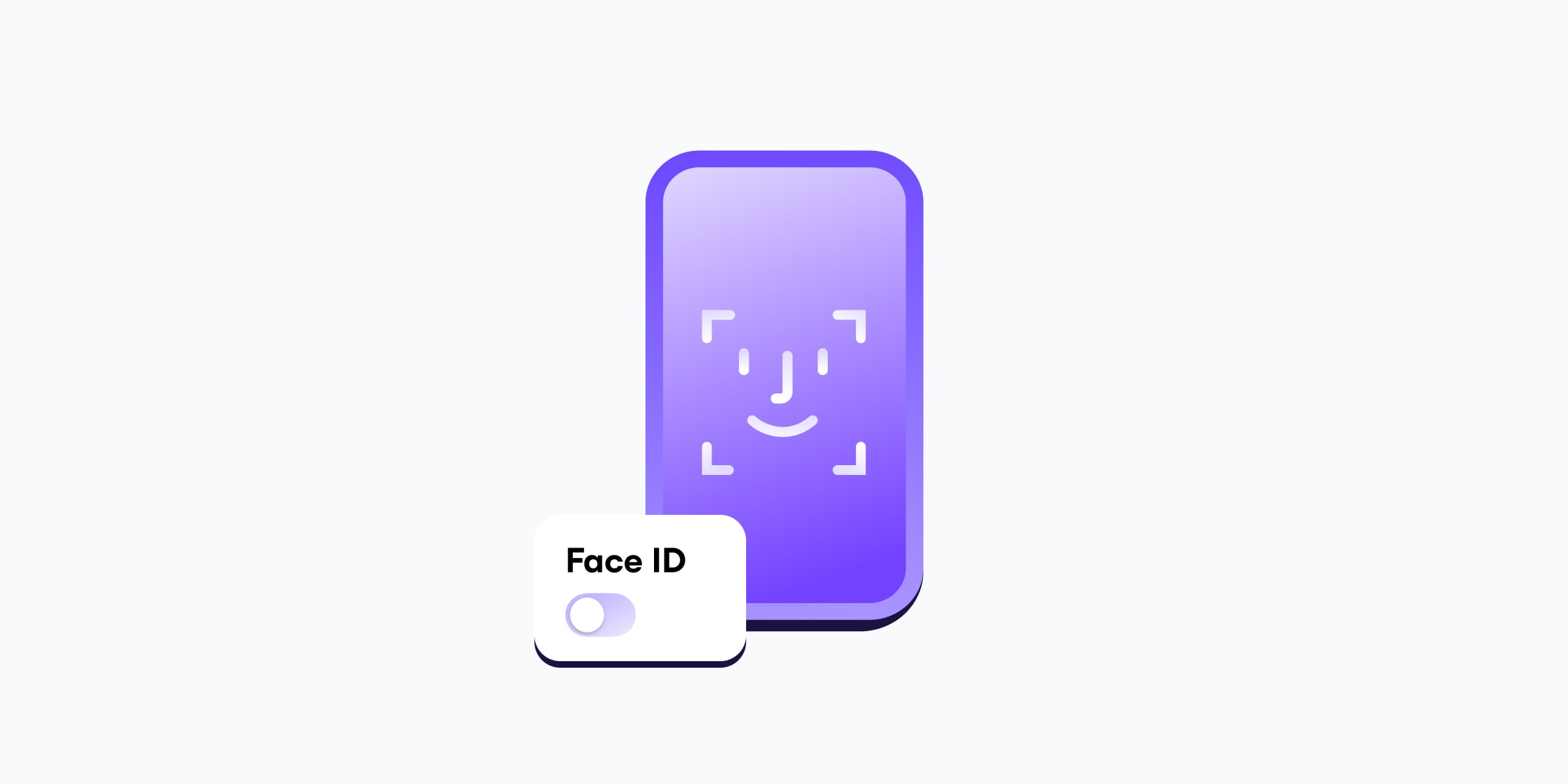
Nu încape îndoială că Face ID este o caracteristică convenabilă a dispozitivului iPhone. Este o experiență mult mai fluidă decât introducerea unui cod de acces de fiecare dată când doriți să plătiți ceva sau să vă deblocați rapid telefonul. Există însă situații în care este posibil să doriți mai mult control asupra modului în care vă este deblocat dispozitivul iPhone.
Iată cum puteți dezactiva Face ID, precum și când și de ce ar putea fi util să faceți acest lucru.
- Cum se dezactivează Face ID
- Cum funcționează Face ID?
- Este Face ID sigur?
- Când trebuie dezactivat Face ID
- Ce puteți folosi în loc de Face ID
Cum se dezactivează Face ID
Există trei opțiuni principale pentru dezactivarea Face ID pe dispozitivul dvs. iPhone — definitiv, temporar sau pentru anumite funcții.
Cum se dezactivează Face ID definitiv (Resetare Face ID)
1. Pe dispozitivul dvs. iPhone, accesați Configurări.
2. Selectați Face ID și cod de acces și introduceți codul de acces.
3. Selectați Resetare Face ID.

Pe iOS 17.3 și versiunile ulterioare, este posibil să fie necesar să dezactivați temporar funcția de Protecție dispozitiv furat în același meniu înainte de a putea efectua o resetare Face ID.
Cum se dezactivează Face ID temporar
1. Mențineți apăsat butonul lateral și oricare dintre butoanele de volum timp de 2 secunde.
2. Atingeți Anulați sau apăsați din nou butonul lateral.

Face ID va fi dezactivat până când vă deblocați dispozitivul iPhone cu codul de acces.
Cum se dezactivează Face ID pentru anumite funcții
Puteți dezactiva Face ID pentru anumite funcții sau aplicații, cum ar fi deblocarea dispozitivului dvs. iPhone sau plățile fără contact.
1. Pe dispozitivul dvs. iPhone, accesați Configurări.
2. Selectați Face ID și cod de acces și introduceți codul de acces.
3. Sub Utilizare Face ID pentru, dezactivați funcțiile și aplicațiile cu care nu doriți să utilizați Face ID.

Cum funcționează Face ID?
Face ID utilizează tehnologia de recunoaștere facială de la Apple pentru a capta datele faciale prin crearea unei hărți de profunzime și a unei imagini în infraroșu a feței dvs. Aceste date sunt transformate într-o reprezentare matematică, care este apoi comparată cu fața dvs. de fiecare dată când vă deblocați telefonul.
În mod implicit, Face ID vă deblochează telefonul numai dacă aveți ochii deschiși și atenția vă este îndreptată spre dispozitiv, ceea ce face extrem de dificil pentru cineva să vă deblocheze dispozitivul dacă dormiți sau sunteți inconștient(ă).
Este Face ID sigur?
Când luați în considerare siguranța și securitatea Face ID în ansamblu, iată câțiva factori de care trebuie să țineți cont:
Date biometrice: Apple stochează datele biometrice local pe dispozitivul dvs. și le criptează, ceea ce reduce semnificativ riscul de furt de la distanță. Cu toate acestea, unii utilizatori preferă să nu se bazeze deloc pe datele biometrice deoarece, spre deosebire de o parolă, acestea nu pot fi schimbate.
Securitate tehnică: Pentru utilizatorul obișnuit, Face ID este adesea mai sigur decât un cod de acces. Oamenii refolosesc frecvent parolele, iar codurile de acces pot fi observate de persoanele din jur în locurile publice. Datorită complexității tehnologiei de recunoaștere facială de la Apple, nu este posibil ca Face ID să fie păcălit cu o imagine imprimată sau digitală, și nici măștile din silicon nu vor funcționa.
Considerente juridice: Precedentele juridice variază în funcție de țară și jurisdicție, dar, în timp ce parolele și codurile de acces sunt în general protejate ca probe testimoniale, instanțele au decis din ce în ce mai mult că privitul la o cameră sau atingerea unui dispozitiv cu degetul reprezintă un act fizic, nu o mărturie. Acest lucru înseamnă că, deși forțele de ordine, în general, nu vă pot obliga să le furnizați parola sau codul de acces, acestea vă pot forța potențial să folosiți datele biometrice pentru a vă debloca dispozitivele.
Când trebuie dezactivat Face ID
Există situații specifice în care ar trebui să luați în considerare dezactivarea Face ID. Dacă mergeți într-un loc unde aveți șanse mai mari de a interacționa cu oficialități sau cu forțele de ordine, este posibil să doriți să vă asigurați că telefonul dvs. nu poate fi accesat fără consimțământul dvs. explicit.
Când călătoriți în străinătate. Dezactivați Face ID înainte de a trece prin vamă, în special în țările în care postările de pe rețelele sociale, unele aplicații sau comunicările private ar putea fi tratate ca un semnal de alarmă sau chiar ca o infracțiune. Este mult mai ușor pentru autorități să vă oblige să vă priviți telefonul decât să vă dezvăluiți codul de acces.
Când participați la proteste sau evenimente sensibile. Dezactivați Face ID înainte de a participa la un protest; dacă telefonul dvs. este confiscat de forțele de ordine, aveți mai multe șanse să evitați deschiderea acestuia. De asemenea, puteți lua în considerare introducerea telefonului într-o geantă Faraday pentru a evita conectarea accidentală la dispozitive de tip „stingray”(fereastră nouă).
Dacă sunteți o persoană publică sau aveți o profesie cu risc ridicat. Activiștii, imigranții, jurnaliștii, și politicienii prezintă un risc mai mare de supraveghere decât o persoană obișnuită și ar putea dori să evite utilizarea Face ID sau Touch ID pe telefoanele și laptopurile lor. În ianuarie 2026, FBI a efectuat o percheziție la domiciliul jurnalistei de la Washington Post, Hannah Natanson. Mandatul lor(fereastră nouă) a autorizat în mod specific agenții să o oblige să folosească datele biometrice — fie prin apăsarea cu degetul, fie prin ținerea dispozitivului în fața feței sale — pentru a-i debloca dispozitivele.
Ce puteți folosi în loc de Face ID
Pentru persoanele care sunt conștiente că ar putea fi vizate de atacuri cibernetice sofisticate, Lockdown Mode(fereastră nouă) este o opțiune. Telefonul este mai greu de utilizat în acest mod, iar unele caracteristici și aplicații pot funcționa diferit, deși apelurile și mesajele cu text simplu vor continua să funcționeze.
În general, cea mai bună alternativă la Face ID pentru a bloca accesarea dispozitivului și a aplicațiilor dvs. este utilizarea unui cod de acces și a cheilor de acces. Un manager de parole precum Proton Pass vă permite să stocați și să completați automat parolele, cheile de acces și datele sensibile cu criptare de la un capăt la altul. Este un mod simplu de a vă menține toate conturile sigure online — și îl puteți încerca gratuit chiar astăzi.