
Какая лучшая альтернатива LastPass?
Защита конфиденциальных данных требует большего, чем просто удобство: необходим менеджер паролей со встроенной системой безопасности корпоративного уровня. LastPass — популярный выбор, но проблемы с безопасностью заставили многих искать более надёжные альтернативы, ориентированные на конфиденциальность.
В этой статье мы разберём, почему LastPass может быть не самым безопасным вариантом, и предложим альтернативные менеджеры паролей, которые действительно защищают ваши данные.

Отзывы взяты из

О LastPass
LastPass — это широко используемый менеджер паролей из США, который обслуживает как частных лиц, так и организации. Он предлагает безопасное хранилище для хранения и генерации надёжных паролей, а также многофакторную аутентификацию, безопасный обмен данными и мониторинг даркнета для защиты учётных данных пользователей. Помимо личного использования, LastPass поддерживает корпоративных пользователей с помощью таких функций, как единый вход (SSO), адаптивная аутентификация, единые элементы управления администратора и подробные отчёты о безопасности, что делает его популярным выбором для управления паролями и другой конфиденциальной информацией на различных устройствах и платформах.
Почему стоит рассмотреть альтернативу LastPass?
Поскольку количество кибератак и утечек данных продолжает расти, особенно направленных против частных лиц и малого бизнеса, цифровая безопасность как никогда важна. LastPass был основным решением для многих, но у него есть свои недостатки.
История происшествий в области безопасности
LastPass поставил под угрозу безопасность своих пользователей из-за двух утечек данных(новое окно), которые обошлись пользователям более чем в 35 миллионов долларов из их криптокошельков. Примечательно, что в 2022 году взлом стороннего сервиса позволил злоумышленникам получить доступ к метаданным клиентов, включая имена, адреса электронной почты, IP-адреса и некоторые зашифрованные хранилища.
Ограничения бесплатной версии
Хотя LastPass и предлагает бесплатный тариф, он ограничивает использование одной категорией устройств, препятствуя плавному переключению между мобильными и настольными устройствами. Кроме того, частые обновления условий бесплатной версии вызывали путаницу и разочарование, так как синхронизация между устройствами и доступ к поддержке по электронной почте теперь доступны только в платных тарифах.
Больше хлопот ради дополнительной безопасности
LastPass не имеет напрямую встроенной двухфакторной аутентификации (2FA). Вместо этого вам нужно скачать и использовать отдельное приложение. Это добавляет уровень безопасности, но необходимость ежедневно переключаться между приложениями или восстанавливать утерянные коды аутентификации может быстро утомить. Это превращает то, что должно ощущаться как защита, в дополнительное бремя, подрывая удобство и простоту использования, которые должен обеспечивать менеджер паролей.
Недостаток гибкости при обмене данными
Недостаточная гибкость LastPass при обмене данными является серьёзным недостатком, так как обмен ограничен только его экосистемой. Это затрудняет возможность поделиться учётными данными с семьёй, друзьями и коллегами, которые используют другие инструменты. А для бизнеса это создаёт дополнительные трудности при работе с внешними партнёрами, подрядчиками или клиентами, часто вынуждая пользователей прибегать к обходным путям, что может поставить под угрозу безопасность.
Нет поддержки псевдонимов электронной почты
LastPass не предлагает встроенной поддержки для создания псевдонимов электронной почты или управления ими — функции, которая помогает сохранить ваш реальный адрес конфиденциальным и значительно уменьшает количество спама. Для частных лиц это означает меньший контроль над онлайн-конфиденциальностью при регистрации новых аккаунтов или подписке на рассылки; для бизнеса — отсутствие простого способа защитить домены компании и безопасно управлять входом внешних пользователей.
Ограниченная прозрачность
Хотя LastPass и использует некоторые сторонние компоненты с открытым исходным кодом, основной продукт, включая исходный код, является проприетарным и недоступен для публичного аудита. Иными словами, пользователи должны верить, что реализация LastPass соответствует заявленным характеристикам.
Потенциальные юридические риски
Поскольку LastPass является американской компанией, она подчиняется законам США. В принципе, это означает, что её могут принудить раскрыть данные клиентов в ответ на юридические запросы США, что противоречит европейским правилам, таким как GDPR, и ставит под угрозу конфиденциальную информацию.
На что обратить внимание при выборе альтернативы LastPass
Хорошая альтернатива LastPass должна предоставлять не только мощные функции, но и проверяемую безопасность и прозрачность, кроссплатформенное удобство использования, гибкий обмен данными и хорошее соответствие организационным требованиям.
Учитывая историю LastPass, доверие и безопасность должны быть на первом месте. Ищите варианты с шифрованием с нулевым разглашением, подтверждённой репутацией прозрачности открытого исходного кода и регулярными независимыми аудитами безопасности. Кроме того, меры безопасности должны быть простыми. Например, это может быть наличие встроенной двухфакторной аутентификации и возможности создавать псевдонимы электронной почты, чтобы вам не приходилось постоянно переключаться на дополнительные приложения и сторонние инструменты. Удобство является ключевым для любого менеджера паролей, поэтому надёжная альтернатива LastPass должна позволять вам беспрепятственно управлять вашими учётными данными на любом устройстве без ограничений даже на бесплатном тарифе, а также легко и безопасно делиться ими с другими людьми за пределами платформы.
Соблюдение нормативных требований также должно быть ключевым фактором. Например, организации с особыми потребностями в суверенитете данных, особенно в строго регулируемых секторах или подпадающие под действие GDPR и HIPAA, должны выбирать альтернативы, базирующиеся в определённых юрисдикциях или имеющие локальную инфраструктуру, которая соответствует требованиям к соблюдению нормативных требований в отношении данных.
Как LastPass выглядит в сравнении с другими менеджерами паролей?
 undefined |  undefined |  undefined |  undefined |  undefined | ||
|---|---|---|---|---|---|---|
Бесплатный тариф | Ограничено одним устройством | |||||
Защита швейцарскими законами о конфиденциальности | ||||||
Включает экосистему конфиденциальности | ||||||
Использует собственные серверы | ||||||
С открытым исходным кодом | ||||||
Проактивная защита аккаунта (Sentinel) | ||||||
Встроенные псевдонимы hide-my-email | ||||||
Встроенная двухфакторная аутентификация | ||||||
Проверка надёжности паролей и мониторинг утечек | ||||||
Безопасный обмен | ||||||
Внешний обмен (не с пользователями) | Ограничено* | |||||
Интеграция с SSO и SCIM | ||||||
Консоль администратора и управление пользователями | ||||||
Политики безопасности (правила паролей, контроль доступа) | ||||||
Сквозное шифрование |
* Вы не можете поделиться отдельными элементами напрямую из вашего хранилища, но можете создать временную ссылку для защищённой заметки с помощью аккаунта Bitwarden Send.
Лучшие менеджеры паролей

1Password
1Password выделяется своей надёжной основой безопасности и отточенным интерфейсом. Он предлагает такие функции, как встроенный аутентификатор и поддержка ключей доступа, мониторинг надёжности паролей и удобный обмен данными, а также детальный контроль политик, аутентификация через единый вход (SSO) и автоматизированная настройка.
Однако у 1Password также нет бесплатного тарифа, что требует от всех пользователей платить за платные функции с самого начала. Обозреватели также отмечают более сложный процесс освоения 1Password по сравнению с простыми менеджерами паролей, что усложняет его внедрение как для личного, так и для делового использования. У него также закрытый исходный код, что означает, что пользователи не могут проверить безопасность приложений. Кроме того, у компаний со строгими требованиями к суверенитету данных могут возникнуть опасения по поводу использования 1Password, поскольку его штаб-квартира находится в Канаде, а используемая инфраструктура — в США.

Dashlane
Dashlane предлагает современные приложения с надёжной кроссплатформенной поддержкой, ключи доступа и беспарольный вход, защиту от фишинга и ряд передовых административных инструментов, включая собственную интеллектуальную платформу безопасности учётных данных Omnix.
С другой стороны, тарифы Dashlane являются ограничивающими: отсутствие бесплатной версии, оплата только за пользователя и только годовые тарифы делают их значительно дороже, чем у большинства конкурентов. Обмен учётными данными также в значительной степени ограничен другими пользователями Dashlane, что может вызывать трения как в личной, так и в профессиональной сфере и вынуждать пользователей прибегать к менее безопасным обходным путям. Кроме того, Dashlane не является продуктом с полностью открытым исходным кодом, что ограничивает прозрачность и возможность проверки.

Bitwarden
Сильные стороны Bitwarden сосредоточены на ценности и открытости, включая бесплатный тариф для личного использования, который поддерживает обмен паролями и надёжные функции безопасности, такие как двухфакторная аутентификация и биометрический вход. Его доступные тарифы для бизнеса также включают корпоративные функции, такие как SSO, поддержка SCIM и возможность настройки политик для всей организации. Bitwarden также имеет полностью открытый исходный код, что привлекательно для тех, кто ставит во главу угла прозрачность и настраиваемость или нуждается в собственном хостинге.
С другой стороны, неинтуитивный пользовательский интерфейс и утилитарный дизайн Bitwarden затрудняют простоту использования и внедрение. Обмен учётными данными также может быть сложным для пользователей не из технической сферы и тех, кто не знаком с терминологией Bitwarden. Bitwarden также предлагает меньшую гибкость для хранения специализированных типов элементов, имея всего пять предопределённых типов. Пользователи, которым нужны другие типы, вынуждены создавать собственные настраиваемые поля.
Почему Proton Pass — лучшая альтернатива LastPass
Подключайтесь на всех ваших устройствах
Бесплатный план LastPass ограничивает вас либо компьютерами, либо мобильными устройствами, не давая использовать то и другое одновременно. С Proton Pass Free вы можете защитить свои пароли и другую важную информацию на всех типах устройств, включая телефоны, планшеты и настольные компьютеры. Это означает постоянную безопасность и продуктивность в любом месте независимо от того, управляете вы входами пользователей или получаете доступ к важным рабочим аккаунтам в дороге. Не нужно выбирать.
Используйте гибкий и конфиденциальный обмен данными
Proton Pass предлагает гибкий, конфиденциальный обмен данными, позволяя вам безопасно делиться учётными данными с кем угодно, даже если получатели не используют этот сервис, включая семью, друзей и коллег. Важно отметить, что каждый общий элемент остаётся зашифрованным сквозным методом. Это гарантирует, что вы не раскроете пароли или конфиденциальные личные данные. Это позволяет легко и безопасно сотрудничать за пределами вашей семьи или организации, не заставляя других переходить на ту же платформу.
Защитите свой адрес электронной почты с помощью псевдонимов
В отличие от LastPass, Proton Pass может автоматически создавать уникальные псевдонимы электронной почты, чтобы скрыть ваш реальный адрес при регистрации в новых сервисах. Это помогает сохранить ваши личные данные конфиденциальными и уменьшить количество спама.
Оставайтесь анонимными онлайн с 10 псевдонимами в Proton Pass Free или получите неограниченное количество псевдонимов с Pass Plus.
Делитесь учётными данными с несколькими людьми
LastPass разрешает обмен паролями только один на один. Proton Pass поддерживает обмен «один со многими», так что вы можете безопасно делиться с семьёй и друзьями аккаунтами, включая Netflix, Disney+ или Hulu, или даже обмениваться другой важной информацией и документами с коллегами и внешними партнёрами, и всё это — без необходимости перехода на платный тариф.
Храните в 20 раз больше файлов и документов
С Proton Pass Free вы можете хранить документы и создавать резервные копии конфиденциальных файлов в облачном хранилище ёмкостью 1 ГБ, зашифрованном сквозным методом, через Proton Drive. Это в 20 раз больше места, чем в LastPass, который предлагает всего 50 МБ.
Положитесь на нашу миссию и технологии
LastPass поддерживается венчурным капиталом. Proton Pass имеет открытый исходный код и создан командой, движимой конфиденциальностью, а не прибылью. Наша технология имеет открытый исходный код, проходит независимый аудит и защищена швейцарскими законами о конфиденциальности, обеспечивая стандарт прозрачности, который соответствует как индивидуальной цифровой свободе, так и соблюдению нормативных требований организации.
Получите доступ к реальной поддержке от людей
В LastPass бесплатные пользователи остаются с инструкциями для самостоятельного решения проблем. Proton Pass позволяет вам получить доступ к реальной поддержке от людей даже на бесплатном тарифе. Настраиваете ли вы свой аккаунт, занимаетесь устранением неполадок или просто нуждаетесь в руководстве, наша команда рядом и готова помочь.
Proton Pass — часть защищённой экосистемы
Выбирая Proton Pass в качестве альтернативы LastPass, вы также получаете доступ к бесплатному набору инструментов, зашифрованных сквозным методом. Тариф Proton Business Suite включает платный доступ к Proton Pass for Business, а также ко всем другим приложениям Proton:

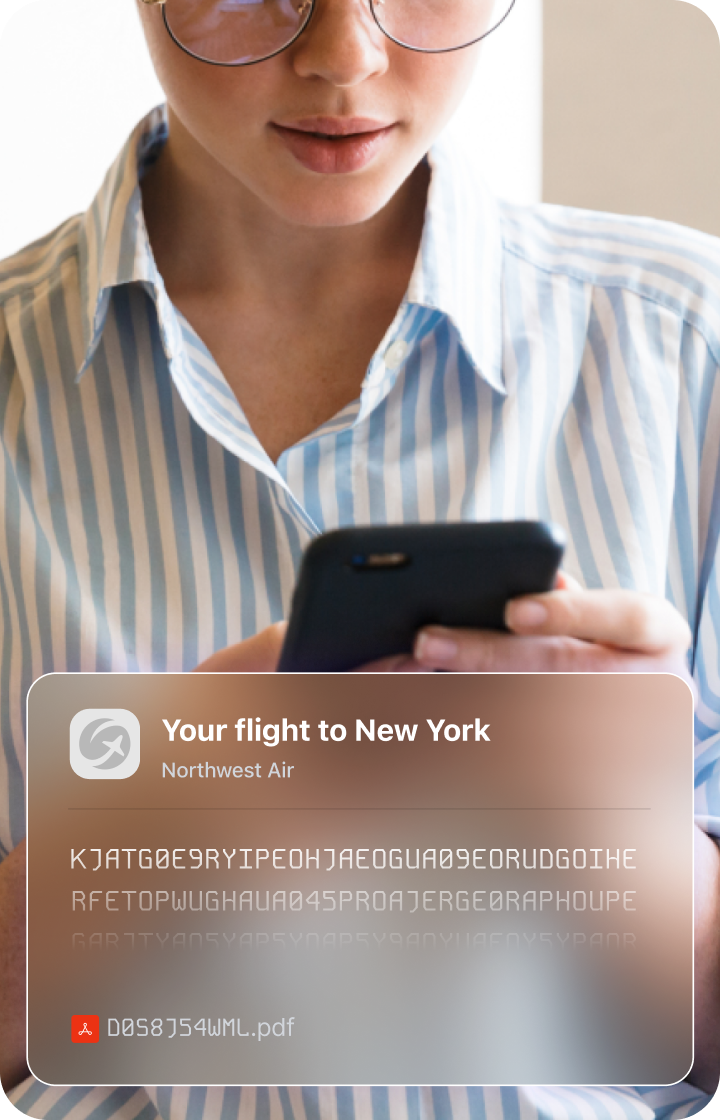
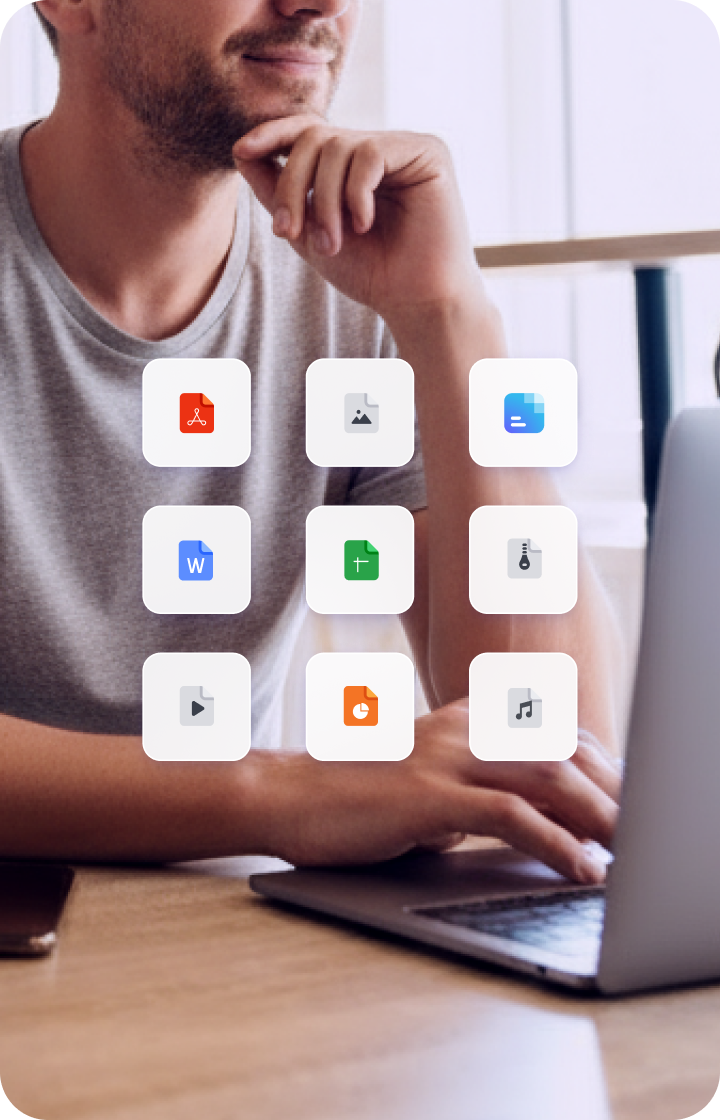
Proton Drive
Храните файлы в безопасности и работайте над документами в реальном времени. Храните данные, управляйте и безопасно делитесь ими с помощью зашифрованного облачного хранилища.

Proton Mail
Защитите все свои деловые коммуникации и убедитесь, что каждое сообщение остаётся конфиденциальным, с помощью сервиса защищённой электронной почты.

Календарь Proton
Легко организуйте своё профессиональное расписание и оптимизируйте планирование встреч с помощью календаря, созданного для конфиденциальности.

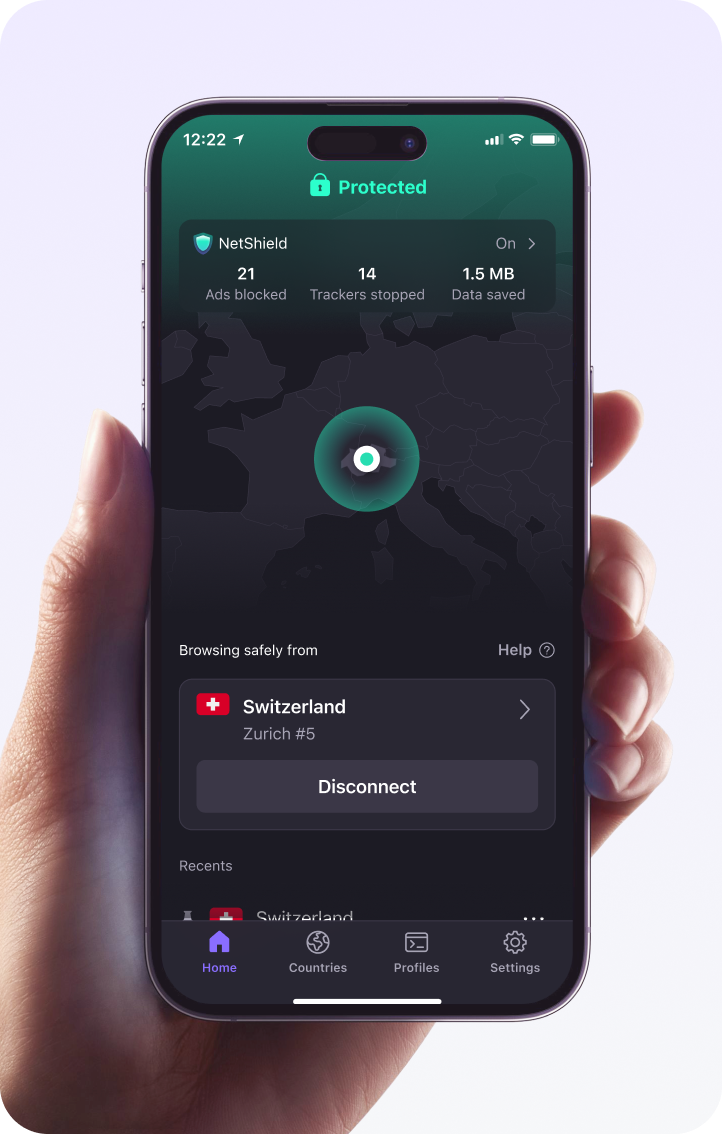
Proton VPN
Мгновенно защитите сетевой трафик вашего бизнеса с помощью мощного VPN. Защитите конфиденциальные данные, обеспечьте более безопасную удалённую работу и оградите себя от шпионов и хакеров.
Более 100 миллионов человек и 100 000 компаний доверяют Proton защиту своих данных

ZDNET
Лучший бесплатный менеджер паролей для обеспечения конфиденциальности. Proton Pass — это хорошо спроектированный, безопасный менеджер паролей с рядом уникальных функций.

Linus Tech Tips
Компания Proton имеет менеджер паролей, который стал действительно хорошим и очень быстро. Он поддерживает создание временных электронных адресов и псевдонимов, двухфакторную аутентификацию, поддержку ключей доступа, а недавно получил возможность блокировать вашу учётную запись с другим паролем, отличным от пароля вашей учётной записи.

Digital Trends
Если в целом, я могу порекомендовать Proton Pass как лучший менеджер паролей, особенно если вы ищете бесплатный или недорогой платный вариант, который наиболее интуитивен и предлагает самый простой обмен данными.

Переключитесь с LastPass на Proton Pass
Начните использовать Proton Pass как мощную и бесплатную альтернативу LastPass всего за несколько кликов.
Шаг 1:
Откройте LastPass и экспортируйте свои данные
Шаг 2:
Импортируйте свои данные в Proton Pass. Вот и всё!

Часто задаваемые вопросы
- Почему Proton Pass — лучшая альтернатива LastPass?
- Как перенести свои учётные данные из LastPass в Proton Pass?