
Какая альтернатива Dashlane является лучшей?
Dashlane давно является популярным выбором для управления паролями. Но ограничения в моделях ценообразования, совместном доступе и прозрачности делают его далеко не идеальным для многих людей и компаний. Что особенно важно, у Dashlane нет бесплатного тарифа, что является серьёзным препятствием для доступности.
Если вы ищете решение с открытым исходным кодом, обеспечивающее надёжную конфиденциальность и большую ценность, существуют альтернативы Dashlane, которые могут вам больше подойти.

Отзывы взяты из

О Dashlane
Dashlane — это известный менеджер паролей со штаб-квартирой в США, обслуживающий как частных лиц, так и организации. Известный своим удобным и интуитивно понятным интерфейсом, Dashlane предлагает мощные функции, такие как хранение учётных данных и управление ими, мониторинг даркнета, оповещения о фишинге и доступ к VPN.
Для бизнеса Dashlane предоставляет управление личными данными и доступом с помощью комплексных административных инструментов и собственной платформы безопасности учётных данных Omnix, позволяя командам контролировать безопасность учётных данных сотрудников и превентивно выявлять риски. Учитывая его расширенные возможности и цены, Dashlane, как правило, лучше подходит для крупных организаций, которым требуется масштабное управление рисками и контроль безопасности. Несмотря на надёжную защиту и удобство, Dashlane имеет лишь частично открытый исходный код. Это означает, что часть его основной инфраструктуры и кода не может быть проверена независимыми аудиторами.
Зачем рассматривать альтернативу Dashlane?
Хотя Dashlane широко используется, у него есть ряд недостатков с точки зрения функций, стоимости и прозрачности, что делает его менее привлекательным выбором для многих частных лиц и малого бизнеса.
Нет бесплатного тарифа
Dashlane прекратил действие своего бесплатного тарифа с 15 сентября 2025 года. Существующие бесплатные аккаунты теперь работают только в режиме просмотра, вынуждая пострадавших пользователей переходить на платную подписку только для того, чтобы вернуть функциональность, а потенциальные пользователи могут пробовать Dashlane только в течение 14 дней перед необходимостью перехода на платную версию.
Высокая стоимость
Для организаций, стремящихся найти баланс между безопасностью и затратами, ценовая структура Dashlane является негибкой и несоразмерно дорогой. Его начальный тариф для управления паролями стоит примерно в три раза дороже, чем у конкурентов, и нет более дешёвого уровня для базовых потребностей, что заставляет небольшие и ограниченные в бюджете команды платить за ненужные функции. Даже комплекты Enterprise более высокого уровня, добавляющие расширенные средства управления, стоят значительно дороже по сравнению с аналогичными наборами функций других менеджеров паролей. По мере роста компании эти переплаты могут достигать тысяч долларов ежегодно, не принося никакой уникальной ценности.
Ограниченная гибкость обмена данными
Недостаточная гибкость обмена данными в Dashlane является серьёзным недостатком, так как возможность делиться ограничена только его экосистемой. Это затрудняет возможность поделиться учётными данными с семьёй, друзьями и коллегами, которые используют другие инструменты. А для бизнеса это создаёт дополнительные трудности при работе с внешними партнёрами, подрядчиками или клиентами, часто вынуждая пользователей прибегать к обходным путям, что может поставить под угрозу безопасность.
Нет псевдонимов электронной почты
Dashlane не предлагает встроенной поддержки для создания псевдонимов электронной почты или управления ими — функции, которая помогает сохранять ваш реальный адрес конфиденциальным и значительно сокращает количество спама. Для частных лиц это означает меньший контроль над онлайн-конфиденциальностью при регистрации новых аккаунтов или подписке на рассылки. Для бизнеса это означает отсутствие простого способа защитить домены компании, разграничить личные данные и отслеживать утечки данных.
Ограниченная прозрачность
Только части мобильных приложений Dashlane являются общедоступными, в то время как остальная часть основного сервиса, включая бэкенд и расширения, имеет закрытый исходный код. Клиентам приходится полагаться на заявления Dashlane и выборочные аудиты вместо полностью проверяемого кода, рецензируемого сообществом. Кроме того, Dashlane базируется в США и работает на инфраструктуре AWS. Это может противоречить требованиям организаций, имеющих строгие правила конфиденциальности, суверенитета данных или контроля инфраструктуры.
На что обратить внимание при выборе альтернативы Dashlane
При выборе альтернативы Dashlane — или любого другого менеджера паролей — важно оценивать такие факторы, как защита конфиденциальности, удобство использования и долгосрочная ценность.
Это означает выбор альтернатив с полностью открытым исходным кодом и собственной инфраструктурой, идеально расположенных в юрисдикциях, соответствующих правовым нормам в области данных, таким как GDPR и HIPAA, для бизнеса в строго регулируемых секторах. Простота использования и удобство также имеют первостепенное значение; менеджер паролей, который включает полезные функции, такие как безопасный обмен данными за пределами своей экосистемы и псевдонимы электронной почты, гораздо проще внедрить как для личного, так и для профессионального использования. А поскольку Dashlane отказался от своего бесплатного тарифа, стоит поискать варианты, которые предлагают бесплатные уровни, доступные и масштабируемые тарифы, а также специально разработаны для удовлетворения меняющихся потребностей, особенно для растущих команд.
Как Dashlane выглядит в сравнении с другими менеджерами паролей?
 undefined |  undefined |  undefined |  undefined |  undefined | ||
|---|---|---|---|---|---|---|
Бесплатный тариф | Ограничено одним устройством | |||||
Защита швейцарскими законами о конфиденциальности | ||||||
Включает экосистему конфиденциальности | ||||||
Использует собственные серверы | ||||||
С открытым исходным кодом | ||||||
Проактивная защита аккаунта (Sentinel) | ||||||
Встроенные псевдонимы hide-my-email | ||||||
Встроенная двухфакторная аутентификация | ||||||
Проверка надёжности паролей и мониторинг утечек | ||||||
Безопасный обмен | ||||||
Внешний обмен (не с пользователями) | Ограничено* | |||||
Интеграция с SSO и SCIM | ||||||
Консоль администратора и управление пользователями | ||||||
Политики безопасности (правила паролей, контроль доступа) | ||||||
Сквозное шифрование |
* Вы не можете поделиться отдельными элементами напрямую из вашего хранилища, но можете создать временную ссылку для защищённой заметки с помощью аккаунта Bitwarden Send.
Лучшие менеджеры паролей

1Password
1Password выделяется своей надёжной основой безопасности и отточенным интерфейсом. Он предлагает такие функции, как встроенный аутентификатор и поддержка ключей доступа, мониторинг надёжности паролей и удобный обмен данными, а также детальный контроль политик, аутентификация через единый вход (SSO) и автоматизированная настройка.
Однако у 1Password также нет бесплатного тарифа, что требует от всех пользователей платить за платные функции с самого начала. Обозреватели также отмечают более сложный процесс освоения 1Password по сравнению с простыми менеджерами паролей, что усложняет его внедрение как для личного, так и для делового использования. У него также закрытый исходный код, что означает, что пользователи не могут проверить безопасность приложений. Кроме того, у компаний со строгими требованиями к суверенитету данных могут возникнуть опасения по поводу использования 1Password, поскольку его штаб-квартира находится в Канаде, а используемая инфраструктура — в США.

LastPass
Будучи одним из наиболее известных менеджеров паролей, LastPass может похвастаться множеством функций управления паролями и администрирования, включая безопасный обмен учётными данными и вход без пароля.
Однако история утечек безопасности LastPass вызывает серьёзную озабоченность у многих организаций: учётные данные, украденные у пользователей в 2022 году, были связаны с серией киберкраж, произошедших совсем недавно, в январе 2024 года. LastPass не предлагает встроенную двухфакторную аутентификацию, возлагая ответственность за дополнительную безопасность на пользователя, которому нужно скачать и настроить отдельное приложение. Кроме того, гибкость обмена данными ограничена только другими пользователями LastPass. Поскольку это продукт с закрытым исходным кодом, проприетарный код LastPass не доступен для публичного аудита, что требует от пользователей просто доверять их реализации безопасности.

Bitwarden
Сильные стороны Bitwarden сосредоточены на ценности и открытости, включая бесплатный тариф для личного использования, который поддерживает обмен паролями и надёжные функции безопасности, такие как двухфакторная аутентификация и биометрический вход. Его доступные тарифы для бизнеса также включают корпоративные функции, такие как SSO, поддержка SCIM и возможность настройки политик для всей организации. Bitwarden также имеет полностью открытый исходный код, что привлекательно для тех, кто ставит во главу угла прозрачность и настраиваемость или нуждается в собственном хостинге.
С другой стороны, неинтуитивный пользовательский интерфейс и утилитарный дизайн Bitwarden затрудняют простоту использования и внедрение. Обмен учётными данными также может быть сложным для пользователей не из технической сферы и тех, кто не знаком с терминологией Bitwarden. Bitwarden также предлагает меньшую гибкость для хранения специализированных типов элементов, имея всего пять предопределённых типов. Пользователи, которым нужны другие типы, вынуждены создавать собственные настраиваемые поля.
Почему Proton Pass — лучшая альтернатива Dashlane
Множество функций, выгодная цена, простой в использовании интерфейс и надёжная защита конфиденциальности делают Proton Pass оптимальной альтернативой Dashlane. Вот почему Proton Pass лучше, чем Dashlane:
Доступность и приемлемая цена
В отличие от Dashlane, Proton Pass по-прежнему предлагает настоящий бесплатный уровень, который позволяет пользователям полностью внедрить и протестировать сервис, прежде чем принять решение о переходе на платную версию. Наши платные тарифы также гибки и доступны по цене, имеют различные варианты оплаты. Это особенно выгодно малому бизнесу, стартапам и некоммерческим организациям.
Больше гибкости обмена данными
Dashlane ограничивает обмен данными своей базой пользователей, но Proton Pass позволяет вам безопасно делиться учётными данными с кем угодно, даже если получатель не использует Proton. Это значительно упрощает повседневное использование, будь то обмен аккаунтами с семьёй или оптимизация межорганизационного сотрудничества с подрядчиками, клиентами и внешними партнёрами. А главное — эта гибкость никогда не ставит под угрозу безопасность: все переданные данные остаются зашифрованными сквозным методом и защищёнными по принципу нулевого разглашения.
Защитите свои личные данные с помощью псевдонимов hide-my-email
Proton Pass, в отличие от Dashlane, предлагает встроенную поддержку псевдонимов электронной почты, автоматически создавая уникальные псевдонимы, которые маскируют ваш настоящий адрес электронной почты при регистрации новых онлайн-аккаунтов. Эта функция жизненно важна для сокращения спама и предотвращения фишинговых атак и утечек данных. Бесплатные пользователи получают 10 псевдонимов, а платные пользуются неограниченной защитой личных данных.
Защитите свои данные с помощью системы безопасности с открытым исходным кодом
Все приложения и расширения Proton имеют полностью открытый исходный код, предлагая значительно большую прозрачность, чем лишь частично открытый Dashlane. Proton также публикует независимые сторонние аудиты безопасности, позволяя публично проверить свои заявления о надёжной защите. Более того, Proton владеет и управляет собственной инфраструктурой, избегая зависимости от сторонних облачных провайдеров. Размещая свои сервисы в Швейцарии и других ориентированных на конфиденциальность юрисдикциях, Proton Pass предлагает бизнесу повышенный суверенитет данных и гарантии соответствия, с которыми решения из США просто не могут сравниться.
Защитите свои данные с помощью системы безопасности с открытым исходным кодом
Все приложения и расширения Proton имеют полностью открытый исходный код, предлагая значительно большую прозрачность, чем лишь частично открытый Dashlane. Proton также публикует независимые сторонние аудиты безопасности, позволяя публично проверить свои заявления о надёжной защите. Более того, Proton владеет и управляет собственной инфраструктурой, избегая зависимости от сторонних облачных провайдеров. Размещая свои сервисы в Швейцарии и других ориентированных на конфиденциальность юрисдикциях, Proton Pass предлагает бизнесу повышенный суверенитет данных и гарантии соответствия, с которыми решения из США просто не могут сравниться.
Proton Pass — часть защищённой экосистемы
Выбирая Proton Pass в качестве альтернативы Dashlane, вы также получаете доступ к набору инструментов, зашифрованных сквозным методом. Для команд это означает объединение нескольких инструментов безопасности под одним надёжным провайдером.

Proton Mail
Защитите все свои деловые коммуникации и убедитесь, что каждое сообщение остаётся конфиденциальным, с помощью сервиса защищённой электронной почты.

Календарь
Легко организуйте своё профессиональное расписание и оптимизируйте планирование встреч с помощью календаря, созданного для конфиденциальности.

Drive
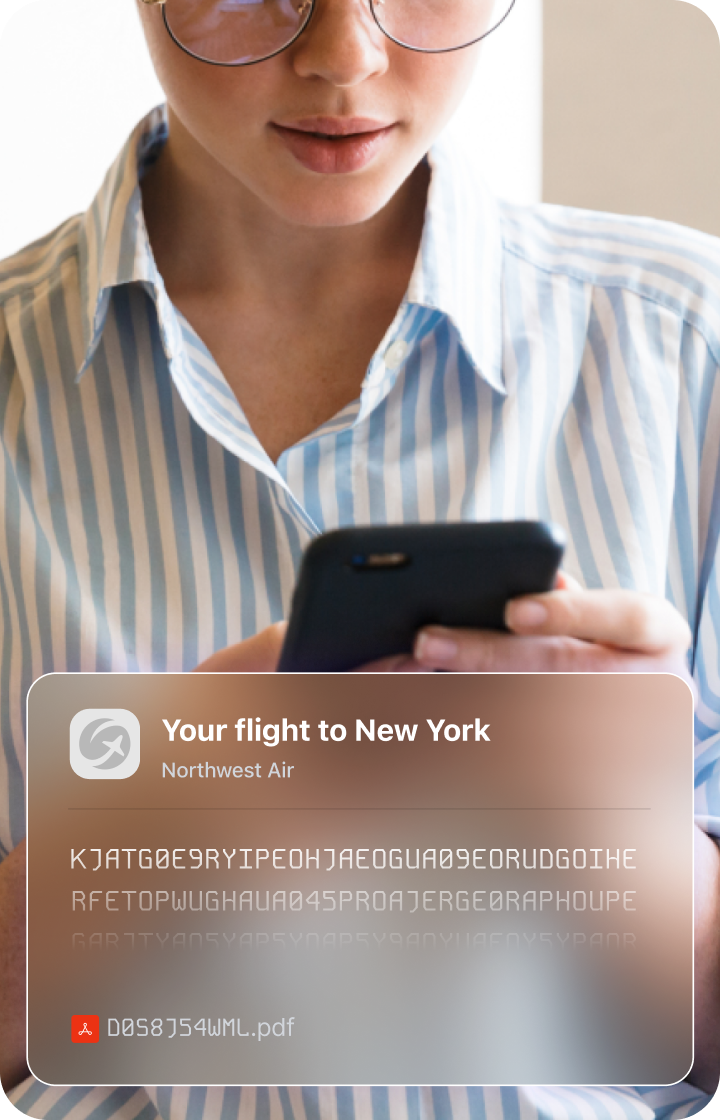
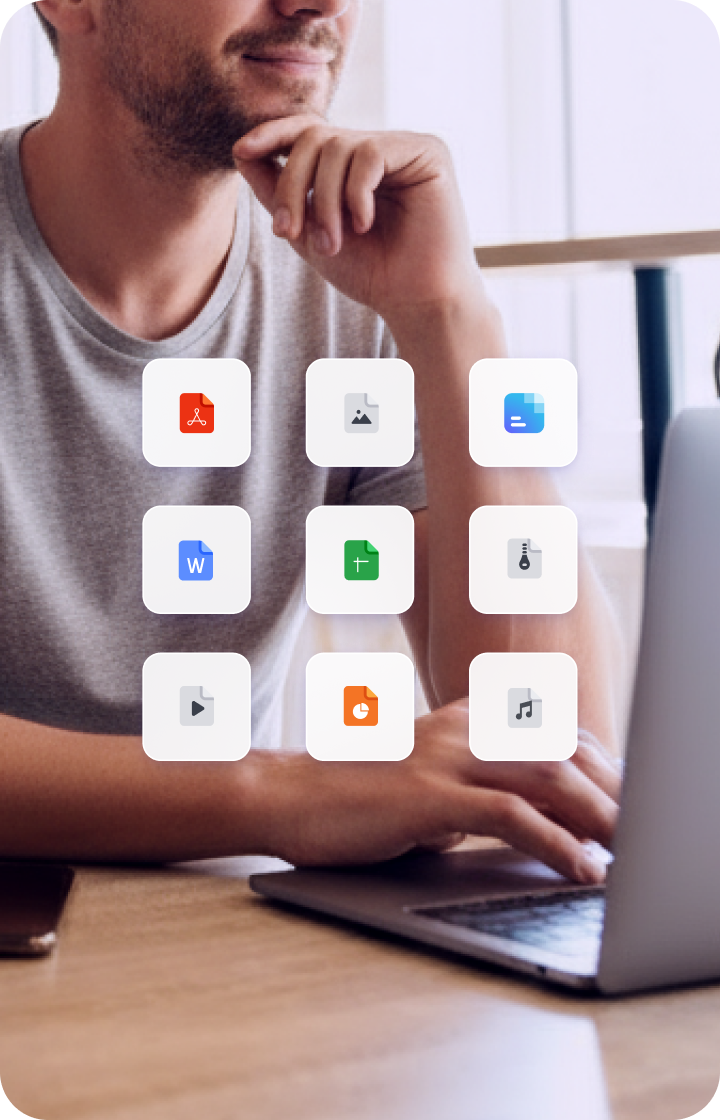
Храните файлы в безопасности и работайте над документами в реальном времени. Храните данные, управляйте и безопасно делитесь ими с помощью зашифрованного облачного хранилища.

Proton VPN
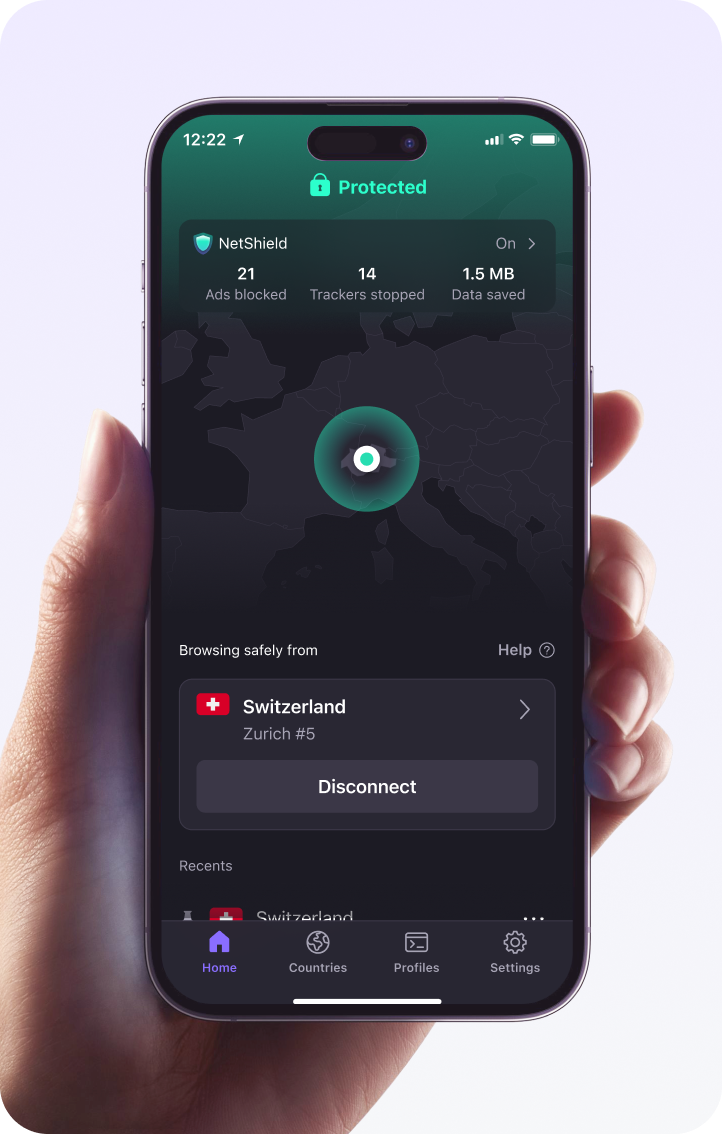
Мгновенно защитите сетевой трафик вашего бизнеса с помощью мощного VPN. Защитите конфиденциальные данные, обеспечьте более безопасную удалённую работу и оградите себя от шпионов и хакеров.
Более 100 миллионов человек и 50 000 компаний доверяют Proton защиту своих данных

ZDNET
Лучший бесплатный менеджер паролей для обеспечения конфиденциальности. Proton Pass — это хорошо спроектированный, безопасный менеджер паролей с рядом уникальных функций. Лучший бесплатный менеджер паролей для обеспечения конфиденциальности. Proton Pass — это хорошо спроектированный, безопасный менеджер паролей с рядом уникальных функций.

Linus Tech Tips
Компания Proton имеет менеджер паролей, который стал действительно хорошим и очень быстро. Он поддерживает создание временных электронных адресов и псевдонимов, двухфакторную аутентификацию, поддержку ключей доступа, а недавно получил возможность блокировать вашу учётную запись с другим паролем, отличным от пароля вашей учётной записи.

Digital Trends
Если в целом, я могу порекомендовать Proton Pass как лучший менеджер паролей, особенно если вы ищете бесплатный или недорогой платный вариант, который наиболее интуитивен и предлагает самый простой обмен данными.

Перейдите с Dashlane на Proton Pass
Начните использовать Proton Pass как мощную и бесплатную альтернативу LastPass всего за несколько кликов.
Шаг 1:
Откройте Dashlane и экспортируйте свои данные.
Шаг 2:
Импортируйте свои данные в Proton Pass. Вот и всё!

Часто задаваемые вопросы
- Почему Proton Pass — лучшая альтернатива Dashlane?
- Как перенести свои учётные данные из Dashlane в Proton Pass?