如何在 Proton Drive 中設定專輯封面
- 閱讀
- 0 分鐘
- 類別
- 專輯
- Proton Drive
您可以使用任何相片作為相簿的封面圖片,以便更輕鬆地識別和個性化您的收藏,並讓您的相簿更具條理和視覺吸引力。
以下說明如何透過 網頁 以及 Android 和 iOS 應用程式 來設定相簿封面:
網頁應用程序
- 使用 Drive 網頁應用程式(新視窗),前往相片 → 專輯。
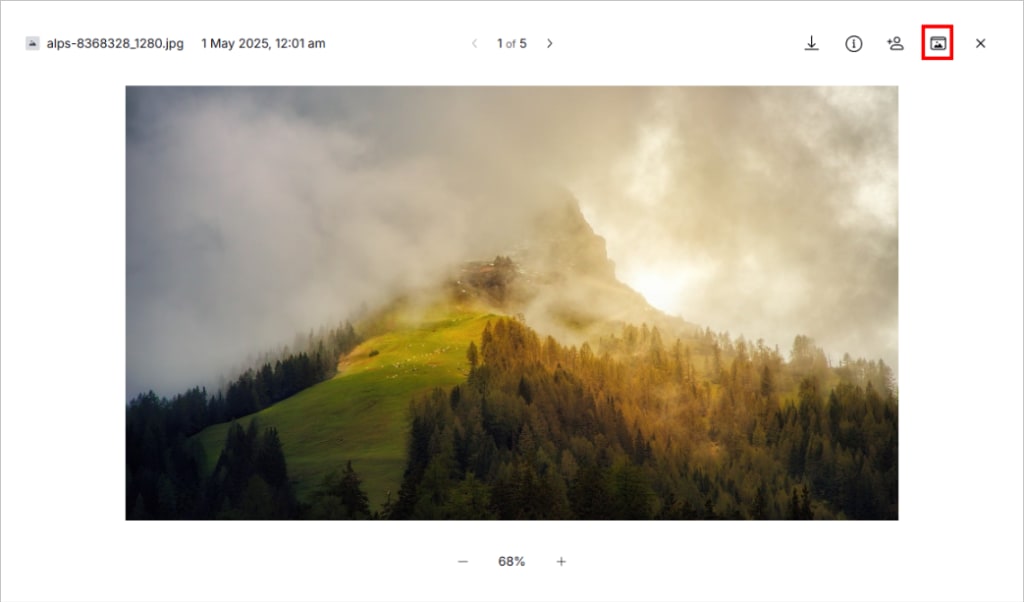
- 打開一個專輯,然後打開一張相片。
- 按一下右上角的設定相簿封面(資料夾圖示)。
Android 和 iOS
- 前往相片 → 專輯。
- 打開專輯。
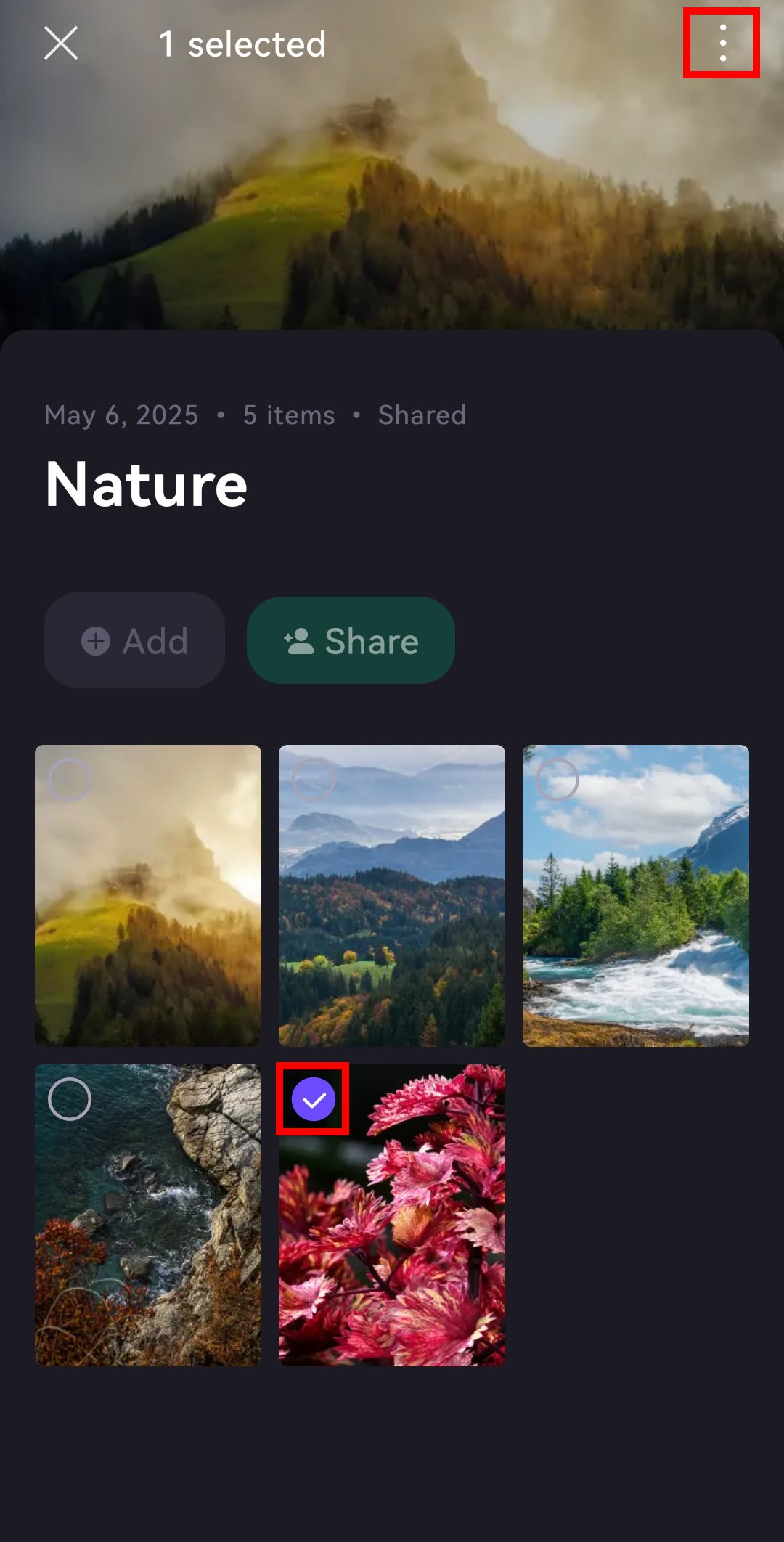
- 打開一張相片,或長按並選取一張相片。
- 輕點 ⋮ 或 …。
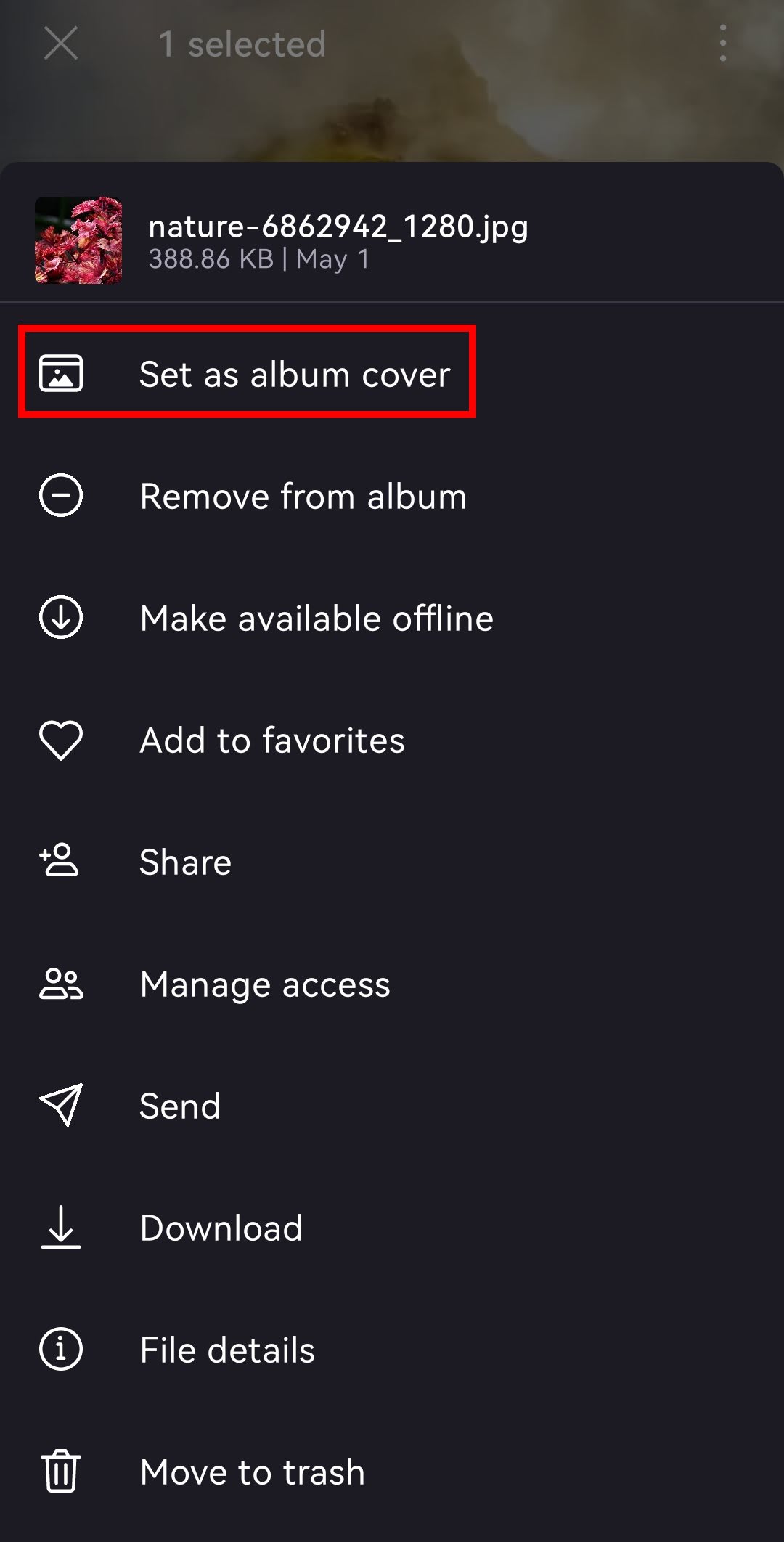
- 選擇設定相簿封面。