วิธีตั้งค่าหน้าปกอัลบั้มใน Proton Drive
- เวลาอ่าน
- 0 นาที
- หมวดหมู่
- อัลบั้ม
- Proton Drive
สามารถใช้รูปภาพใดก็ได้เป็นรูปหน้าปกของอัลบั้ม เพื่อให้จดจำได้ง่ายขึ้น ปรับแต่งคอลเลกชันให้เป็นสไตล์ของตนเอง และเพิ่มความเป็นระเบียบและดึงดูดสายตาให้กับอัลบั้ม
ดูวิธีการตั้งค่าหน้าปกอัลบั้มผ่าน เว็บ, แอป Android และ iOS ได้ดังนี้:
แอปเว็บ
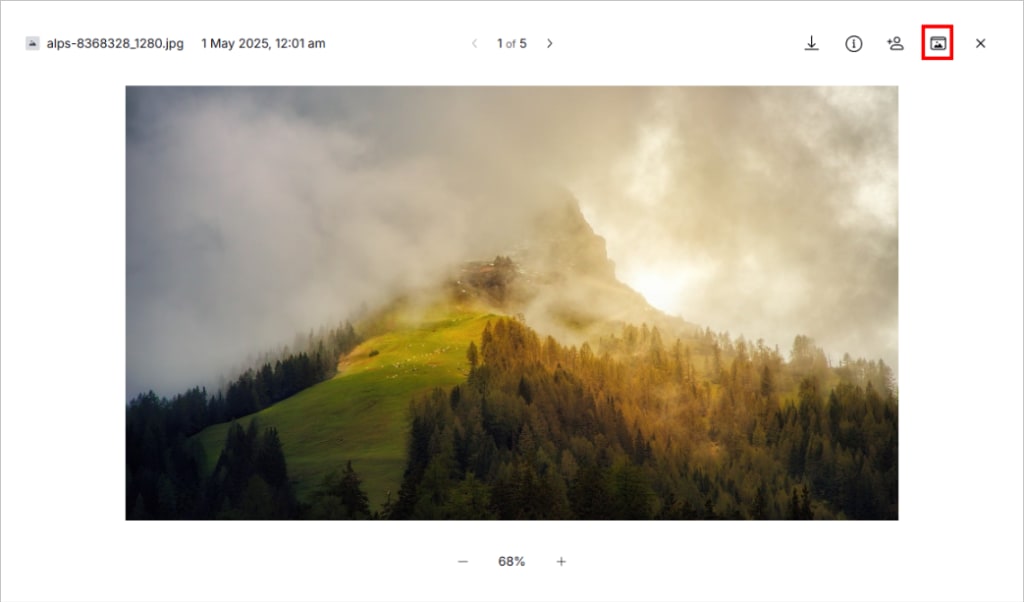
- ใช้ แอปเว็บไดรฟ์(หน้าต่างใหม่) ไปที่ รูปภาพ → อัลบั้ม
- เปิดอัลบั้มและเปิดรูปภาพ
- คลิก ตั้งเป็นหน้าปกอัลบั้ม (ไอคอนโฟลเดอร์) ที่มุมขวาบน
Android และ iOS
- ไปที่ รูปภาพ → อัลบั้ม
- เปิดอัลบั้ม
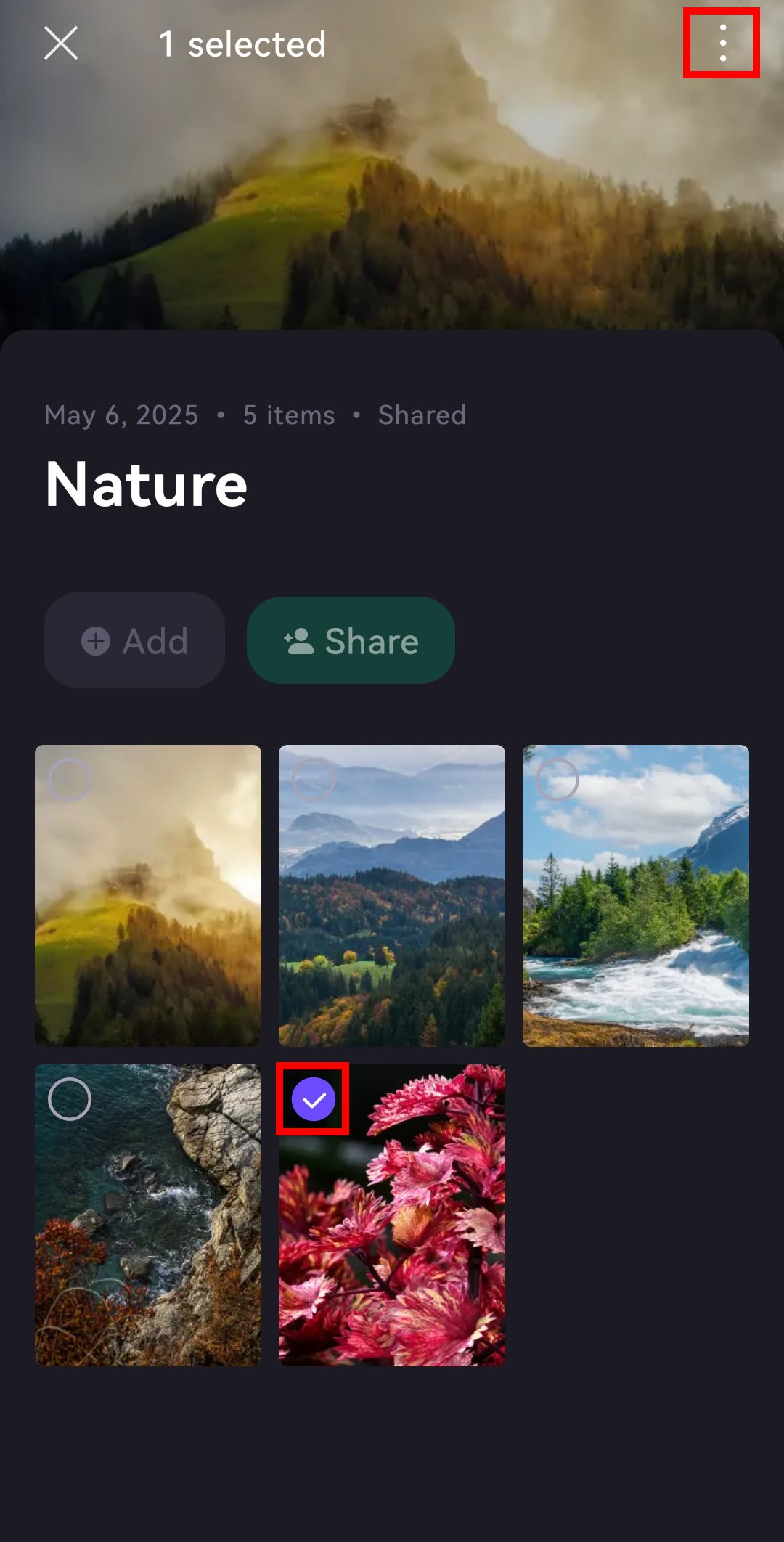
- เปิดรูปภาพหรือกดค้างไว้แล้วเลือกรูปภาพ
- แตะ ⋮ หรือ …
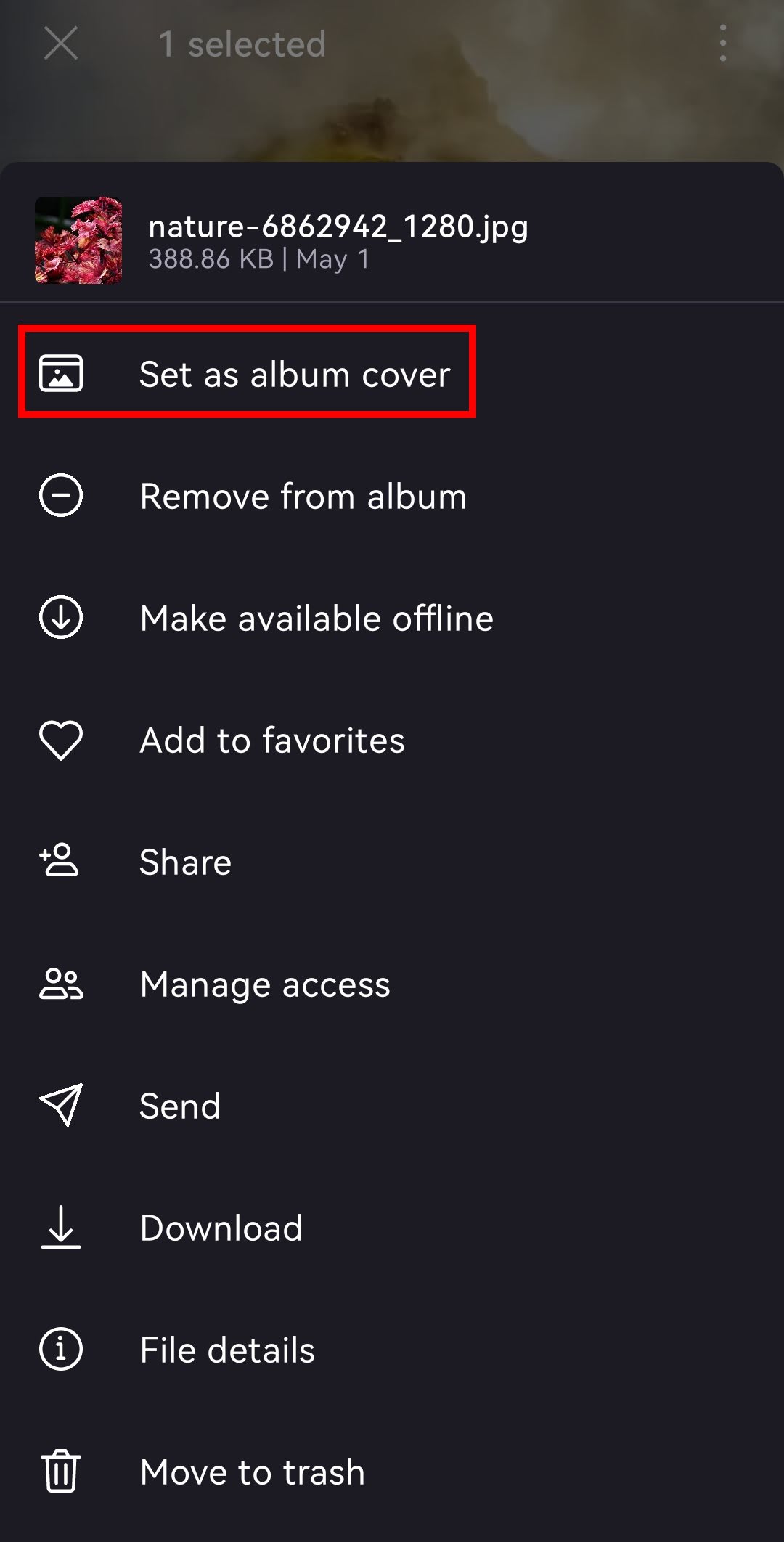
- เลือก ตั้งเป็นหน้าปกอัลบั้ม