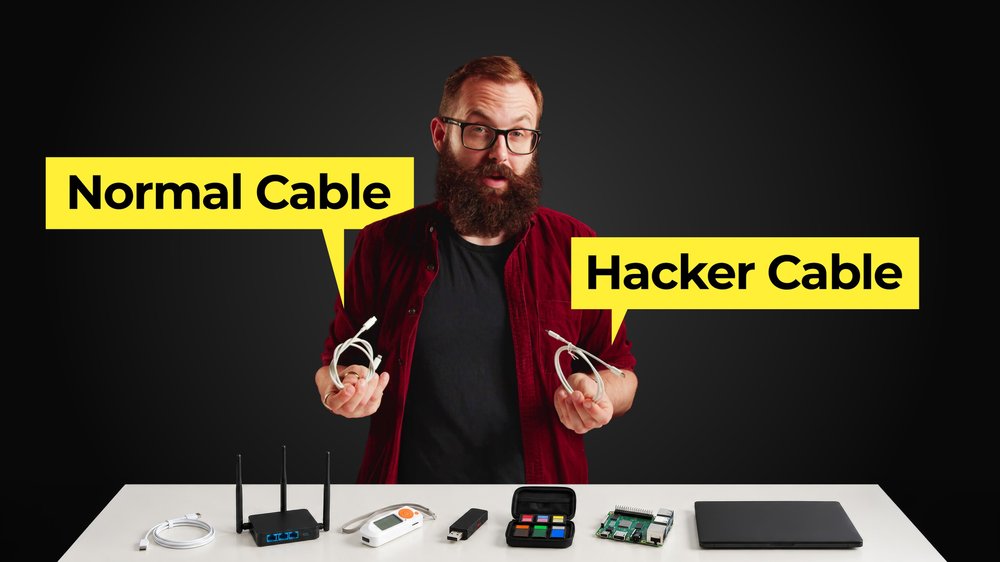
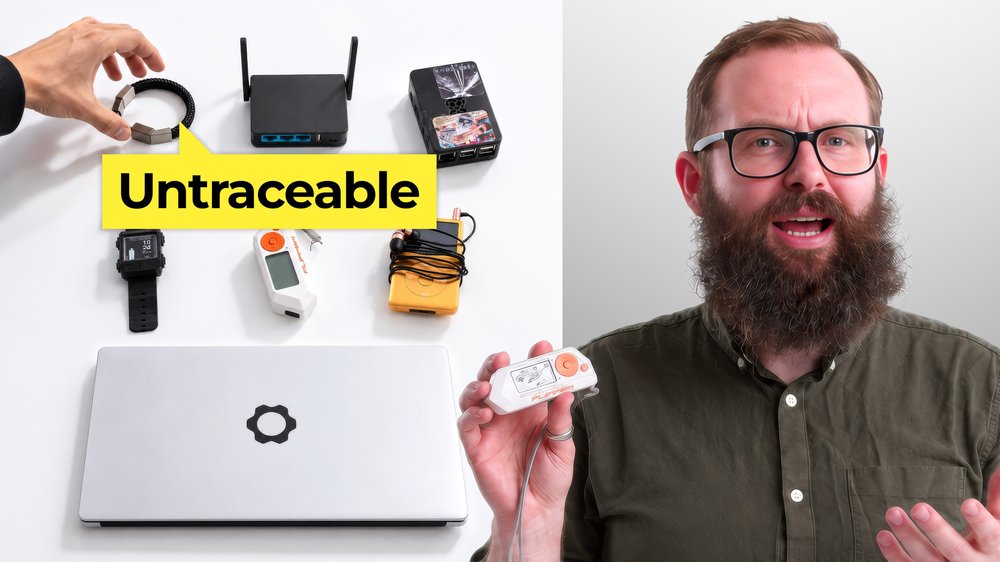
We hebben Harley, een Proton-privacyexpert in ons team, gevraagd om de fysieke gadgets te bespreken die zij en haar collega’s gebruiken om zichzelf te beschermen wanneer een wachtwoord alleen niet voldoende is.
Geen van deze vervangt een goede digitale hygiëne, maar ze dichten het gat waar de digitale wereld de fysieke ontmoet: een gestolen laptop, een nep-celmast, een meelezer in de trein.
BusKill: een IP-beveiliging tegen laptopdiefstal
Stelt u zich voor dat u in een café werkt. U kijkt even weg en iemand grist uw laptop mee en rent weg. BusKill(nieuw venster) is een magnetische kabel die speciaal voor dat moment is ontworpen. Als deze onverwacht loskoppelt, kan deze uw scherm vergrendelen, de machine in de stand-bystand zetten, volledig uitschakelen of zelfs de drive wissen, afhankelijk van hoe u deze configureert. Het is een eenvoudig mechanisme voor een zeer fysieke bedreiging, waarvan u hoopt dat u het nooit nodig zult hebben.
IMSI-catcherdetectoren: letten op nep-celmasten
Telefoons zoeken voortdurend naar celmasten in de buurt, wat normaal gesproken prima is. Het probleem is IMSI-catchers: nep-masten die telefoons verleiden om verbinding te maken, waarbij soms identificerende informatie wordt blootgesteld. Wetshandhavers hebben ze gebruikt om in een logboek vast te leggen wie een protest heeft bijgewoond. Een IMSI-catcherdetector zoals de open-source AIMSICD(nieuw venster) controleert de mobiele omgeving op tekenen dat er iets niet klopt. Het kan niet bewijzen dat er een nep-mast aanwezig is, maar het kan wel verdacht gedrag signaleren.
Faraday-zakjes: op verzoek draadloos onzichtbaar worden
Een Faraday-zakje(nieuw venster) ziet eruit als een lunchtas, maar blokkeert elektromagnetische signalen volledig, waardoor mobiele netwerken, wifi en bluetooth worden uitgeschakeld. Een telefoon die erin zit, kan niet worden gevolgd, bereikt of met iets worden verbonden. Sommige Proton-medewerkers gebruiken er een tijdens het reizen of wanneer ze de zekerheid willen dat een apparaat echt offline is, en niet alleen in de vliegtuigmodus staat.
Beveiligingssleutels: een fysieke tweede factor
Een wachtwoord alleen beschermt niets zodra het is gefisht. Een hardware-beveiligingssleutel zoals een YubiKey(nieuw venster) of Nitrokey(nieuw venster) voegt daar een fysieke vereiste aan toe, zodat een gestolen wachtwoord niet voldoende is om binnen te komen. Veel sleutels slaan ook encryptiesleutels op en voeren cryptografische bewerkingen uit op het apparaat zelf, waardoor gevoelig materiaal wegblijft van een laptop die mogelijk al in gevaar is gebracht. Koop er twee: één om te gebruiken, één om veilig op te slaan als back-up, aangezien het verliezen van uw enige sleutel kan leiden tot buitensluiting.
Privacy-screenprotectors: de oudste aanval die er bestaat blokkeren
Een privacy-screenprotector(nieuw venster) maakt gebruik van duizenden microscopisch kleine verticale filters, die zo klein zijn dat ze onzichtbaar zijn. Ze laten licht recht van voren door en blokkeren het van de zijkant. Het scherm is voor u duidelijk leesbaar, maar verschijnt als een leeg oppervlak voor de persoon naast u. Het is ontworpen om de eenvoudigste aanval op de lijst te stoppen: iemand die over uw schouder meeleest in de trein, op een luchthaven of in een kantoortuin.
USB-datablockers: opladen zonder het risico op gegevensdiefstal
Public USB-poorten dragen zowel stroom als data over, wat precies het probleem is wanneer uw batterij op een luchthaven nog maar 2% is. Een USB-datablocker(nieuw venster), soms ook wel een USB-condoom genoemd, blokkeert fysiek de datapinnen terwijl er wel stroom doorheen wordt gelaten. Uw telefoon laadt op. Er gebeurt verder niets.
Contant geld: de originele privacytool
Elke kaartbetaling laat een spoor achter van waar u was, wanneer en hoeveel u heeft uitgegeven. Contant geld doet dat niet. Het herinnert ons eraan dat privacy niet alleen een digitale aangelegenheid is. Hetzelfde instinct dat ons ertoe aanzet om een inbox te versleutelen, zou zich moeten uitstrekken tot het fysieke spoor dat we achterlaten.