
Expert tips to stay safe online
Safer Internet Initiative 2025
February, with Safer Internet Day, is a crucial month for raising awareness about safer and more responsible internet practices — an initiative that has never been more important. Last year, cyberattacks happened at a staggering pace — more than 2,200 incidents daily, with a new victim every 39 seconds(new window).

This stark reality highlights that, despite growing awareness, many still fall prey to online threats. As we move through 2025, prioritizing safer internet practices and habits to protect our personal data is more important than ever.
We spoke with Patricia Egger, the Head of Security at Proton — the company behind Proton Mail and Proton VPN — to get her expert advice on how to stay safe online. Here are her proven tactics to help you secure your digital life:
Limit the personal information you share online

"Today it may seem that oversharing on social media is normal, but in reality, it makes us vulnerable to identity theft, scams, and other online threats," warns Patricia Egger.
"We are quick to share personal details like our full names, birthdays and locations without realizing how much of this information can be exploited. I advise minimizing the data you disclose online, particularly on platforms that don’t prioritize privacy.
Be particularly mindful of where you share sensitive information or information that is hard or impossible to change, such as your phone or credit card number."
Pro tip
Use a password manager
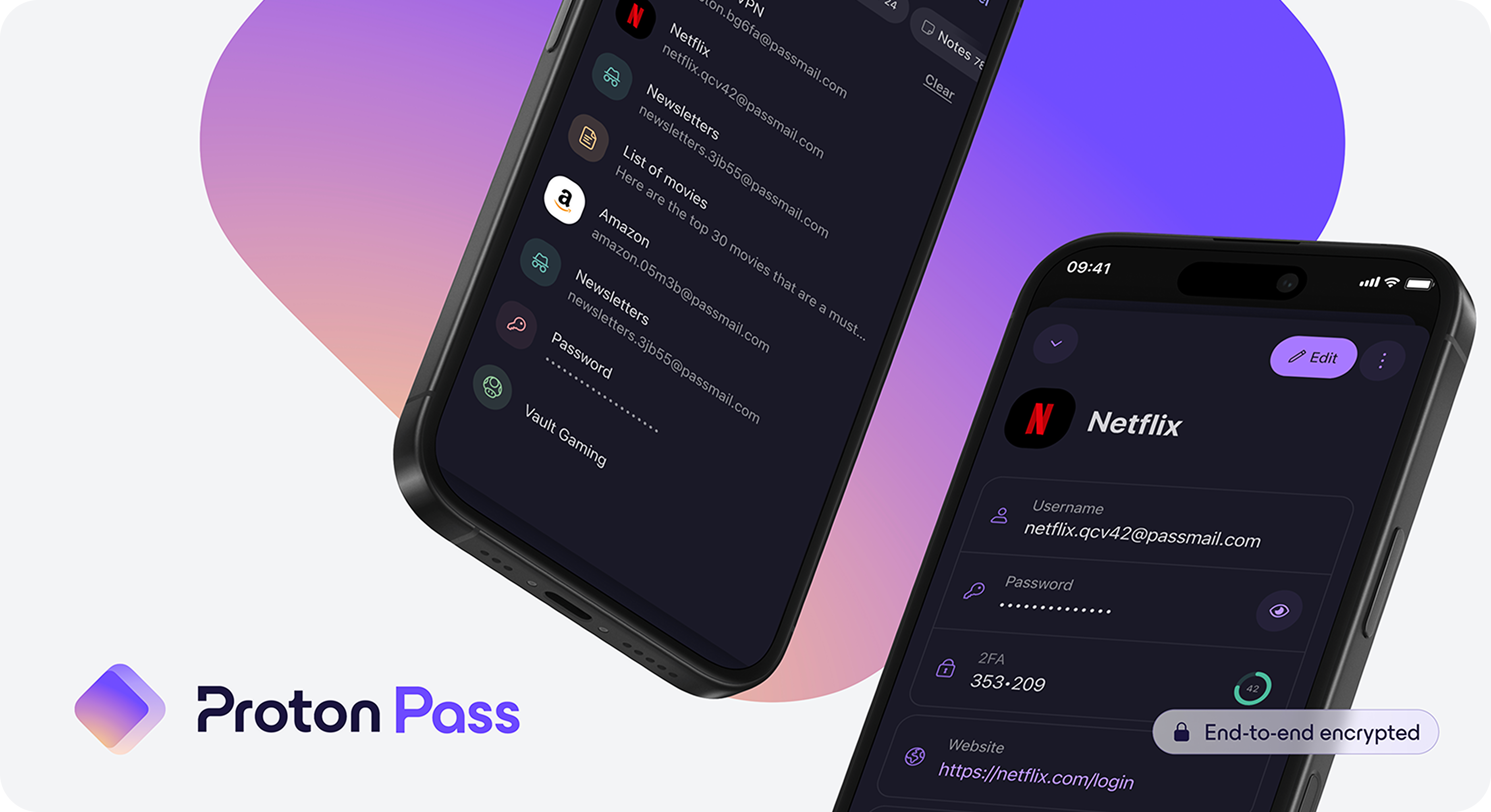
"Strong login credentials are your first line of defense against hackers, but creating and managing them can feel overwhelming,"says Patricia Egger.
"I suggest using a password manager, like Proton Pass, to securely store and generate unique credentials for each of your accounts. Avoid reusing credentials from one account to another, especially for sensitive accounts."
Pro tip
Choose your cloud storage provider carefully
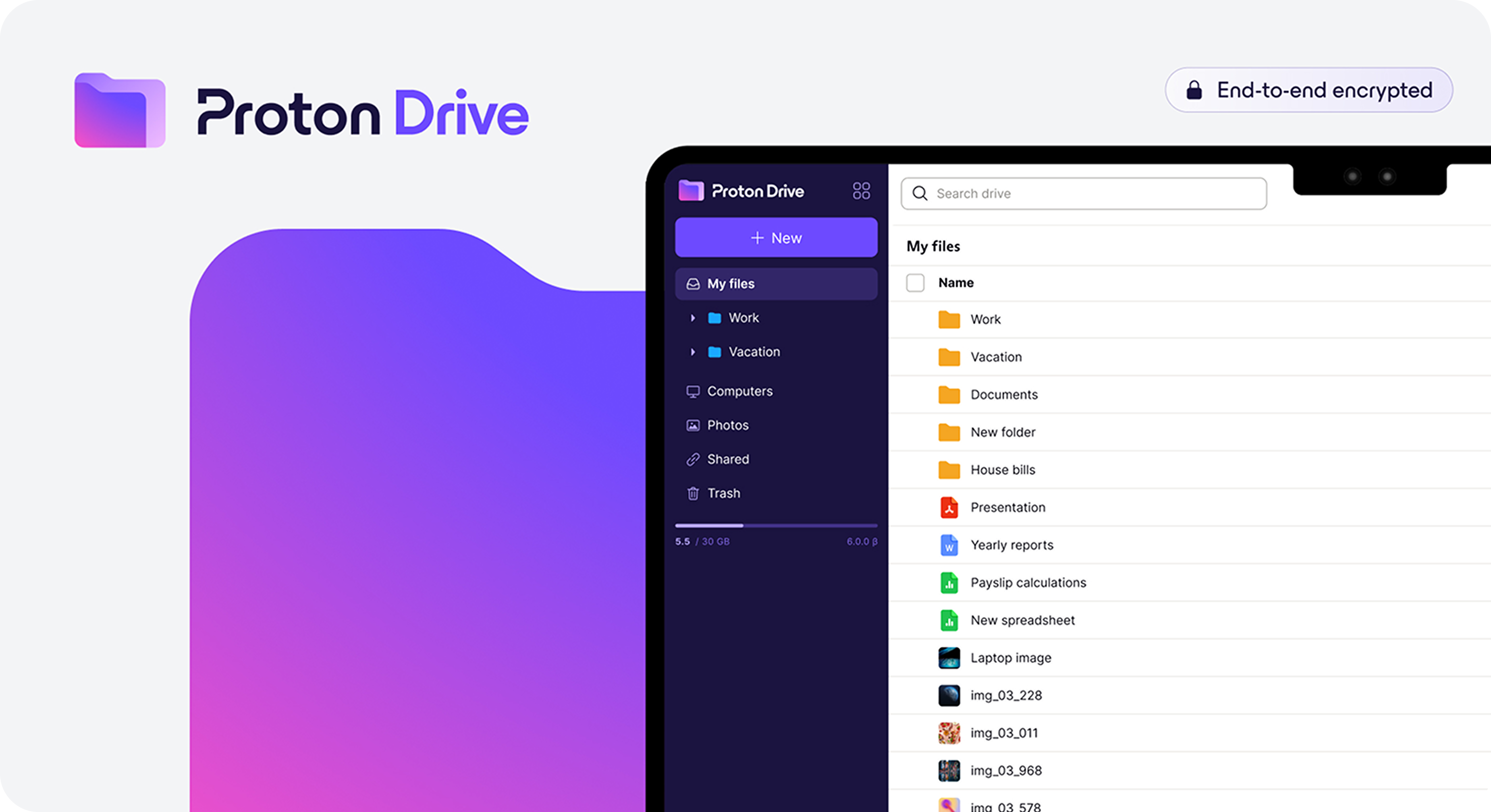
"While cloud services offer convenience, not all providers prioritize the same level of security," explains Egger. "Many services do encrypt your data, but they also control the encryption keys. Basically, they are protecting your data from everyone except themselves, as they have the ability to decrypt your files. If a hacker gains access to their systems, they could potentially access your data as well.
I recommend choosing services that offer end-to-end encryption, where only you hold the keys to your data. At Proton, we provide this level of protection by default, ensuring that only you can access your sensitive documents, photos and files."
Pro tip
Secure your inbox
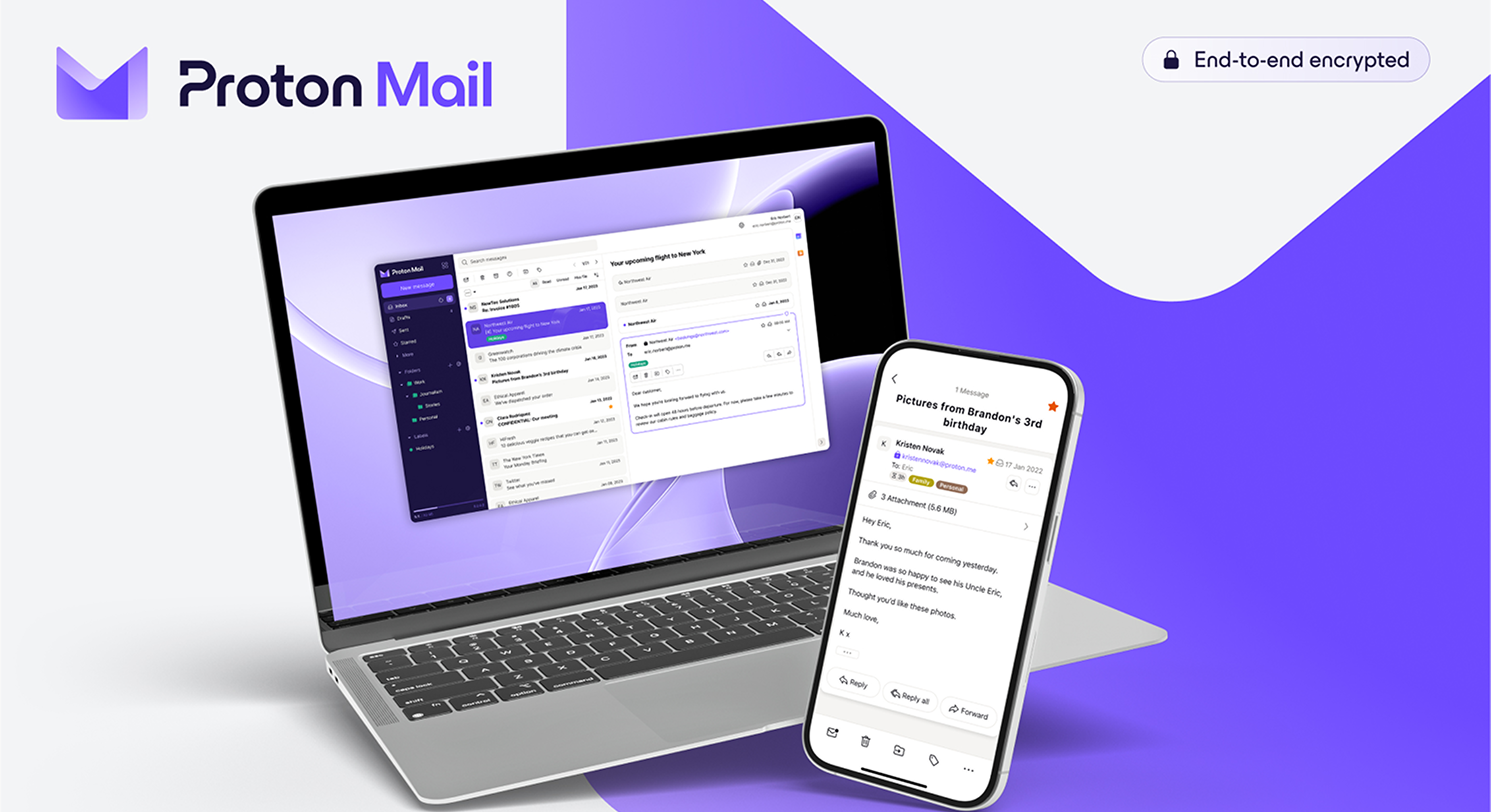
"In many cases, email serves as more than just a means of communication—it’s a core part of our digital identity. We rely on it to log into accounts, reset passwords, and verify ownership of online services. When viewed in this light, it becomes clear that protecting email is about more than just keeping its contents private," Egger explains.
"Email is one of the most frequent targets of social engineering attacks, like phishing. Proton Mail, for example, offers end-to-end encryption to ensure that even we can’t read your emails. But we go beyond privacy—Proton Mail also provides robust protections against spam and phishing. Features like PhishGuard block known phishing attempts and flag suspicious emails, while link confirmation helps prevent you from falling victim to malicious websites.
This protection extends to your calendar as well. Since calendar invitations and events are often sent via email, it's important that those, too, are encrypted to prevent unauthorized access to your schedule and personal plans."
Pro tip
Secure your browsing activities
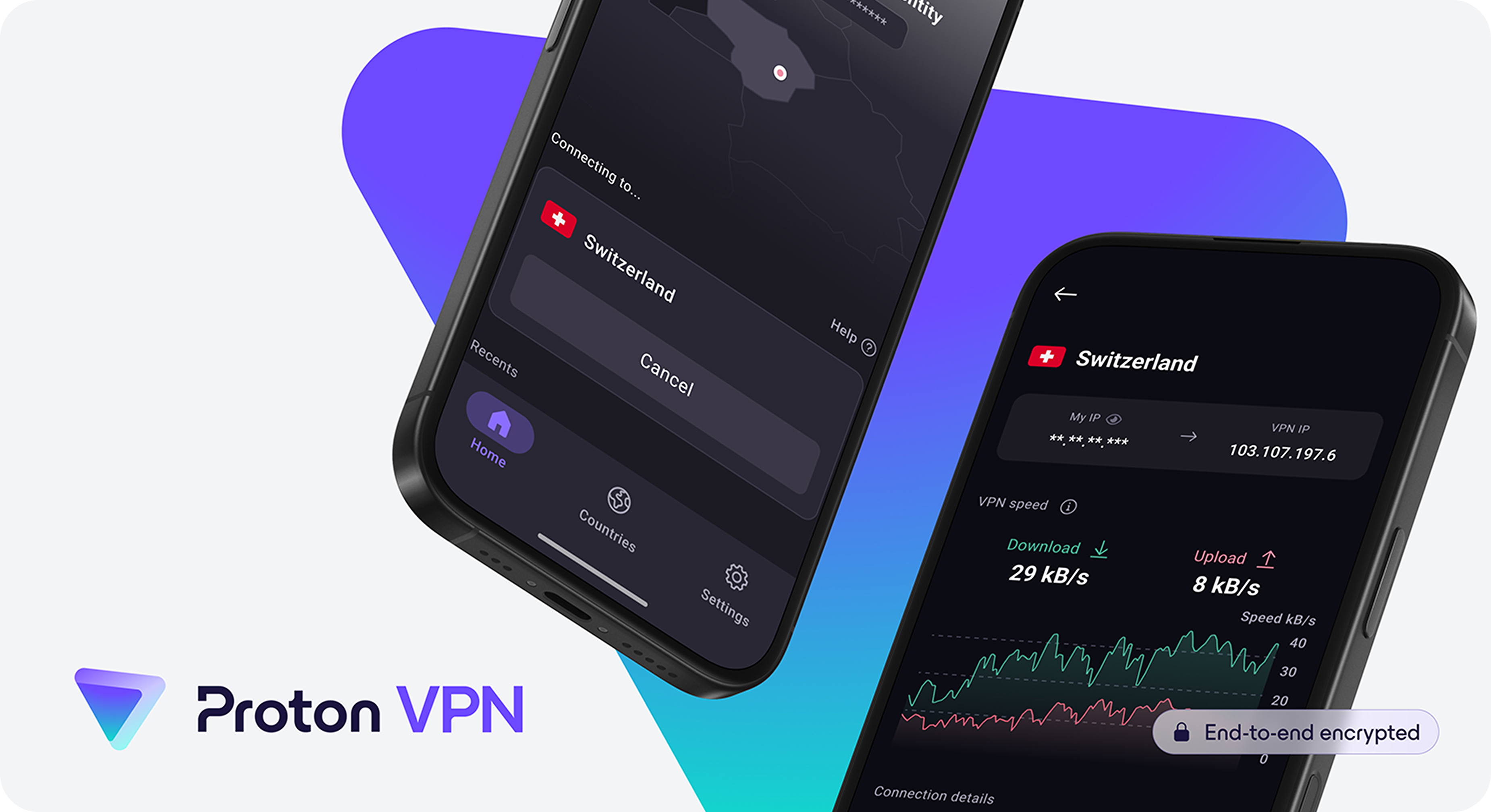
"Your web browser is your primary gateway to the internet, but it's also a prime target for cybercriminals. To help protect yourself, avoid websites that don’t use HTTPS, especially if they ask for credentials or other sensitive data," advises Egger.
"Be cautious about sites that track your behavior through cookies, and make sure your browser’s settings reflect your privacy preferences. Regularly check and update permissions, and ensure your browser is patched with the latest security updates. Although these measures improve your security, keep in mind that they don’t hide your browsing activity from your internet service provider nor conceal your location from websites. For extra privacy, consider using a VPN."
Pro tip
How secure are your online practices?
Take our quiz to evaluate your internet security and unlock an exclusive offer to protect your digital life today.
Your Security Score:
The specially discounted price of US$1 is valid for the first month. The coupon is valid for 3 renewals. Then it will automatically be renewed at US$12.99 for 1 month. You can cancel at any time.