
LumoのApertus
- 閲覧中
- 0 分
- カテゴリー
- Lumo AI
Apertus 1.5は、プライバシー第一のAIアシスタントであるLumoで利用できる、オープンソースの AIモデル の1つです。EPFL、チューリッヒ工科大学、スイス国立スーパーコンピューティングセンター(CSCS)の研究者たちによって、独立したヨーロッパの代替として開発されたApertusは、オープンなアーキテクチャを持ち、公開されているデータでトレーニングされており、オプトアウトの要求を尊重し、個人の詳細をフィルターしています。
Protonは、任意のリアルワールドからのフィードバックを通じてApertusのモデルの改善に役立てるため、その開発に携わる研究者たちと提携しています。Apertusの応答を評価してフィードバックを送信することを選択した場合、その貢献はProtonとモデルの研究チームに共有されます。
LumoでApertus 1.5を使用する方法
1. lumo.proton.me(新しいウィンドウ)にアクセスするか、Lumoモバイルアプリを開きます。
2. チャットウィンドウの下で、右下隅にあるモデルアイコンを選択します。
3. モーダルで、モデルオプションとしてApertus 1.5を選択します。
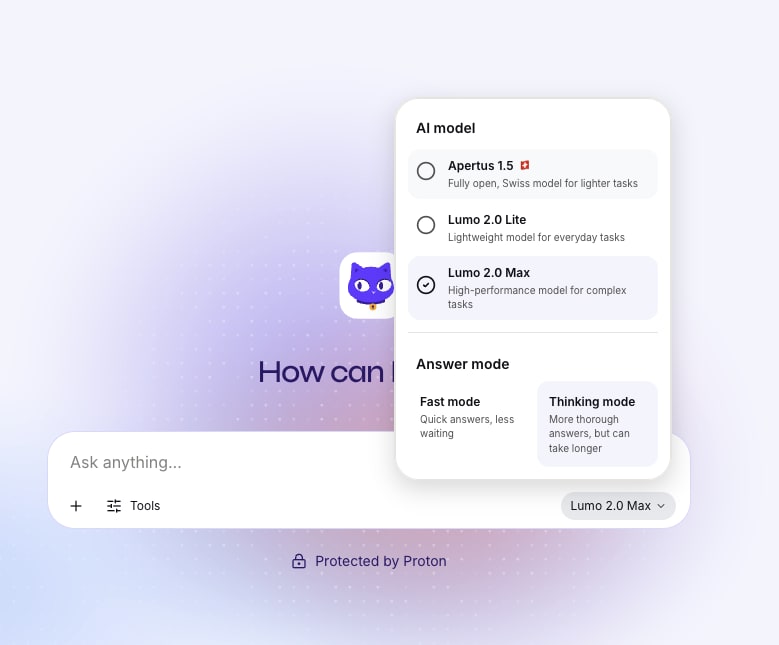
4. ポップアップウィンドウでApertusの紹介を読み、続行を選択します。
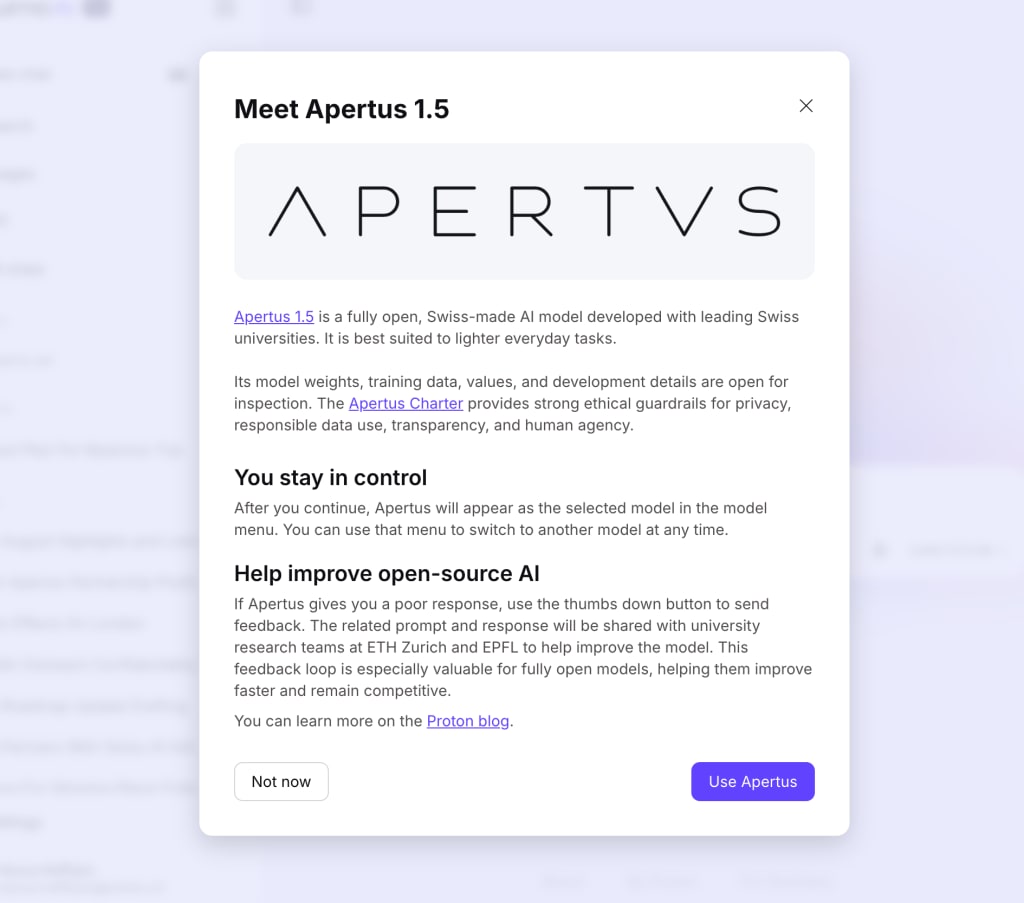
すべて完了です。変更するまで、Lumoはすべての応答にApertus 1.5モデルを使用します。
LumoでApertusの応答にフィードバックを共有する方法
フィードバックを共有すると、Apertusの研究チームがモデルの改善に役立てることができます。共有は任意であり、共有前にすべてのフィードバックが匿名化されます。
1. Apertusの応答の下で、役立つか役立たないかを評価するために、高評価または低評価のアイコンを選択します。
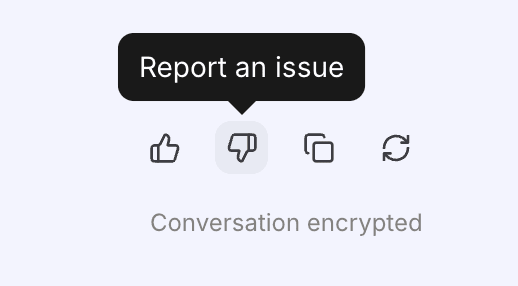
2. 低評価のオプションを選択した場合、ProtonとApertusチームにフィードバックを共有することへの同意を求められます。続行するには続行を選択します。
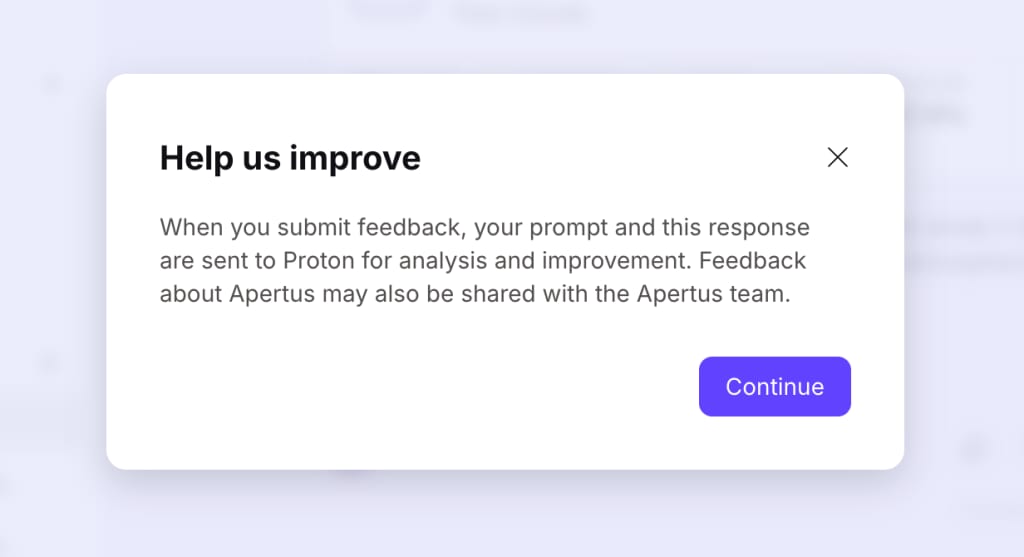
3. フィードバックフォームに記入し、送信を選択します。
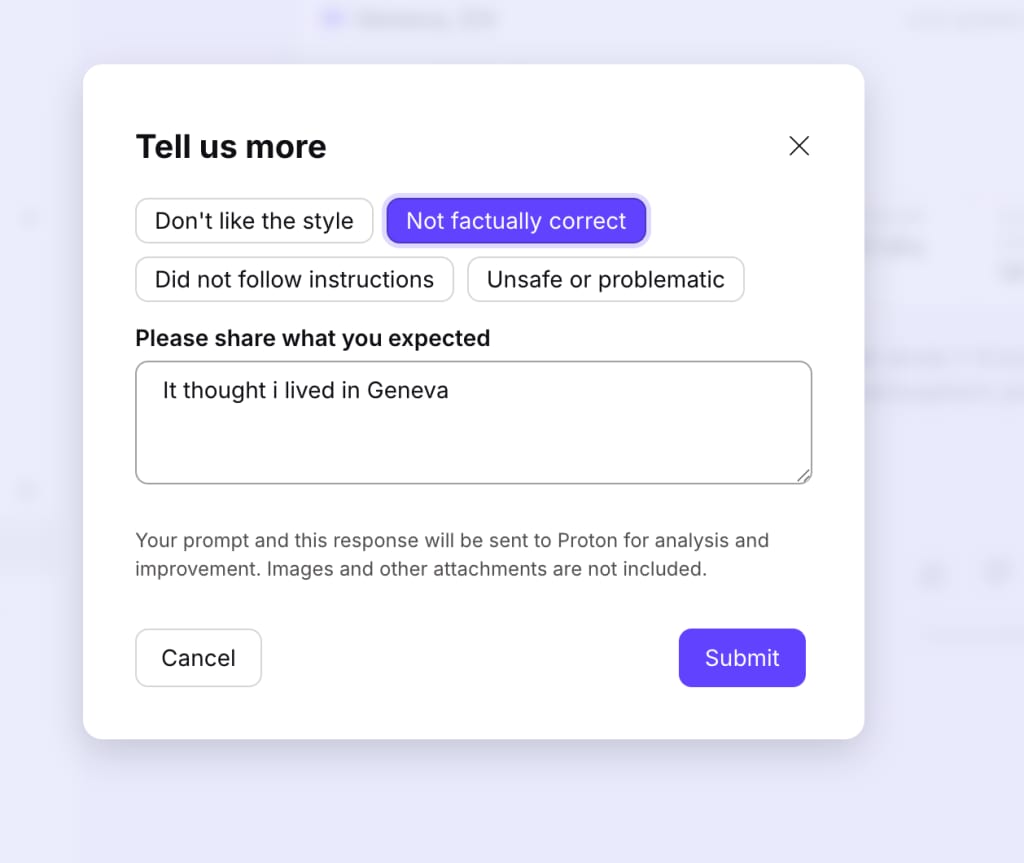
すべて完了です。匿名化されたフィードバックが送信され、Apertusチームが改善すべき点を特定するのに役立ちます。