
Apertus in Lumo
- Lesen
- 1 Min.
- Kategorie
- Lumo KI
Apertus 1.5 ist eines der Open-Source-KI-Modelle, die in Lumo, dem datenschutzfreundlichen KI-Assistenten von Proton, verfügbar sind. Entwickelt wurde Apertus als unabhängige europäische Alternative von Forschenden der EPFL, der ETH Zürich und des Schweizerischen Nationalen Supercomputing Centres (CSCS). Es besitzt eine offene Architektur und wurde auf öffentlich verfügbaren Daten trainiert, wobei Opt-out-Anfragen respektiert und personenbezogene Details herausgefiltert werden.
Proton arbeitet mit den Forschenden hinter Apertus zusammen, um das Modell durch optionales Feedback aus der Praxis zu verbessern. Wenn du eine Apertus-Antwort bewertest und Feedback sendest, werden deine Beiträge an Proton und die Forschungsteams hinter dem Modell weitergegeben.
Verwendung von Apertus 1.5 in Lumo
1. Rufe lumo.proton.me(neues Fenster) auf oder öffne die Lumo mobile App.
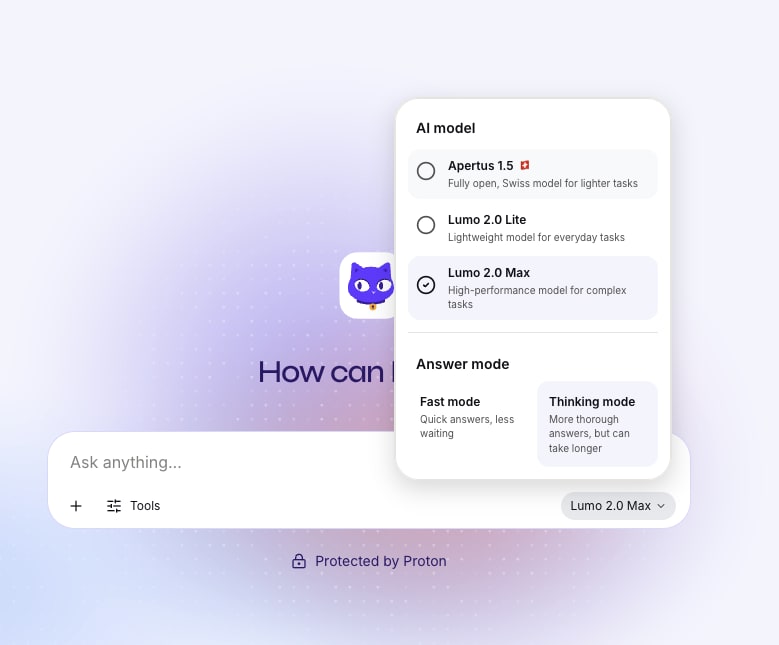
2. Wähle unterhalb des Chat-Fensters das Modellsymbol in der unteren rechten Ecke aus.
3. Wähle im Dialogfeld Apertus 1.5 als Modelloption aus.
4. Lies im Pop-up-Fenster die Einführung zu Apertus und wähle dann Weiter aus.
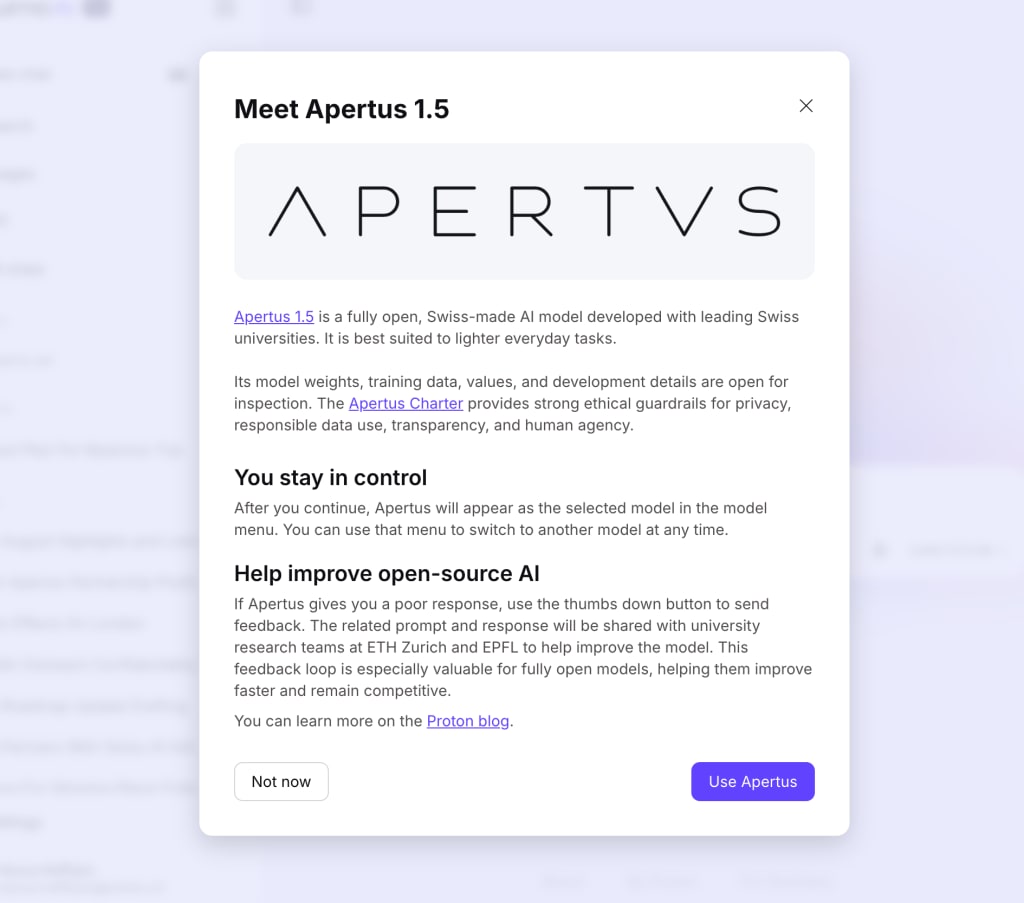
Fertig. Lumo verwendet das Modell Apertus 1.5 für alle Antworten, bis du es änderst.
Feedback zu Apertus-Antworten in Lumo teilen
Feedback hilft den Forschungsteams von Apertus, das Modell zu verbessern. Die Abgabe ist optional, und sämtliches Feedback wird anonymisiert, bevor es geteilt wird.
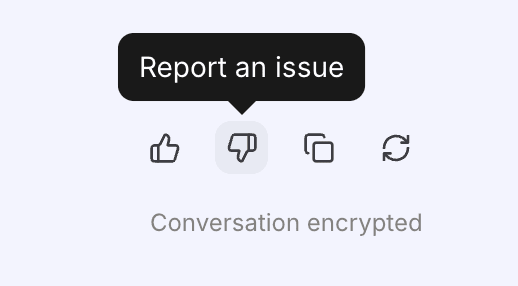
1. Wähle unterhalb einer Apertus-Antwort das Symbol Daumen hoch oder Daumen runter aus, um sie als hilfreich oder nicht hilfreich zu bewerten.
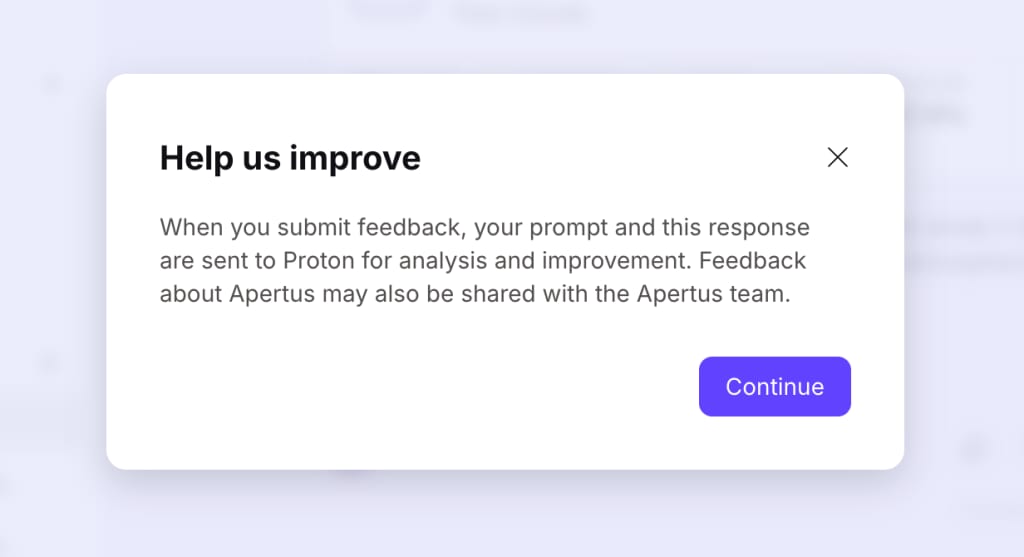
2. Wenn du die Option „Daumen runter“ ausgewählt hast, wirst du gefragt, ob du dein Feedback an Proton und das Apertus-Team teilen möchtest. Wähle Weiter aus, um fortzufahren.
3. Fülle das Feedback-Formular aus und wähle dann Senden aus.
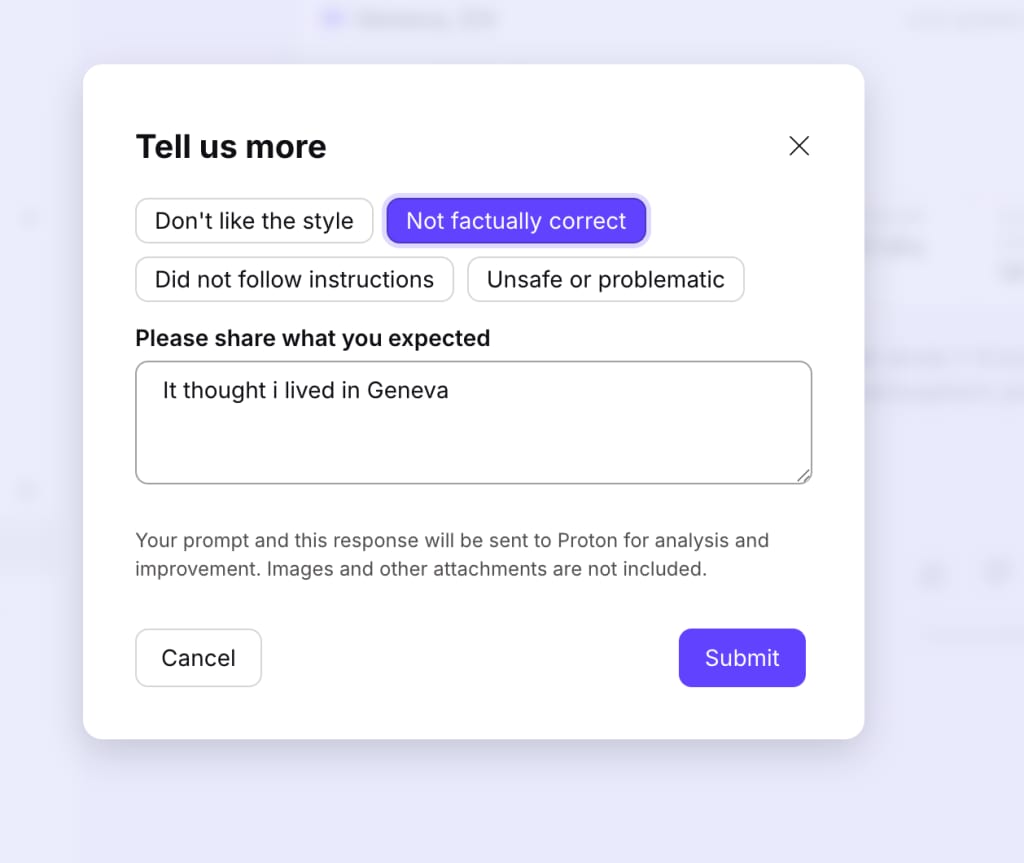
Fertig. Dein anonymisierter Beitrag wird gesendet, damit das Apertus-Team Verbesserungspotenzial erkennen kann.