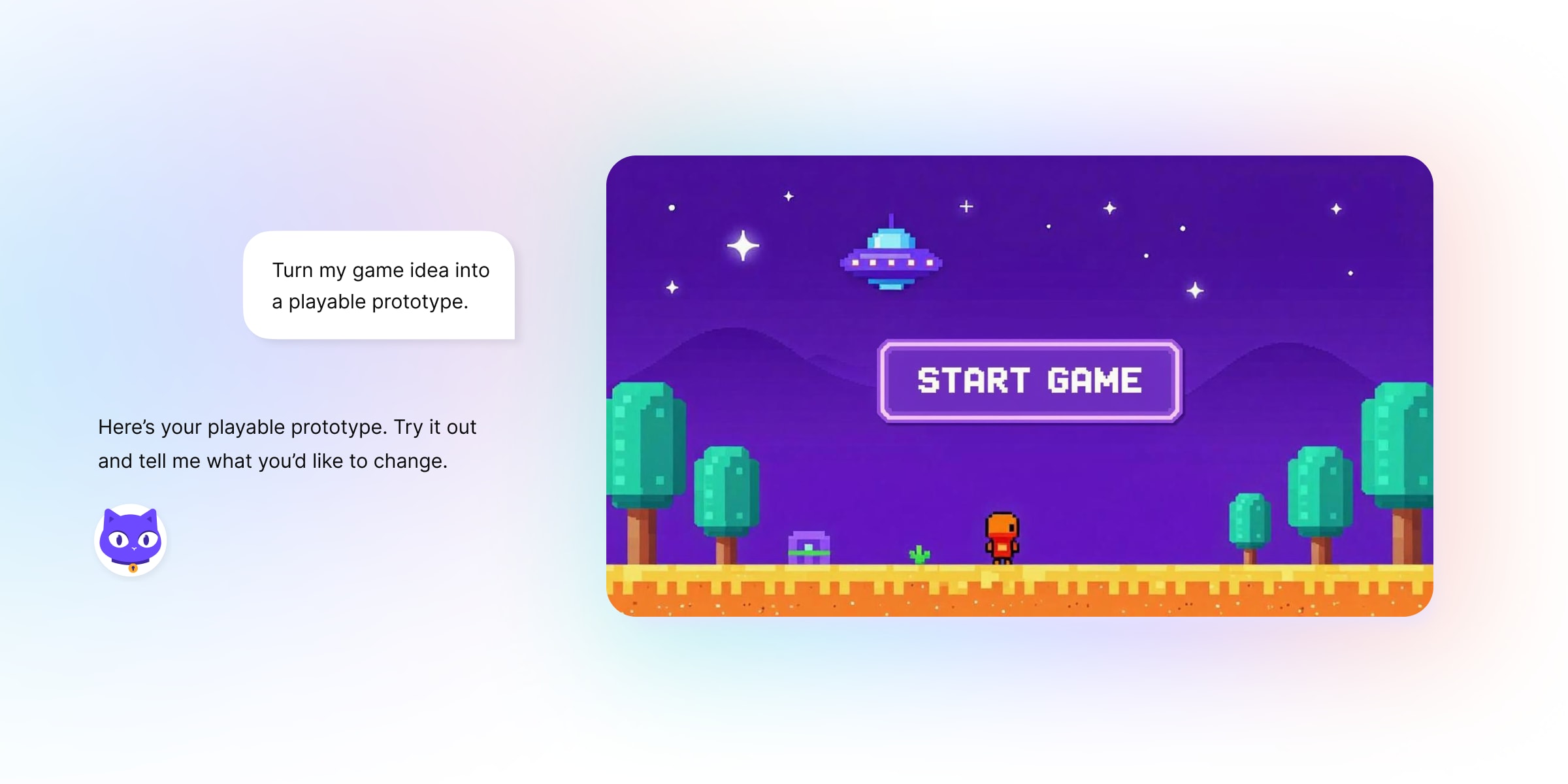
Lumo can now create documents, code, and interactive web pages in a canvas alongside your chat. Ask it to draft a report, help with coding, or even create an early 2000s-style video game. Then keep working on it without leaving the conversation.
Whether you’re developing proprietary code or an unpublished manuscript, you should control what happens to your work. Lumo never logs your conversations or uses them to train models. Your creations are protected with zero-access encryption, so even Proton can’t read them.
A workspace alongside your conversation
Previously, a report or code lived inside a chat reply. Working through revisions meant scrolling between messages and finding the version you wanted to use. A few rounds of changes could leave you hunting for your own work.
The new canvas gives that work a dedicated view with your conversation beside it. You can look at what Lumo made while discussing what to change.
How Lumo generates and displays creations
Lumo is instructed to distinguish between conversational answers and creations you’re likely to keep or revise. Questions and explanations generally stay in chat, while requests for a report, code file, or web page can open the canvas.
When Lumo generates a creation, it includes structured information identifying the content type. The app uses this to choose the appropriate view, from formatted text for documents to interactive preview for web pages.
This happens automatically. You can disable it for a conversation from Tools in the chat box or in Settings.
Make changes and compare versions
A first draft usually needs another pass. Ask Lumo to make changes in the conversation, or select content in the canvas for a more specific request. In a document, highlight a passage and describe what you want: “cut this paragraph in half” or “make this less formal.” In code, select a section and choose Improve or Explain.
You can also edit documents yourself, using the formatting controls or switching to Markdown source. Other creation types are revised through Lumo.
Each revision from Lumo or saved manual edit creates a new version. If a change doesn’t work, you can look back at what came before. Earlier versions remain available to review, copy, download, or save to Proton Drive. Further edits happen on the latest version.
Find your creations across conversations
Open Library → Creations to find what you’ve made across conversations. Selecting a creation takes you back to its original chat with the latest version open.
Making this work across chats introduced a technical challenge as the Library needs to show what you’ve created, without our servers being able to read your conversations.
Lumo saves a separate encrypted copy of each creation’s latest version. To our servers, it’s an unreadable encrypted file. Your device decrypts the information needed to display it in the Library, while earlier versions remain in your encrypted conversation history.
Export runs on your device
The same privacy considerations shaped export. When you’re ready to take a document out of Lumo, export conversion happens on your device. Conversion happens on your device, avoiding the need to send your creation’s unencrypted content to an additional backend.
Word files are generated locally from the document’s Markdown structure. And PDF downloads use the browser’s print dialog.
We considered generating server-side PDFs on a server, but would mean sending your document’s unencrypted content to another backend. We ruled it out.
Keeping conversion local comes with a tradeoff. Save to Drive → PDF currently produces image-based document PDFs without selectable text. If you need selectable text, save through the browser print dialog, then upload the file to Drive.
We’ll keep improving export options as you use them and share feedback.
Get started
Creations are available now for all Lumo users.
Presentations are coming soon, too. We’re still working on getting the slides right before putting them in your hands.
The things you make with AI can include work you aren’t ready to share: a draft proposal, unpublished code, or an idea still taking shape. Creations get the same zero-access encryption as your saved conversations. We never log your chats or use them to train models. What you bring to Lumo, and what Lumo makes for you, stays yours.