如何從 Dashlane 匯入至 Proton Pass
- 閱讀
- 0 分鐘
- 類別
- 匯入與匯出密碼
Proton Pass 內建支援自 Dashlane 匯入您的密碼和其他資料。此程序分為兩個階段:
1. 從 Dashlane 匯出您的密碼與其它資料
2. 將您匯出的密碼匯入至 Proton Pass
如何從 Dashlane 匯出資料
1. 打開 Dashlane 瀏覽器擴充套件,並前往更多 → 打開應用程式。

2. 點擊設定。

3. 點擊匯出資料。

4. 使用您的 Dashlane 主密碼驗證身分。
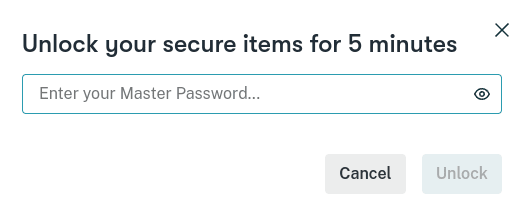
5. 點擊匯出為 CSV。名為 dashlane-credential-export.zip 的 zip 檔案將儲存至您的預設下載位置。此 zip 檔案包含數個 CSV 檔案,但您不需要將其解壓縮即可匯入 Proton Pass。

2. 如何匯入至 Proton Pass
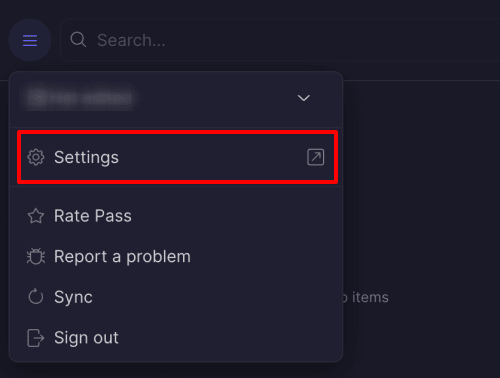
1. 打開 Proton Pass 瀏覽器擴充套件,並前往 ☰ → 設定。
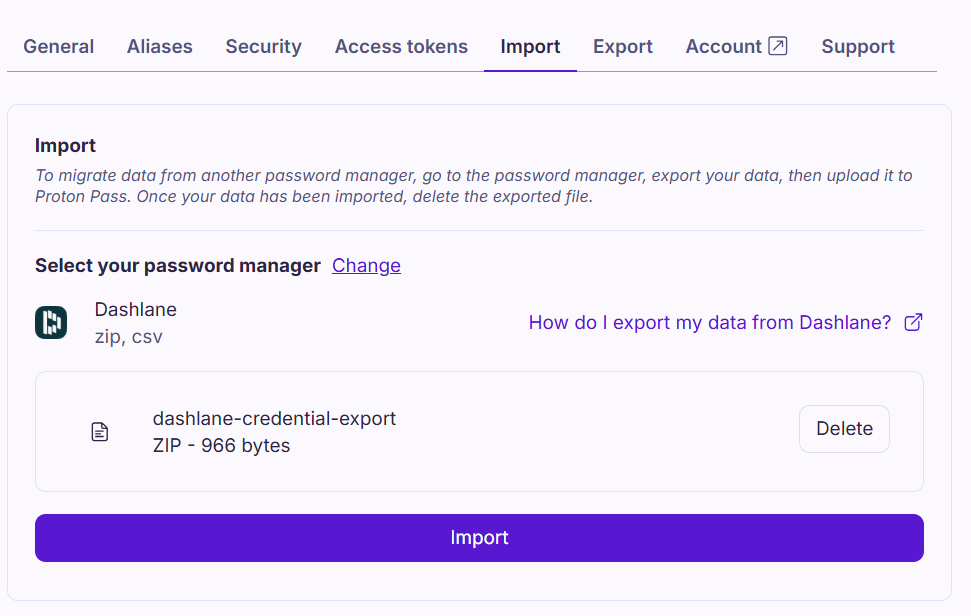
2. 前往匯入索引標籤,從下拉式提供者列表中選取 Dashlane (zip),然後將您匯出的 dashlane-credential-export.zip 檔案拖曳至檔案方塊中,或是點擊選擇檔案或拖曳到此處按鈕,使用系統的檔案管理器手動選取該檔案。
完成後點選 匯入。