
在移动设备上使用 Proton Meet
- 阅读
- 0 分钟
- 类别
- Proton Meet
Proton Meet 是一款安全、端到端加密的视频会议应用。借助 iOS 和 Android 应用,您可以快速创建和加入会议、创建会议室、分享屏幕(仅限 iOS)并与其他参与者聊天。
下载移动版 Proton Meet
您可以从我们的网站下载 Proton Meet。
下载完成后,您可以以访客模式使用 Proton Meet,或登录您的 Proton 帐户以使用更多功能。
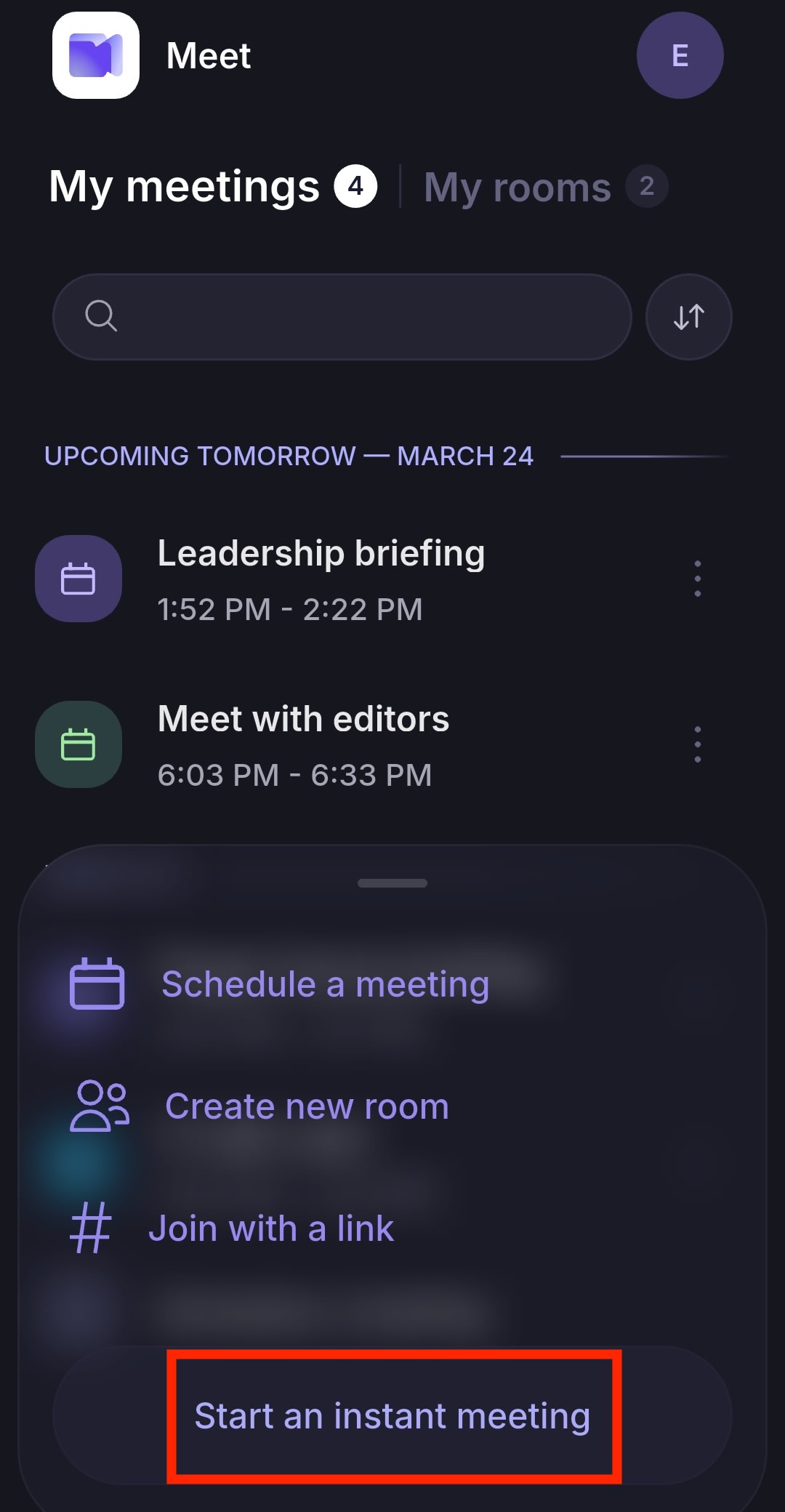
开始即时会议
轻点创建会议 → 开始即时会议。
创建会议室
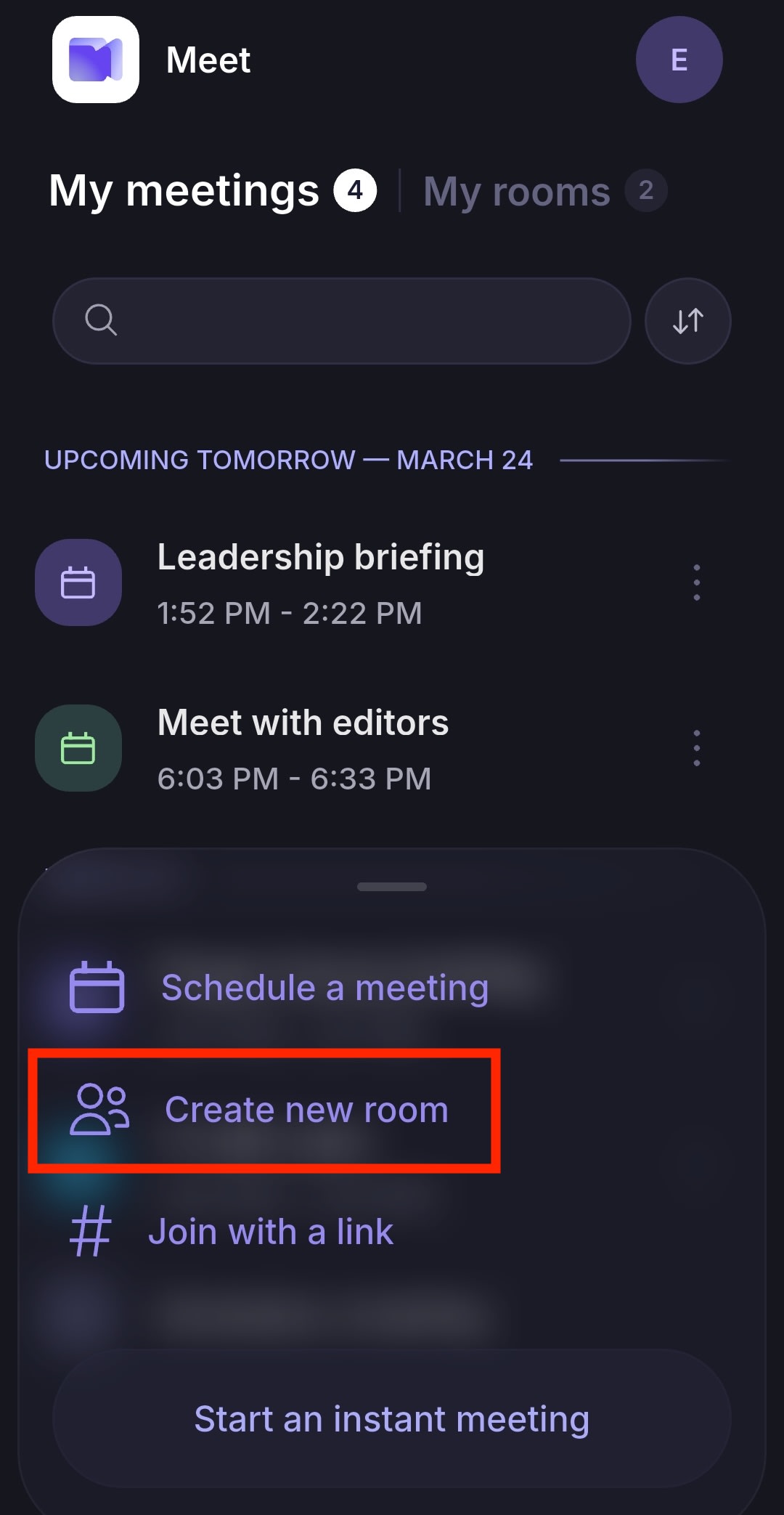
- 轻点创建会议 → 创建新会议室。
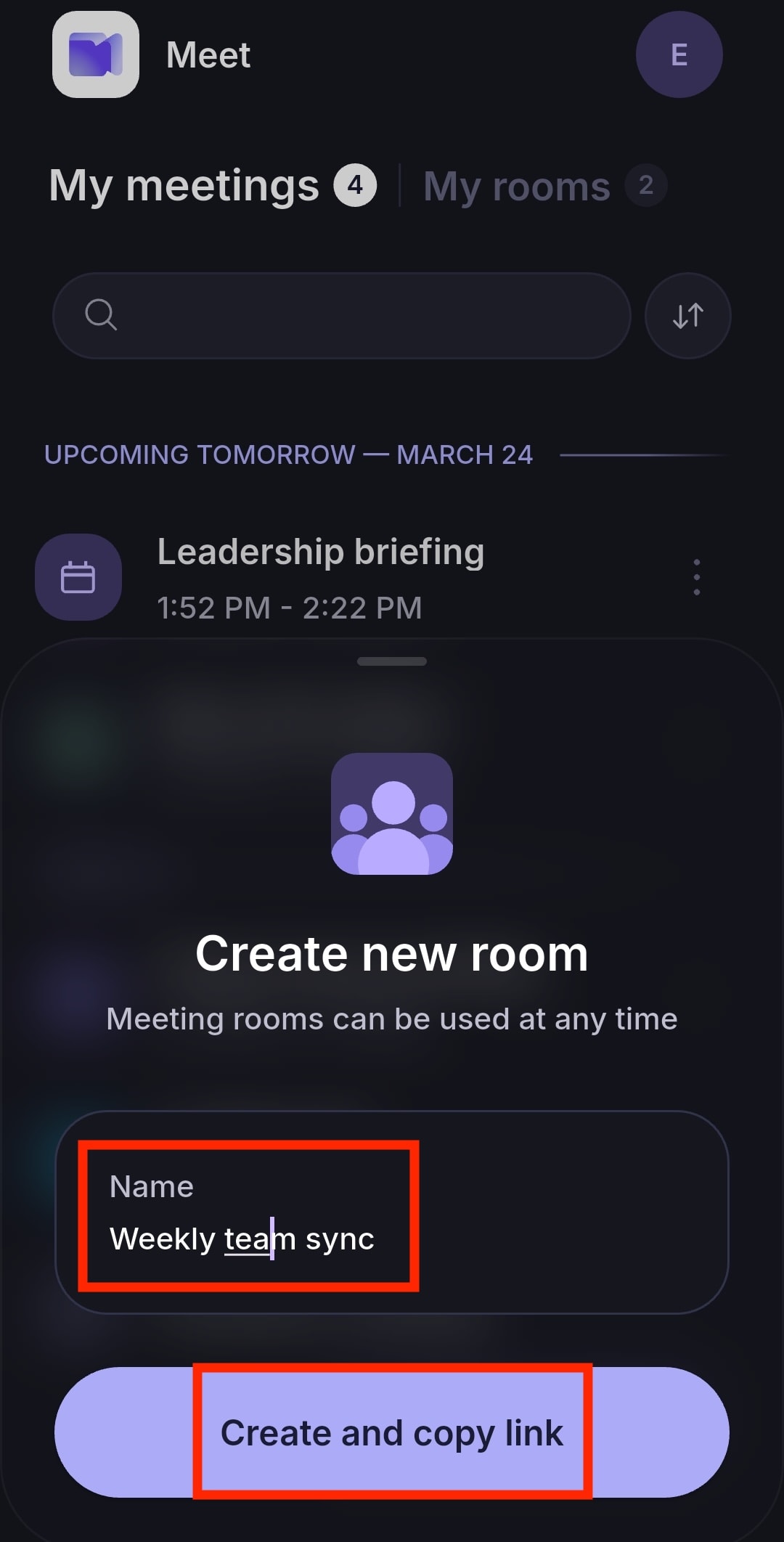
- 输入会议室名称并轻点创建并复制链接。现在您可以分享会议链接,邀请其他人加入。
- 轻点该会议室并选择加入会议。
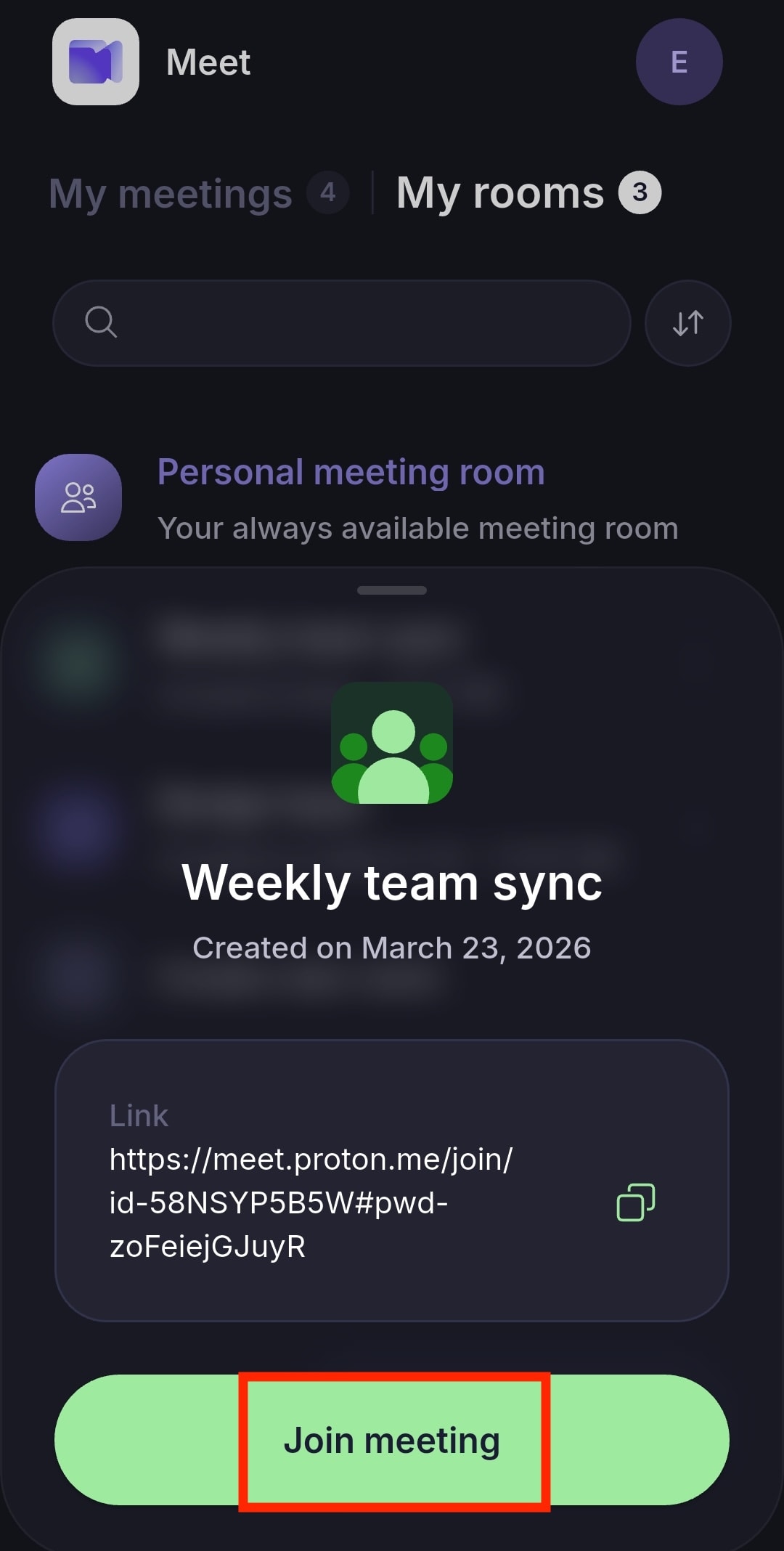
您也可以轻点复制 📋 来复制会议链接并分享给其他人。
如果您不删除会议室,参与者可以在以后的会议中重复使用同一链接。删除会议室会永久移除其链接。
使用您的个人会议室
您的个人会议室随时可用,任何拥有此链接的人都可以访问。
轻点我的会议室 → 个人会议室 → 加入会议。
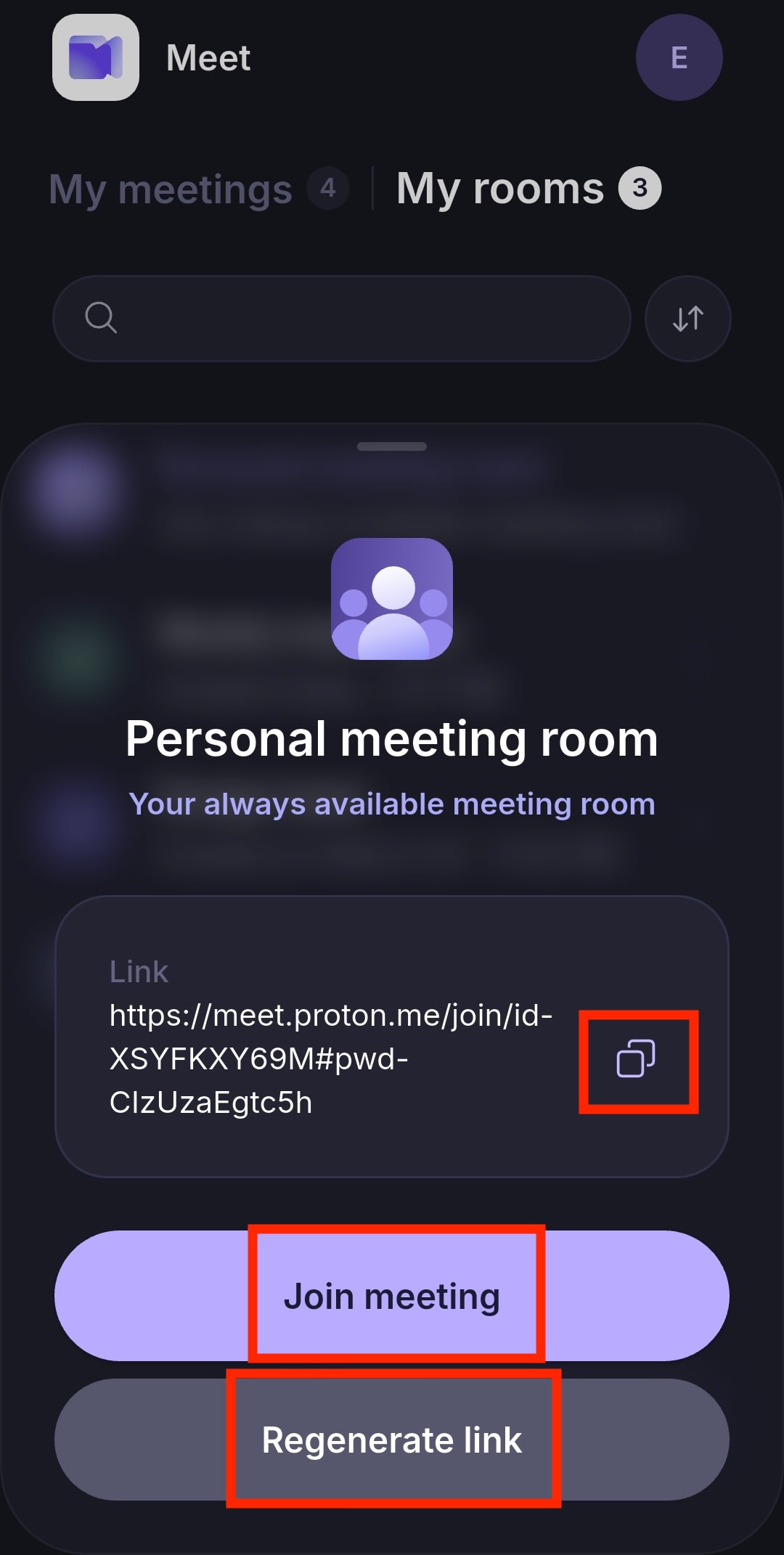
您可以轻点复制 📋 来复制您的个人会议链接并分享给其他人。
与普通会议室不同,个人会议室无法删除。您每天可以重新生成一次链接,方法是选择重新生成链接。
通过链接加入会议
- 轻点创建会议。
- 选择通过链接加入。
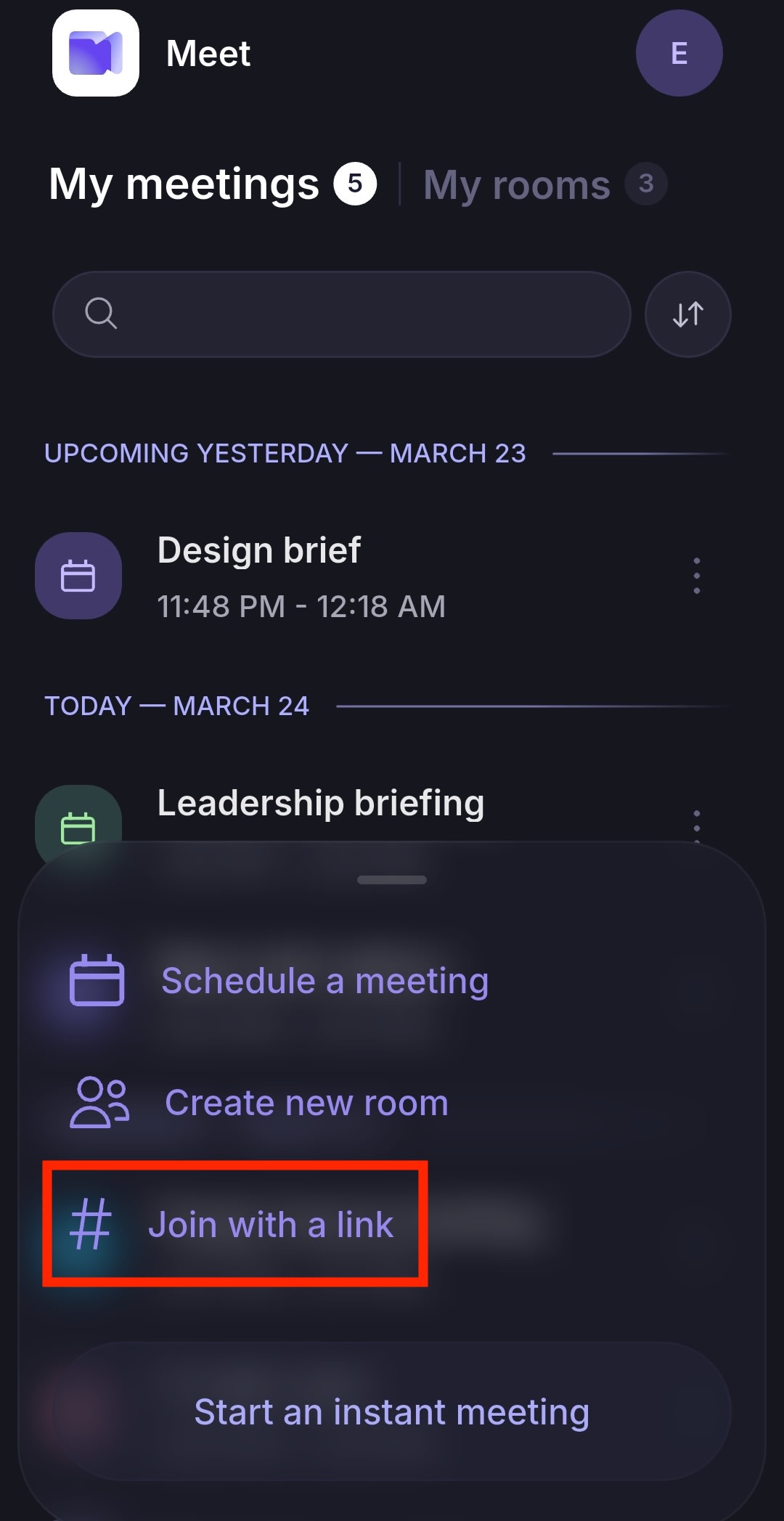
- 粘贴会议链接并轻点加入会议,立即参加视频会议。
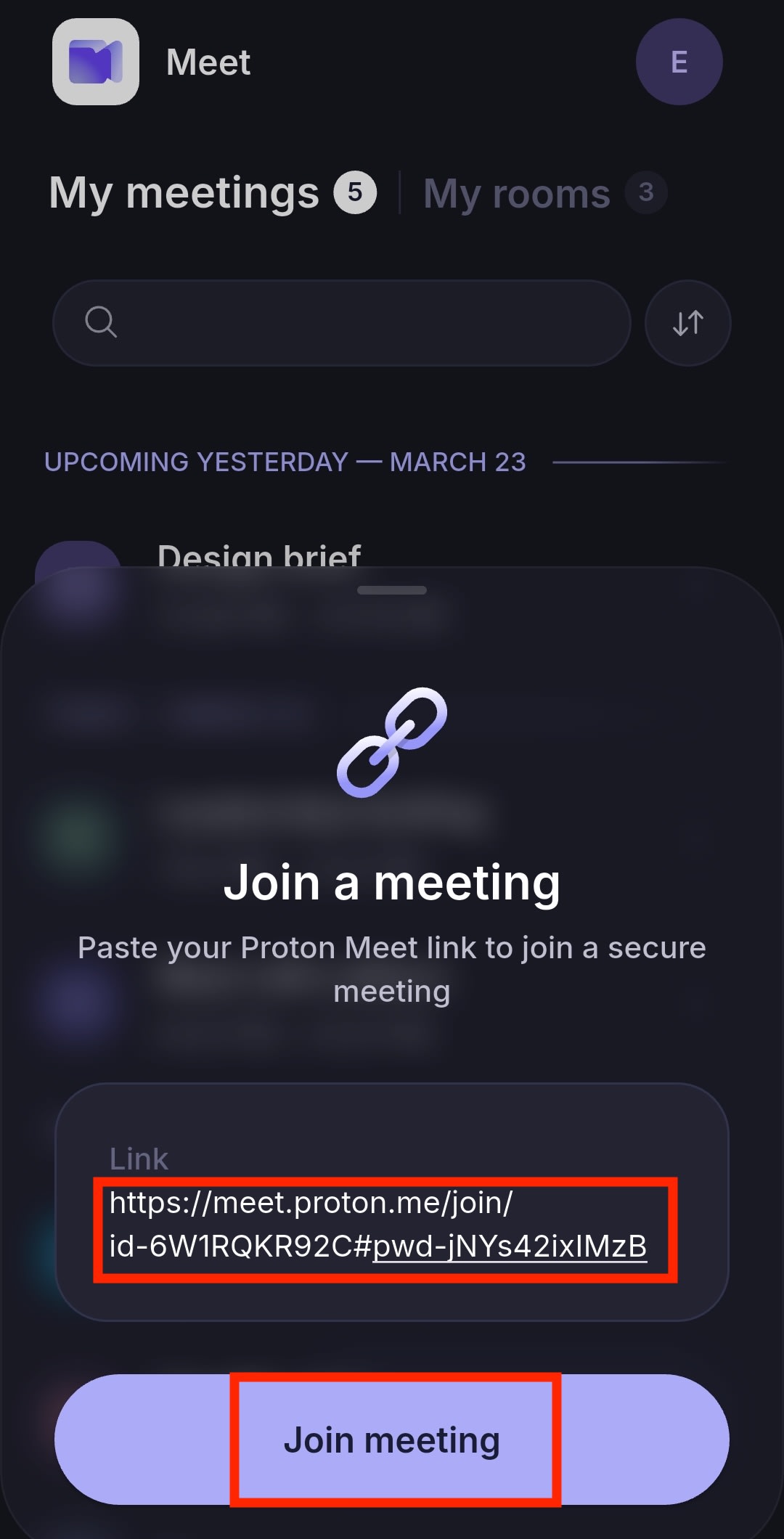
轻点 Proton Meet 链接时,应用会自动打开并带您进入加入界面。
安排会议
- 轻点创建会议 → 安排会议。

- 填写会议详细信息:
- 标题
- 日期和时间
- 时长
- 时区
- 重复
- 点击保存。
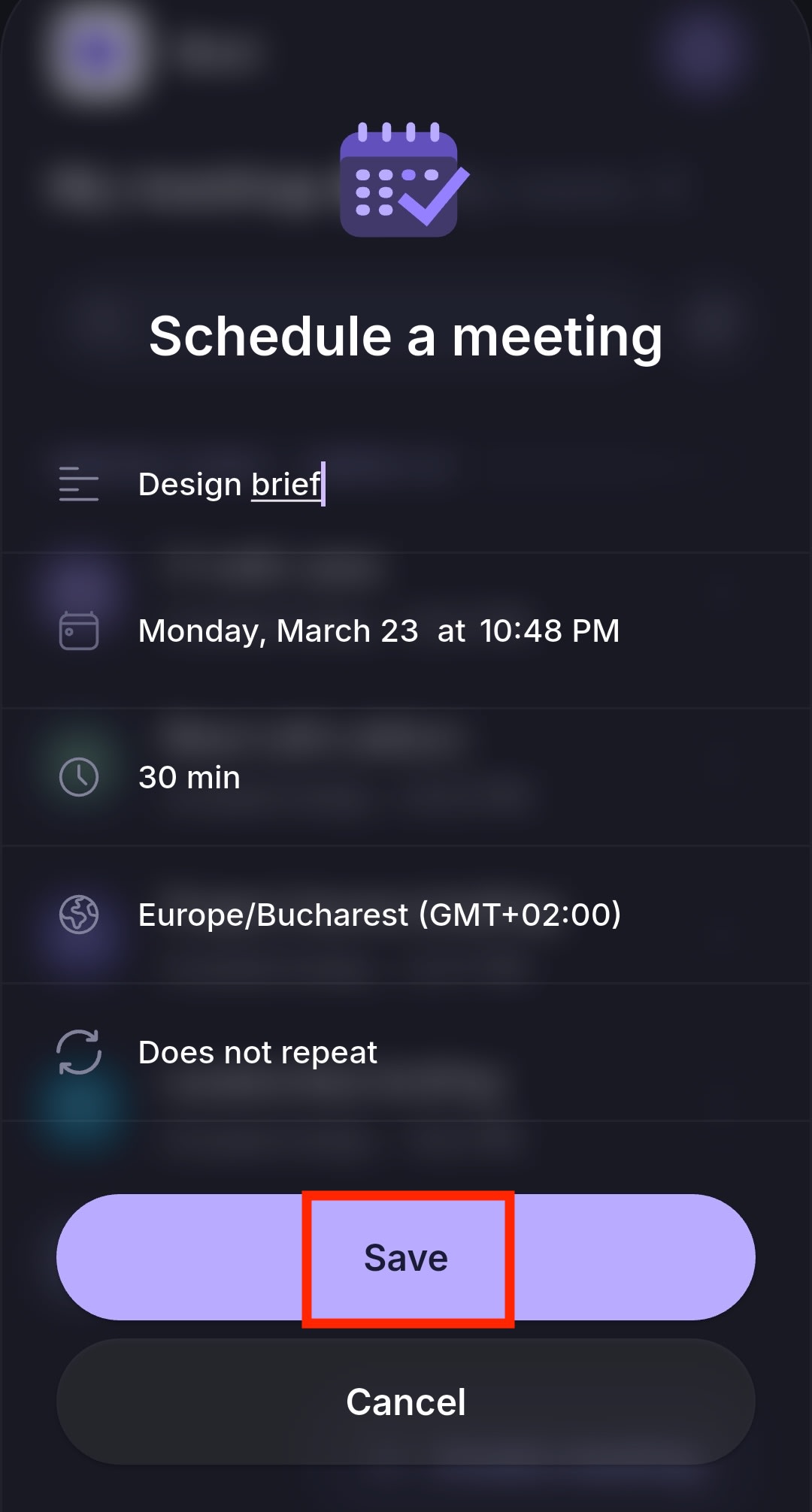
这会在我的会议中创建一个条目,并自动生成一个安全会议链接。
接下来,您可以:
- 轻点复制 📋 复制链接并分享给其他人
- 完成:完成设置并返回主屏幕
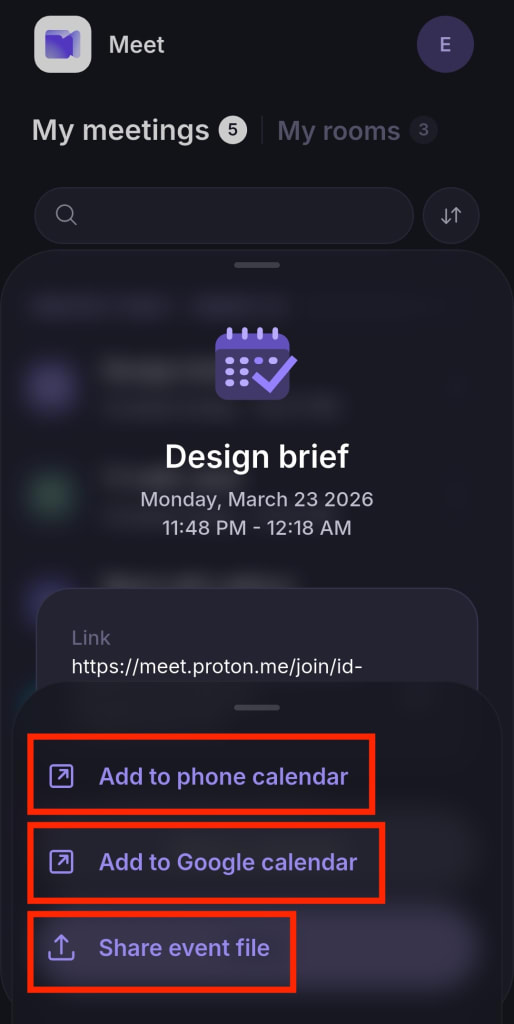
- 添加到日历并在以下选项之间进行选择:
- 添加到手机日历:将会议添加到设备的日历
- 添加到 Google 日历:将会议添加到 Google 日历
- 共享日程文件:分享 ICS 日历文件,您或其他任何人都可以将其导入日历应用
您还可以在 Proton Meet 网页应用、Proton Meet 桌面应用或 Proton Calendar 应用中安排会议,并自动向 Proton 用户和非 Proton 用户发送电子邮件邀请。受邀者即使没有 Proton 帐户也可以加入。
视频会议功能
连接后,所有参与者都可以使用屏幕分享和会议聊天等视频会议功能。会议主持人还可以使用视频录制和其他管理功能。
如果您是初次使用我们的视频会议应用,请查看Proton Meet 入门指南。