
Password strength tester
Is your password vulnerable to hackers? Test your account security with our free password strength checker tool. See how long it could take attackers to access your online accounts.

The use of our services is subject to our Terms of Service and Privacy Policy.
Why use a password strength tester?
Weak, reused, or easy-to-guess passwords remain one of the most common for cybercriminals to gain access to your accounts. With powerful password-cracking tools, attackers can test thousands of stolen credentials, common words, or predictable combinations in seconds. And if your password isn’t strong enough, they’ll break into your accounts before you know it.
A password strength tester helps you to identify weak login credentials and generate strong, random, and unique passwords, making it much harder for bad actors (and their bots) to get through your defenses.
How do attackers crack weak passwords?
Cybercriminals don’t need to be geniuses to break into your accounts. Weak, reused, or guessable passwords are much easier to uncover with these methods. A password strength checker can help keep your online accounts secure. They just need you to have a weak password to use one of the following methods to crack them:
Brute-force attacks: Trying every single combination of characters, hoping to find one that works.
Dictionary attacks: Running through a list of common word, punctuation, and number combinations.
Credential stuffing: Using stolen login details from past data breaches to access other accounts.
Phishing or social engineering: Tricking you into revealing your password through fake emails or websites.
What makes a strong password?
Length
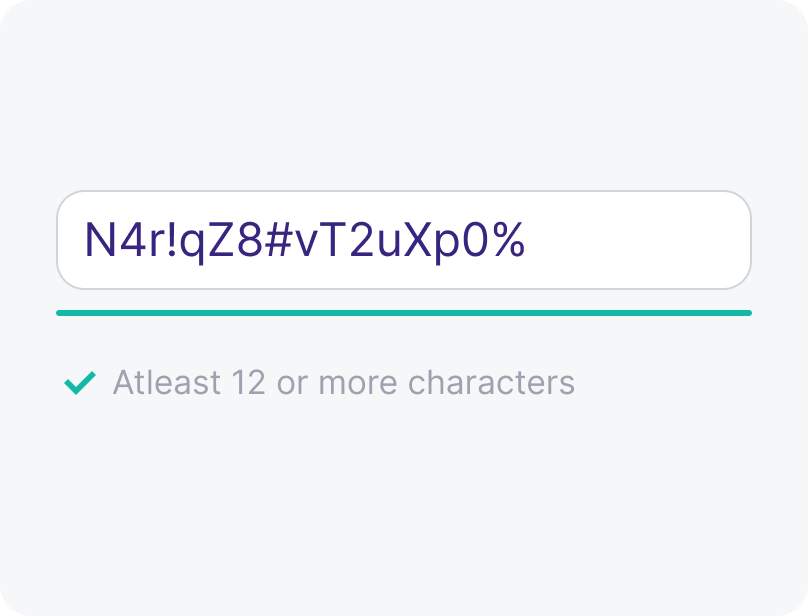
Longer is stronger. Aim for at least 12 or more characters. Each added character makes your password exponentially harder to crack.
Complexity
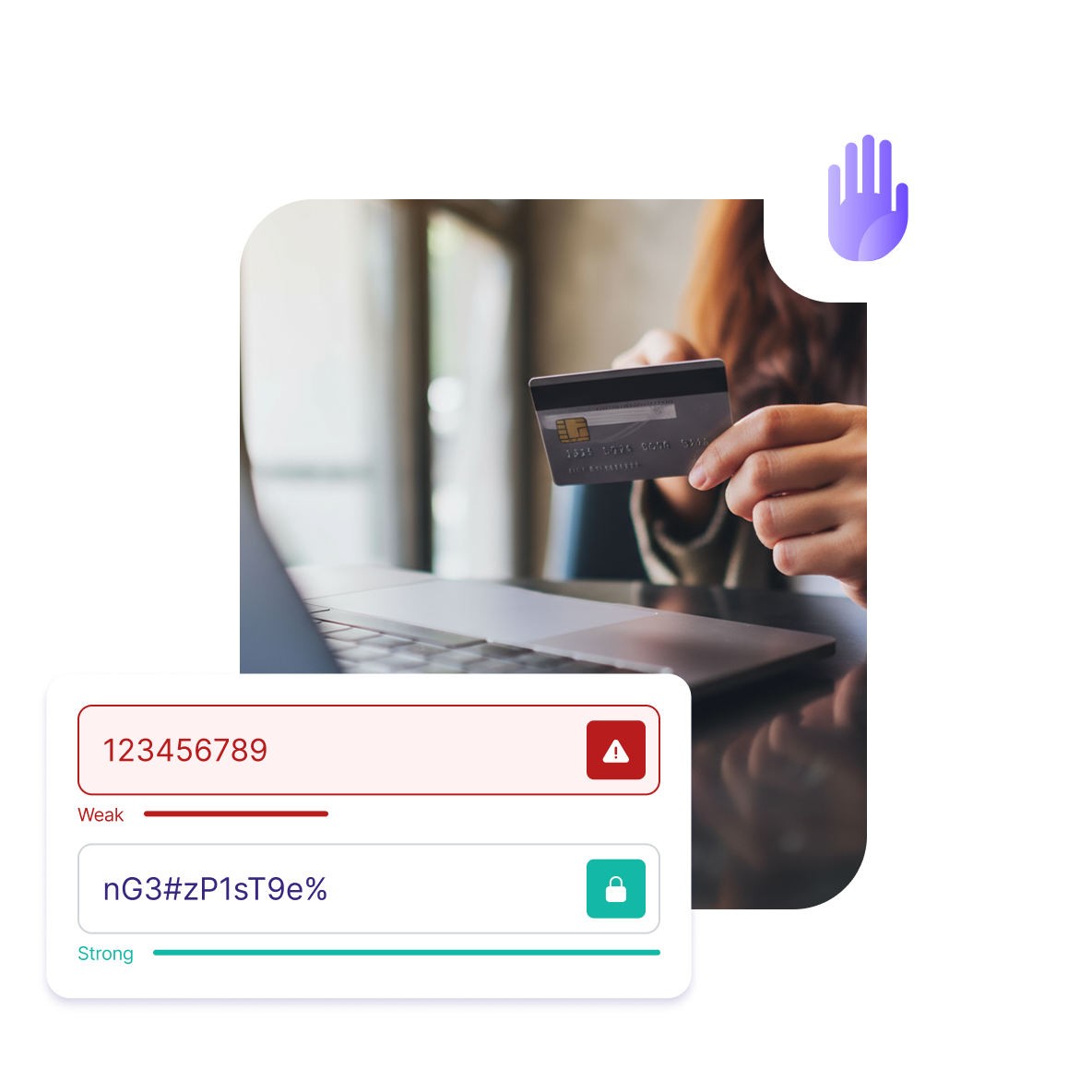
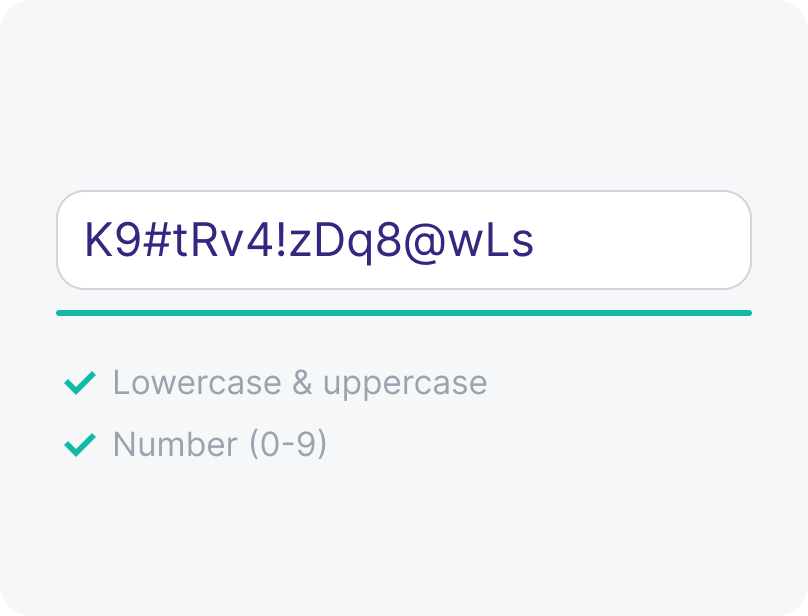
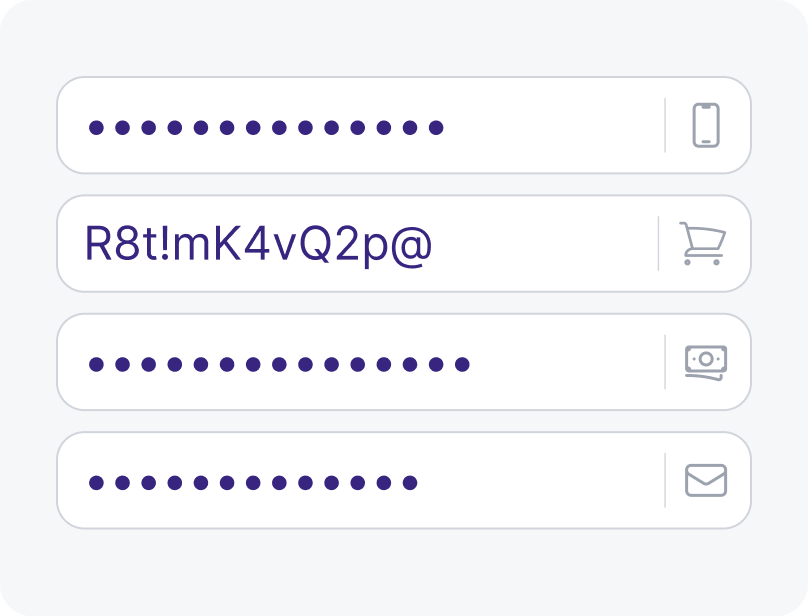
Combine uppercase and lowercase letters, numbers, and symbols. Avoid dictionary words, common letter substitutions (like "Pa$$w0rd"), or simple sequences.
Uniqueness
Each of your accounts should have its own distinct password so a data breach on one platform doesn't lead to a chain reaction of compromised accounts.
Memorability
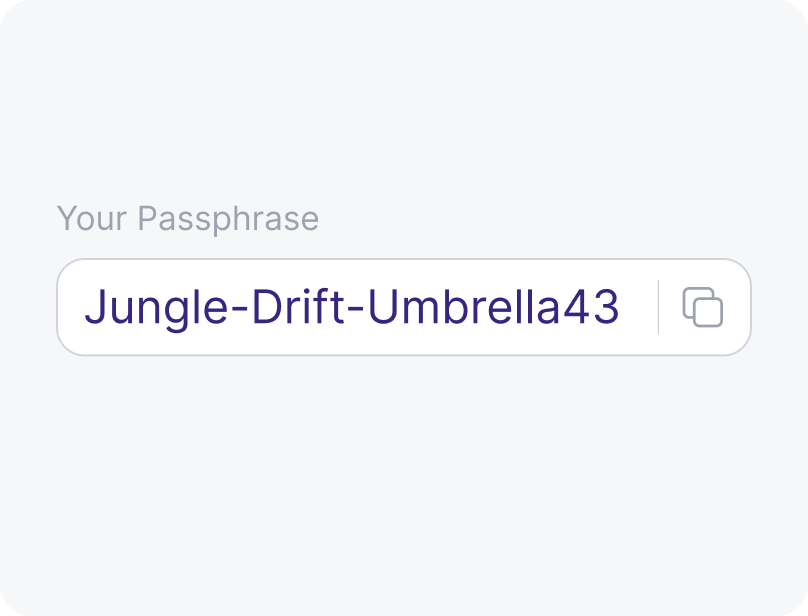
Try using a passphrase that’s meaningful to you but hard to guess — like a string of random but vivid words, or a sentence with special characters interwoven.
Strengthen your online accounts with Proton Pass
Password generator
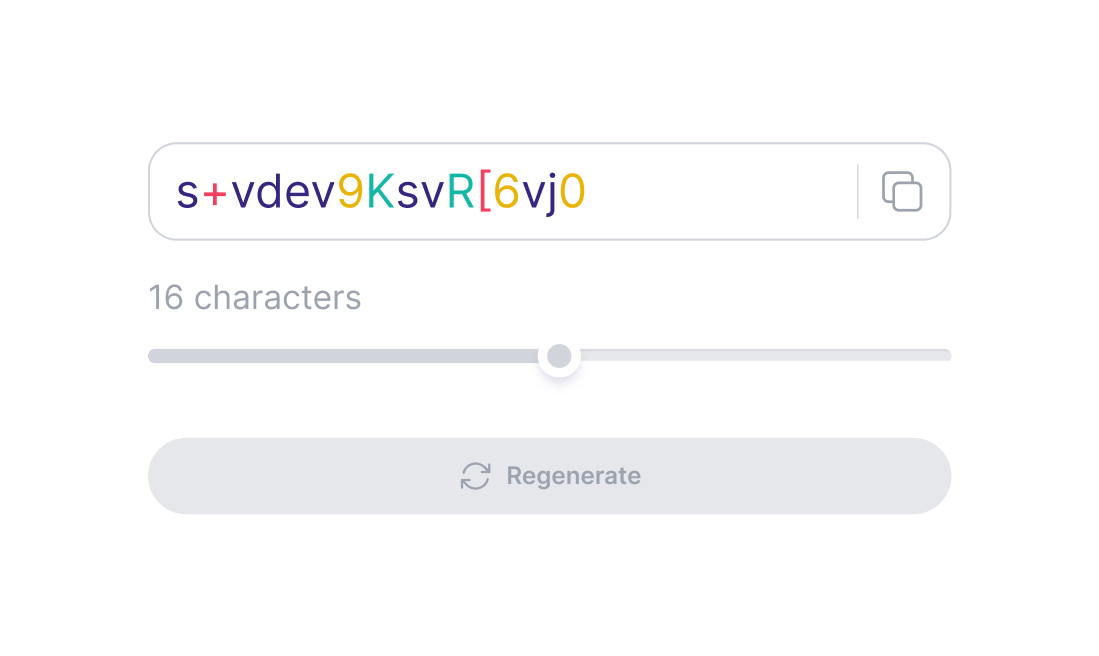
Use our free password generator to create strong, random passwords to help prevent breaches caused by weak, simple, or repeated credentials.
Username generator
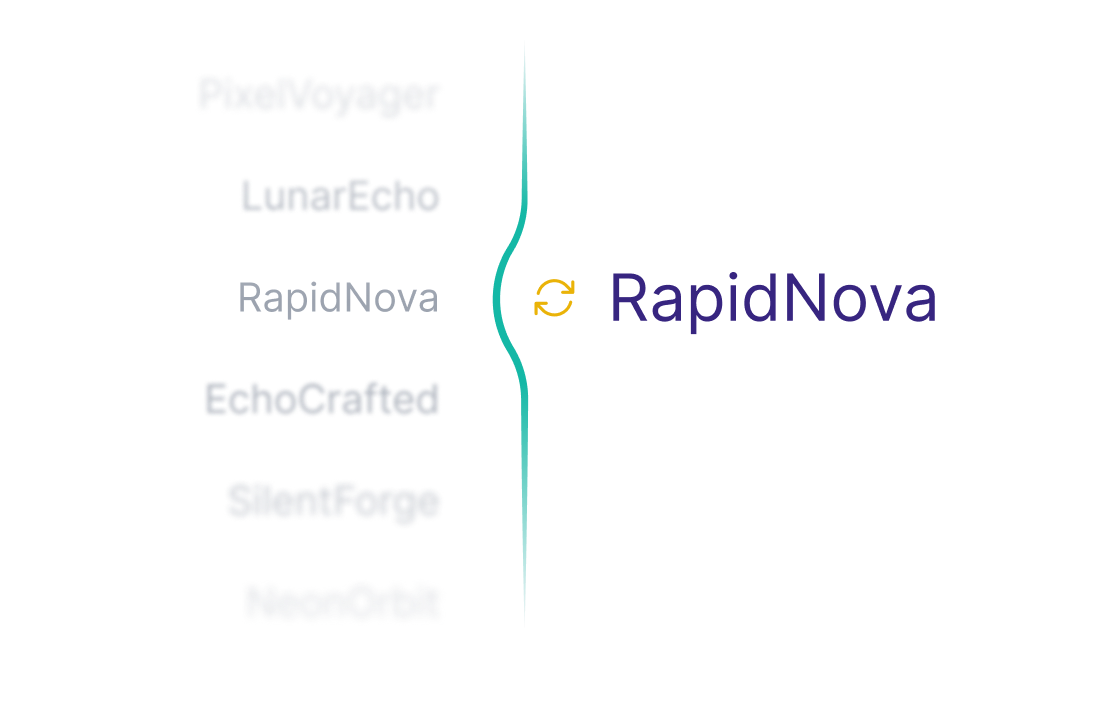
Pair your passwords with randomized, secure usernames that help to keep your identity and online activity private.
Password management
Use our secure password manager to protect your accounts and store your credentials and autofill them across all your devices or download our web extension — for free. You can also keep other important information, like payment details or private notes, and attach related files or documents so everything stays safe in one place.
Frequently asked questions
- What is a password tester?
- Why should I test my password strength?
- How can I improve my password strength?
- How can I know if my password has been exposed?
- Why should I use a password manager?