
How to edit Gateway servers
- Reading
- 0 mins
- Category
- Proton VPN for Business
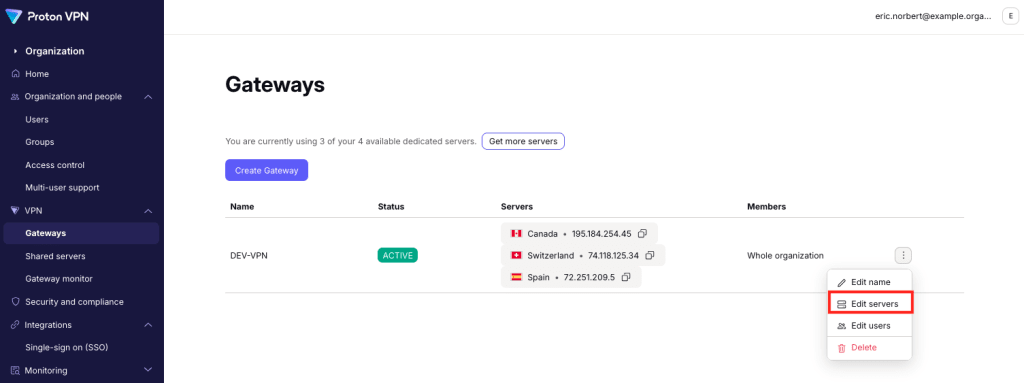
To edit which servers are assigned to a Gateway:
1. Sign in to account.protonvpn.com.
2. Go to VPN → Gateways → the Gateway you’d like to edit → ⋮ → Edit servers.
To delete servers from your Gateway, click the trash icon next to that server. Select Save when you’re done.

To add servers to your Gateway, click Add server. If you don’t have any available servers, you can purchase more(new window).

You can now assign VPN servers to your Gateway(new window).

Click Continue when your done. You’ll see your edits reflected in the servers available for that Gateway.