
Phishing emails: Everything your business needs to know
Phishing attacks are a leading cause of data breaches and can have severe financial and operational consequences. This guide shows you how to recognize phishing attempts, help your team respond correctly, and protect your business with Proton Mail.

What is a phishing email?
Phishing is a cyber scam where attackers send fake emails that look like they are from a trusted company or person. Their goal is to trick people into revealing sensitive information, or click a link that installs malware.
How does a phishing email work?
Phishing emails rely on psychology to trick targets. They will use company lingo, impersonate authority, and create urgency or fear to make victims act without thinking..
Most phishing attacks follow the same pattern:
- Impersonation: Attackers copy real branding and the sender details appear legitimate.
- Psychological pressure: Emails use urgency, threats, or authority to force quick action.
- Malicious action: A link, attachment, or sensitive request compromises the victim.
- Escalation: Stolen access is used to move deeper into systems or launch broader attacks.
How phishing attacks put your business at risk
Phishing emails are a common entry point for attackers, and one mistake can disrupt operations, expose sensitive data, and create costly security incidents.
- Significant financial loss: Data breaches stemming from phishing can result in high costs related to incident response, recovery, and litigation.
- Compliance violations: Most regulations, including GDPR, require strong security measures. Phishing breaches could lead to heavy fines.
- Reputation damage: Breaches erode customer trust and can cause irreparable harm to your brand and future business prospects.
- Operational disruption: Attackers can lock you out of essential services, hold data for ransomware, or disrupt daily workflows, leading to costly downtime.


Common types of phishing attacks
Email phishing
Mass emails designed to steal credentials or information.
Spear phishing
Targeted messages impersonating trusted contacts.
Clone phishing
A real email copied and resent with malicious links or files.
Business email compromise (BEC)
Spoofed or hijacked business accounts used for fraud.
Whaling
Attacks on executives to extract sensitive data or payments.
Smishing
Phishing via SMS or messaging apps.
Vishing
Phone calls impersonating trusted organizations.
Credential harvesting
Fake login pages used to steal passwords.
How to spot a phishing email
Phishing emails look convincing, but there are telltale signs that reveal them. Train your team to recognize these red flags and report phishing emails immediately.
Urgent requests or threats
Phishing emails create a false sense of urgency to bypass critical thinking. They may claim that your accounts are compromised, urgent payments have failed, or even dangle limited-time prizes and deals to encourage clicks.
Grammar or spelling mistakes
Misspelled company names, awkward grammar, or strange capitalization are common in phishing emails. Some attackers also deliberately alter letters (for example, “nnicrosoft”) to mimic real domains and evade filters.
Suspicious and unsolicited links or attachments
Links may look legitimate but redirect to fake login pages or malware. Hover over (but don’t click) the link to preview the true URL. Treat unexpected attachments with caution and verify them with the sender through a trusted channel.
Unofficial sender’s address
Attackers often use addresses that look similar to legitimate ones at a glance (for example, payments@nnicrosoft.com). Always cross-check unexpected emails against known, trusted contact details.
Unfamiliar senders
Take extra care with first-time, infrequent senders, or those marked as external. If you don't recognize the sender, it's always better to be cautious.
Requests for sensitive information
Legitimate companies and government authorities rarely ask for sensitive information by email. If an email asks for credentials, payment information, or personal data, verify the request using contact details from an official website.
What to do if you suspect a phishing attack
If an email seems unusual or unexpected, treat it with caution. Follow these steps to keep your business safe:
- Don’t interact with the message: Avoid clicking links, opening attachments, or replying.
- Check warning banners: Proton Mail flags suspicious emails and authentication failures to help you identify phishing attempts quickly.
- Verify the sender: Contact the person or company using trusted contact details.
- Report the phishing email: Use Proton Mail’s built-in phishing reporting tools so your IT team and Proton’s security team can investigate and strengthen filtering.
- Delete the email: Once reported, remove it from your inbox to prevent accidental clicks.
- Alert IT immediately: Your IT team can check for compromised credentials, and start the damage control process (e.g., changing affected passwords).
How to safeguard your business from phishing
Employee training
Teach staff to recognize phishing signs and report suspicious emails quickly.
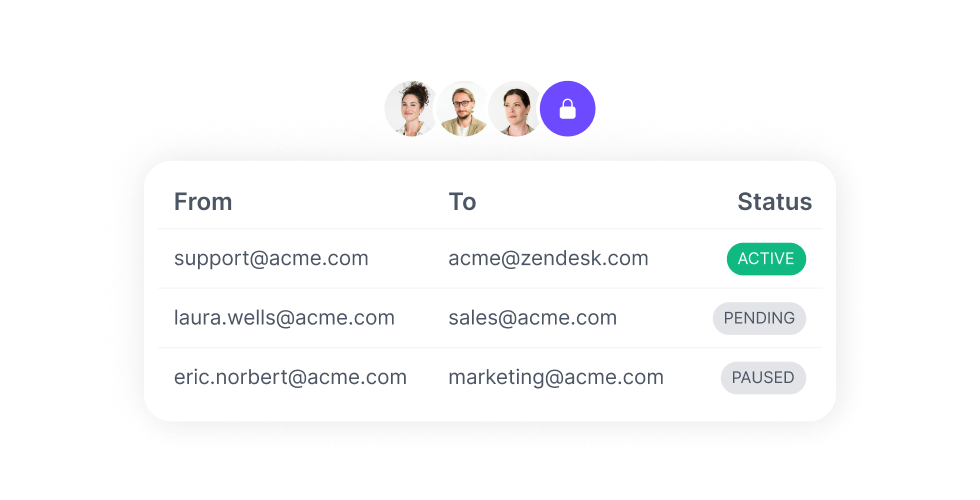
Create a response plan
Define how employees should report phishing emails and what steps to take if an account is compromised.
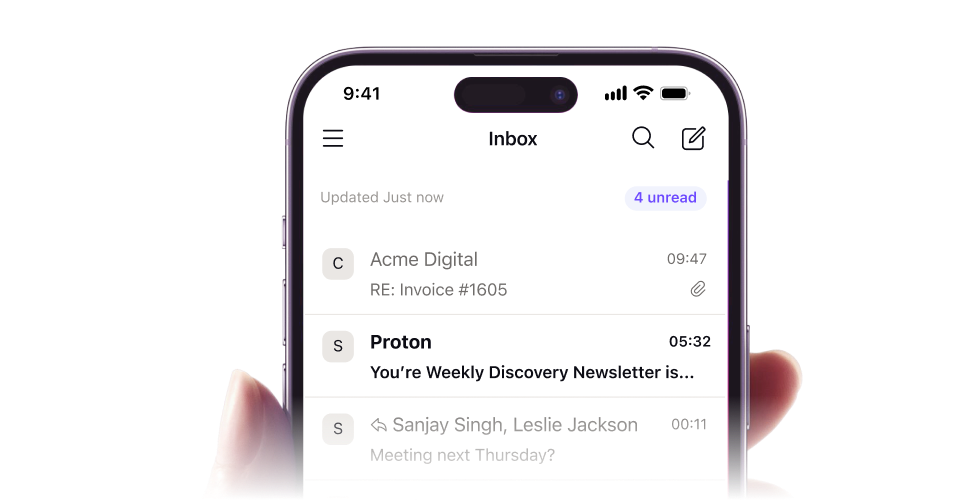
Secure email infrastructure
Use a secure email provider with strong authentication and phishing detection to block attacks.
Built-in phishing protection from Proton Mail

Automatically authenticates incoming messages to detect and block phishing attempts before they reach your team.

Stop sophisticated attacks and account takeovers using AI analysis backed by human security experts.

Enforce 2FA or hardware security keys to prevent unauthorized access and account takeover.

Protect your business with SPF, DKIM, and DMARC authentication to stop domain spoofing and ensure your emails are trusted.

Manage users, enforce policies, and monitor security activity from one secure dashboard.
Why choose Proton Mail for Business?

Your emails stay private
All your team’s emails and data are protected by zero-access, end-to-end encryption, preventing data breaches and unauthorized access.

Protected by Swiss privacy laws
As a Swiss company, Proton is subject to some of the world's strongest privacy laws. Your business data is protected from surveillance, third-party access, and legal overreach.

Security you can rely on
All Proton apps are open source and independently audited by third parties, so you know our apps do what they say. Our ISO 27001 certification and SOC 2 Type II audit report confirm our security model meets the highest standards.

Driven by privacy from the start
Proton was founded by scientists at CERN who believed the internet should be private by default. Today, over 100 million people and 50,000+ businesses trust Proton Mail as the world's largest encrypted email provider.
Trusted by over 50,000+ organizations worldwide

Elemnta, Australia
50-200 employees
“It's really the activity logs that are important for me, and the granular control. The shift to using Proton Pass has greatly benefited us.”

GILAI, Switzerland
Managing IT of 1000+ employees
"We needed a password manager that would be easy to use for the end user and easy to manage for the administrator. I didn't need to do any specific documentation, or any demo except for the provisioning of the account because it's really, really user friendly."

Novalytica AG, Switzerland
11-50 employees
"Onboarding was very easy. Everyone is using it and it works, and no one wants to go back to writing passwords by hand in a sheet or in a notebook."

Morning
350 employees
"I wanted the UX to be beautiful. I think it's important that when you migrate 300 or 400 users, you should choose a solution that isn't too difficult to use or unpleasant to look at. I think it's important for commercial teams to have something user-friendly. That was the case with Proton Pass."


Frequently asked questions about phishing emails
- How do I report a phishing email?
- Why am I getting so many phishing emails?
- Should I delete phishing emails?