Encryption > Types of encryption
Types of encryption, explained
The same data can be protected by several types of encryption working at once, each answering a different question:
- Who holds the keys?
- What algorithm scrambles the data?
- At what layer is it protected?
Understanding the difference helps you make more informed choices about how your data is shared, where it’s stored, and which services you trust to handle it.

How the encryption types relate
Encryption types answer different questions. Some describe who can access your data (the protection model). Others describe how the math works (the algorithm). A single encrypted connection typically involves more than one type simultaneously.
Protection model
End-to-end encryption, zero-access encryption, full-disk encryption
Key structure
Symmetric vs. asymmetric encryption
Encryption standard
AES, ChaCha20, RSA, ECC, homomorphic, DES, post-quantum algorithms
Transparency model
Open-source encryption
For example, a Proton Mail message uses end-to-end encryption (protection model) implemented with AES (symmetric algorithm) for the message content and elliptic-curve cryptography (asymmetric algorithm) for key exchange — all in code that is open source and independently audited.
Symmetric vs. asymmetric encryption
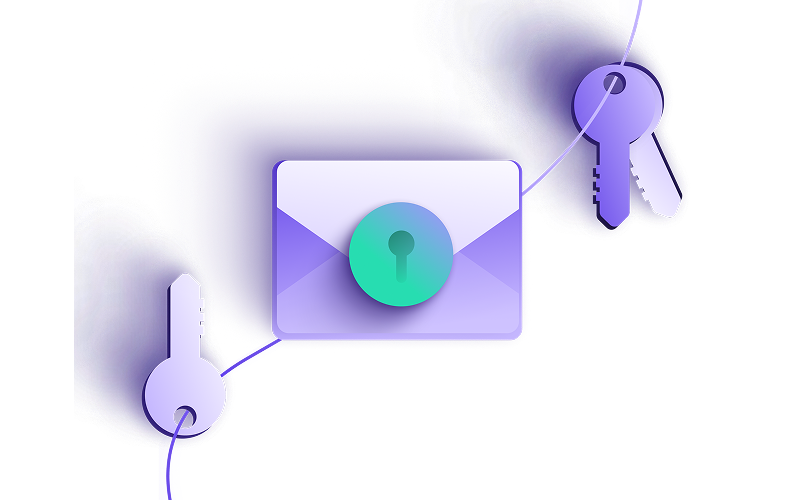
These two approaches describe the fundamental structure of how encryption keys work. Most modern encryption uses both: asymmetric encryption to securely exchange a key, and symmetric encryption to encrypt the data itself.
Symmetric encryption
Symmetric encryption uses a single key to both encrypt and decrypt data. It’s fast and efficient, making it ideal for handling large amounts of information. However, securely sharing this key between parties can be challenging and poses a potential security risk.
Asymmetric encryption
Asymmetric encryption relies on two keys: a public key to encrypt the data and a private key to decrypt it. Since the private key remains confidential and is never shared, this method provides stronger security for communication. The trade-off is that it is slower and requires more computational resources compared with symmetric encryption.
End-to-end encryption
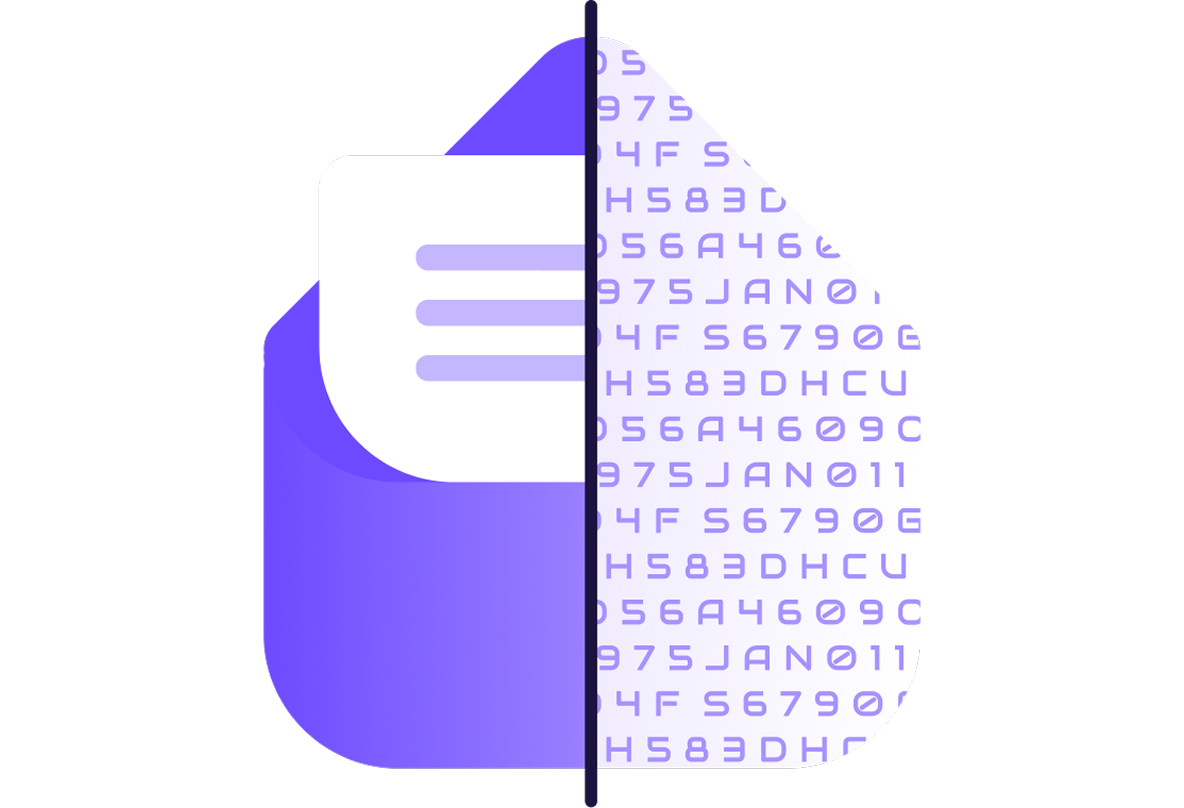
End-to-end encryption (E2EE) ensures that data is encrypted on the sender’s device and only decrypted on the recipient’s device. No one in between can read it, not even the service provider.
With standard encryption (the kind most email and cloud services use), your data is encrypted in transit but decrypted on the provider’s servers before being re-encrypted for storage. The provider holds the keys, which means it can access your data, and so can anyone who compromises the provider.
E2EE eliminates this. The provider never holds the decryption keys, so there is nothing to hand over, compromise, or subpoena. It is the strongest protection model available for communications and shared data.
Zero-access encryption
Zero-access encryption means the service provider cannot access your data under any circumstances, not even when it is stored on their servers. It is the standard that applies to data at rest.
End-to-end encryption protects data in transit, while it moves between sender and recipient. Zero-access encryption extends that protection to storage. Even data that you don’t share with anyone (a draft email, a note, a saved file) is encrypted with a key only you hold.
Zero-access matters most in scenarios where you store data with a provider over time, such as email archives, cloud files, or calendar events. Without it, a provider breach, a government order, or a rogue employee could expose everything you’ve stored.

Full-disk encryption
Full-disk encryption physically encrypts everything stored on a device, including the operating system, apps, and files, so the data is unreadable without the correct credentials. If a device is lost, stolen, or seized, the contents remain inaccessible without authentication.
It is the standard layer of protection for laptops, smartphones, and external drives. Most modern operating systems enable it by default — FileVault on macOS, BitLocker on Windows, and built-in encryption on iOS and Android.

Open-source encryption
Open-source encryption means the code implementing the encryption is publicly available for anyone to inspect, audit, and verify. It is how trust in encryption is established at scale.
A service can claim to use strong encryption, but without open-source code, you have no way to verify that the claim is true, that the implementation is correct, or that there are no backdoors.
Open-source code is reviewed by security researchers, academics, and other developers worldwide, making flaws far more likely to be discovered and fixed. Everyone benefits from the scrutiny of the global security community.

What are the different encryption algorithms?
Encryption algorithms are the specific mathematical methods that scramble readable data into unreadable ciphertext. They define how encryption works under the hood.
AES (Advanced Encryption Standard)
The world’s most widely deployed symmetric encryption algorithm, trusted by governments, banks, and security-focused organizations globally.
Find out how AES works, what key sizes mean, and why AES-256 is considered unbreakable.
ChaCha20
A modern stream cipher designed for speed on mobile and low-power devices — no specialist hardware required.
See why ChaCha20 rivals AES and why browsers and VPNs increasingly prefer it.
RSA (Rivest–Shamir–Adleman)
One of the first practical asymmetric encryption algorithms, widely used for key exchange and digital signatures in email, HTTPS, and secure communications.
RSA’s security relies on the difficulty of factoring large prime numbers — but as computers have grown faster, the key sizes required have grown with them, making RSA slower than modern alternatives like ECC.
ECC (Elliptic-Curve Cryptography)
ECC achieves the same security as RSA with much smaller keys, making encryption and decryption dramatically faster — saving processing power, memory, and battery life.
It has rapidly become the standard for modern apps and encrypted email. See why elliptic curves are replacing RSA and how Proton Mail was among the first encrypted email providers to support it.
Homomorphic encryption
A form of encryption that allows computations to be performed directly on encrypted data, without decrypting it first. The decrypted result matches what the same operation would have produced on the original data.
This can let sensitive data be processed in untrusted environments, such as cloud servers, without exposing it in readable form. Homomorphic encryption is computationally intensive and mostly used in research or early-deployment scenarios.
DES (Data Encryption Standard)
The algorithm that defined modern symmetric encryption, until researchers cracked it. A 56-bit key proved too short for the computing power that followed, and DES was officially retired in 2005. Its limitations directly shaped the design of its successors, including AES.
Post-quantum cryptography
Post-quantum cryptography is a new generation of algorithms designed to resist attacks from quantum computers — machines that could break the public-key cryptography protecting most of today’s internet.
It addresses both future threats and a present one: adversaries are already collecting encrypted data now, waiting for quantum computers powerful enough to decrypt it.
How Proton uses different types of encryption
All Proton apps are open-source and protect your data using different modes of encryption:

Our mail app end-to-end encrypts emails sent from one Proton Mail user to another.
E2EE can be enabled for emails from Proton Mail to non-users with the Password-protected Emails feature.
All messages in Proton Mail are stored with zero-access encryption.

Proton Calendar uses the OpenPGP standard and ECC to protect your events and contacts using end-to-end encryption, even for appointment scheduling.
When you invite someone to an event, or when someone books an appointment with you, their information is encrypted so that no one can identify them.

With Proton VPN, all internet traffic is encrypted with either ChaCha20 or AES-256, two secure algorithms.
Additionally, Proton VPN only uses ciphers and protocols that support perfect forward secrecy; even if future VPN sessions are compromised, your past sessions stay secure.

Thanks to our E2EE, which uses the OpenPGP standard and ECC, no one else can access your Proton Drive files without permission.
This also extends to file sharing, so you can easily share your Proton Drive photos, folders, and other assets with privacy and peace of mind.

All your usernames and passwords are encrypted with E2EE in our secure password manager.
Through 256-bit AES-GCM encryption, all stored items are kept in vaults encrypted with randomly generated 32-byte keys that cannot be brute-forced, keeping all your credentials safe.

Proton Meet uses always-on E2EE to secure your calls, ensuring that only participants can access audio, video, chat, and screen sharing.
Using the Messaging Layer Security (MLS) protocol, all data is encrypted on your device before being sent, and encryption keys are updated as participants join or leave, providing forward secrecy and strong protection for group calls.

Take charge of your data
Proton was built to protect your data from the start. With strong encryption, open-source apps, and independent audits, your information stays yours.