Don’t see Easy Switch yet? We’re rolling it out gradually, so it will reach your account soon.
Your Google Drive holds more than files. It can hold scans of your passport and ID card, the lease for your first apartment, different versions of your resume, and the shared budget you and your partner update every month. It’s years of your life, and it should be easy to take with you if you ever decide to leave Google behind.
Many of you already moved your email to Proton with Easy Switch, bringing over your message history, contacts, and calendars from Gmail, Outlook, and other providers in a few clicks. Now you can do the same with your files. Easy Switch is now available in Proton Drive via web on all plans, starting with support for Google Drive.
Whether you’ve been with Proton for a while or you’re new and have wanted private cloud storage(new window), you may have put off moving years of files out of Google Drive because downloading and reuploading them would take a whole weekend. Now Easy Switch moves them seamlessly in the background while you get on with your day, so choosing privacy no longer costs you your time. Either way, once your files arrive, they’re protected by Drive’s end-to-end encryption(new window) — only you and the people you choose can access them.
By contrast, Google Drive encrypts your files, but the company holds the keys. That means Google can access what you store, use it for AI training, share it with third parties, or expose it in a data breach, and US laws like FISA and the CLOUD Act allow American authorities to request it.
Not on Drive yet? Create a free account.
Move your Google Drive to Proton Drive automatically
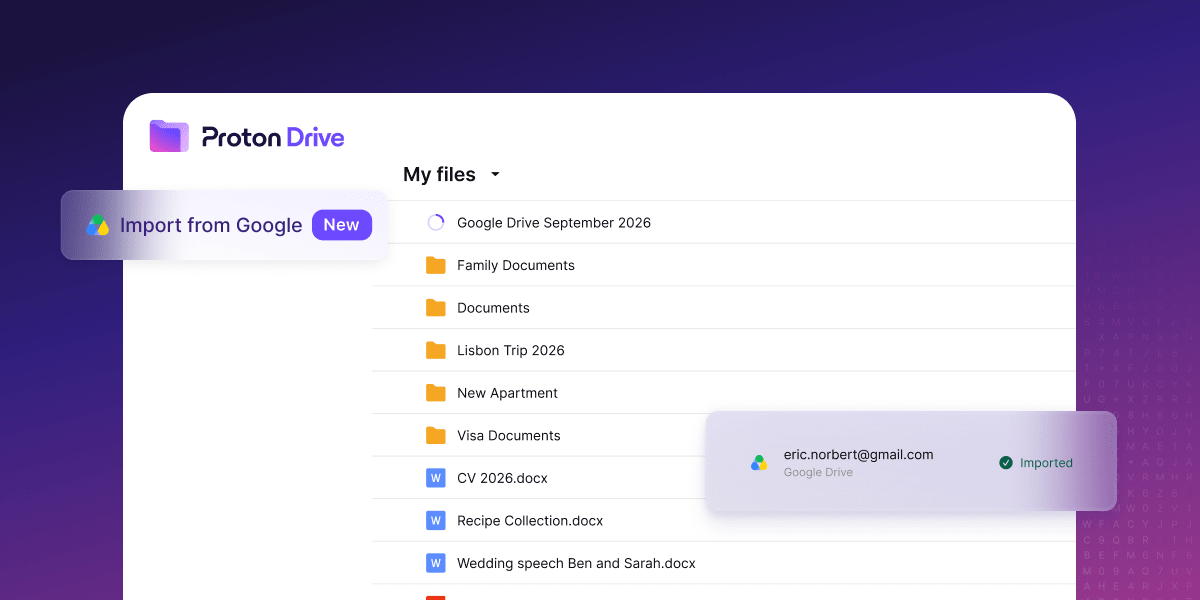
Find Easy Switch in the left navigation when you access Drive on web. Once you select your Google Drive account, Easy Switch takes it from there. Your files go straight from Google’s servers to ours, so the import doesn’t depend on how much free space your laptop has. Keep working in Proton Drive and check progress whenever you like from the Drive homepage or from settings.
Once the import is done, we’ll send you an email. You’ll find all your Google Drive files and folders in Proton Drive, organized just as you left them; Easy Switch preserves your existing folder structure. Google Docs and Sheets become standard DOCX and XLSX files you can open right away.
Start an Easy Switch import
- Sign in to Proton Drive(new window) on the web.
- Select Easy Switch in the left navigation, or go to Settings → Import via Easy Switch.
- Select your Google Drive account.
- Start the import.
If you already use Easy Switch in Proton Mail to bring over your Gmail, you can import your Google Drive files by following the same steps.
Not on Drive yet? Create a free account.
One less reason to stay with Google
Moving your files out of Google Drive used to be one of the hardest parts of leaving Google. Now, it only takes a few clicks. Easy Switch handles the rest automatically in the background, so keeping your files private no longer means spending hours moving them yourself.
With Easy Switch, your email, calendar, and files can all live with Proton, a European alternative protected by Swiss privacy law and built on end-to-end encryption. Whether you want more privacy, less dependence on US Big Tech, or more choice over where your data lives, every service you move puts more of your digital life under your control.
We’d like to hear how your migration goes, so you can share feedback on UserVoice(new window), Reddit(new window), or social media.