Proton 主页

Bug report from within iOS and Android

阅读
1 分钟
类别
iOS app
Android app

If you encounter an error in the Proton Mail app on Android or iOS, please let us know as soon as possible. Below are step-by-step instructions for submitting a bug report to the Proton Mail support team. The process is the same on both Android and iOS.

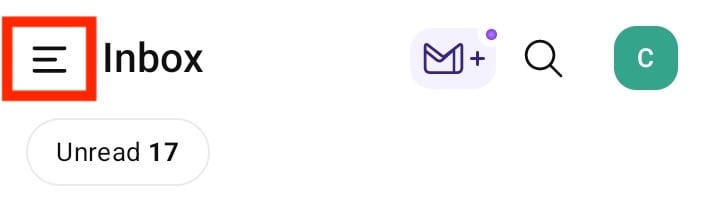
Open the app and tap the menu button (☰) in the upper left hand corner of your screen.

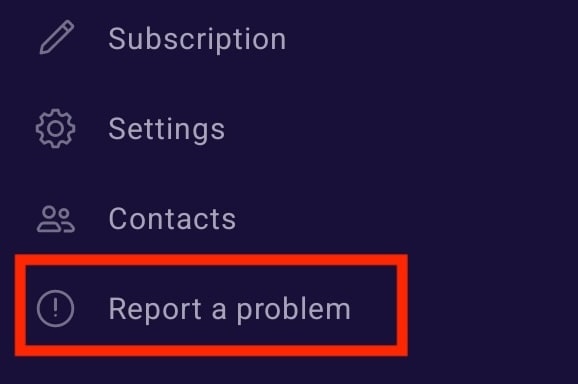
Within the menu, select the Report a problem option.

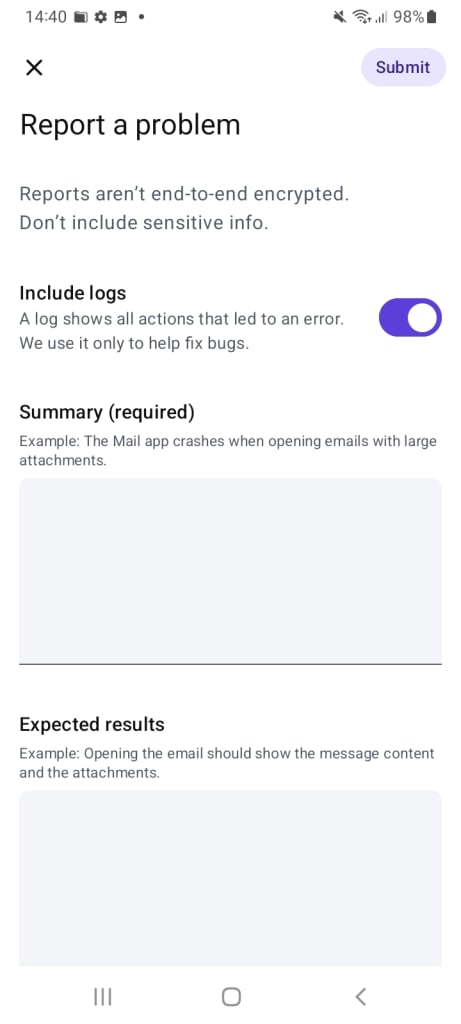
Enter a clear description of the error you are experiencing, including what you were expecting instead of the error, then tap Submit. Before sending a bug report, please be sure to try the basic debugging steps found in this tutorial.