วิธีใช้การล็อคแอปบน Android
- เวลาอ่าน
- 0 นาที
- หมวดหมู่
- แอป Android
- Proton Mail
เพื่อปกป้องข้อความที่เข้ารหัสไม่ให้ตกไปอยู่ในมือของผู้ไม่หวังดี สามารถเปิดใช้งานคุณสมบัติล็อคอัตโนมัติในแอป Proton Mail(หน้าต่างใหม่) ได้
คุณสมบัตินี้จะแจ้งเตือนให้ป้อนรหัส PIN หรือใช้ไบโอเมตริกเพื่อเปิด Proton Mail สามารถตั้งค่าอุปกรณ์ให้ล็อคโดยอัตโนมัติทุกครั้งที่ปิดแอป หรือหลังจากพ้นระยะเวลาที่กำหนดไว้
เปิดใช้งานการล็อคแอป
- เปิดแอป Proton Mail และเข้าสู่ระบบ
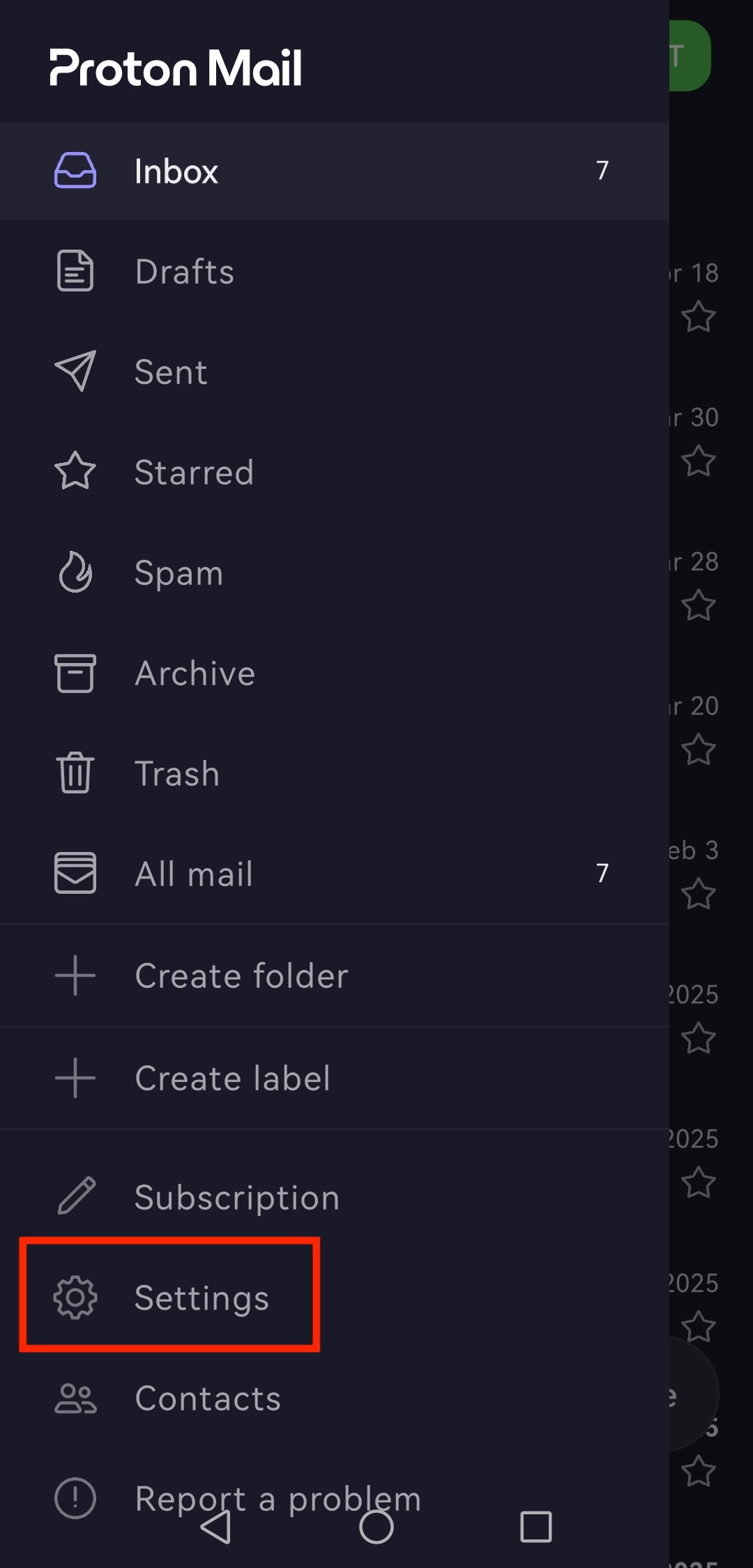
- แตะปุ่มเมนู ☰ และเปิด การตั้งค่า
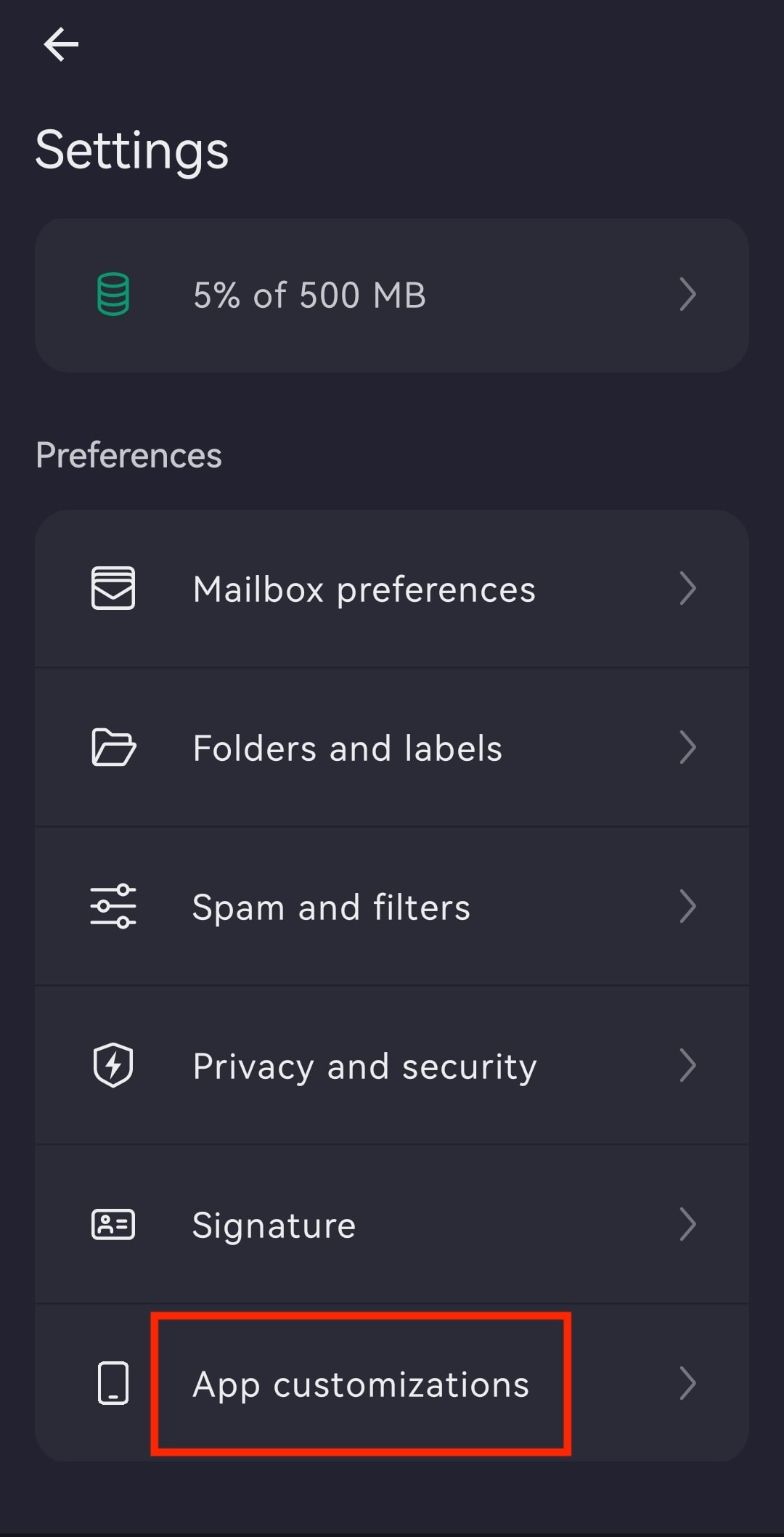
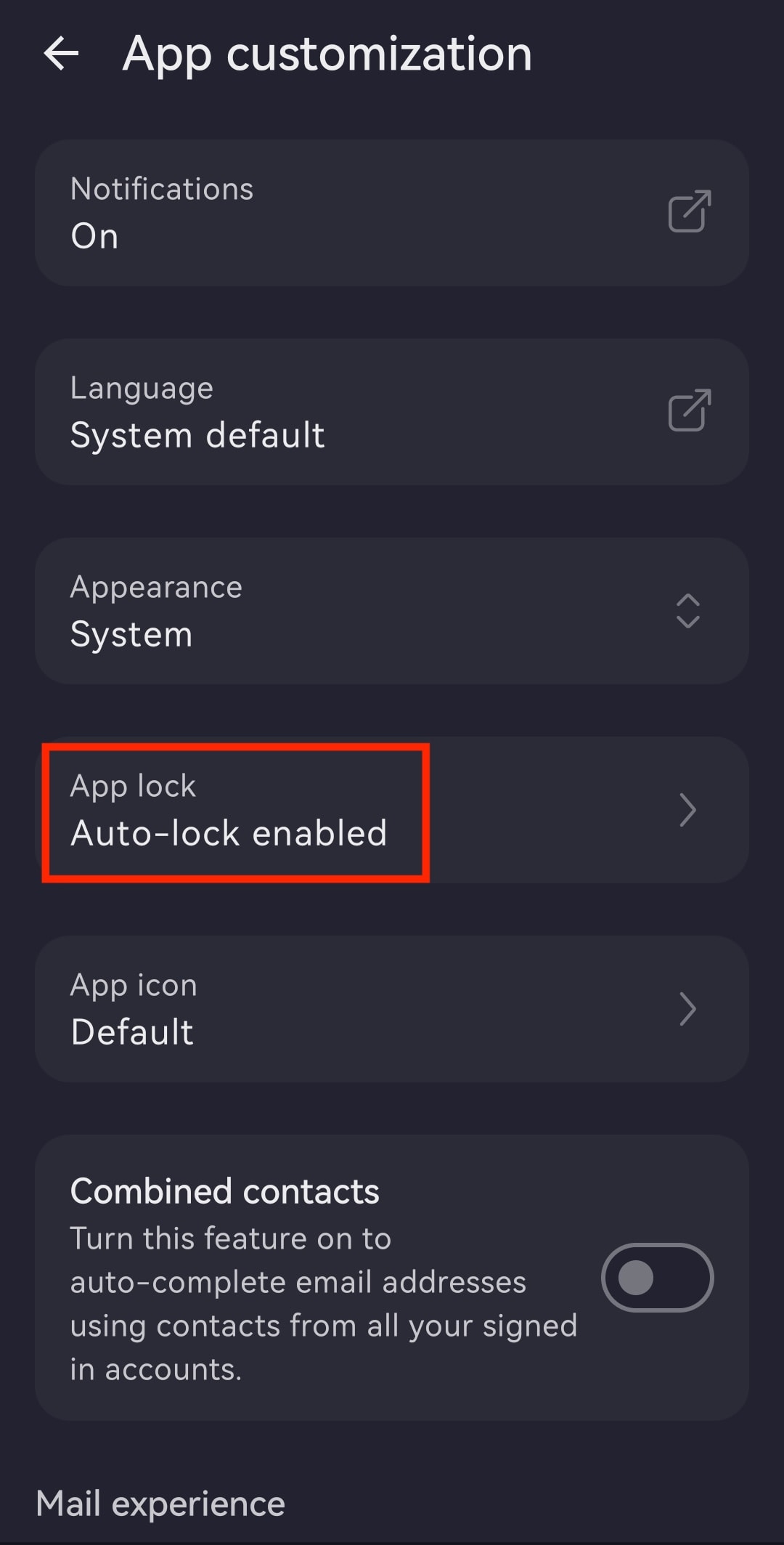
- แตะ การปรับแต่งแอป
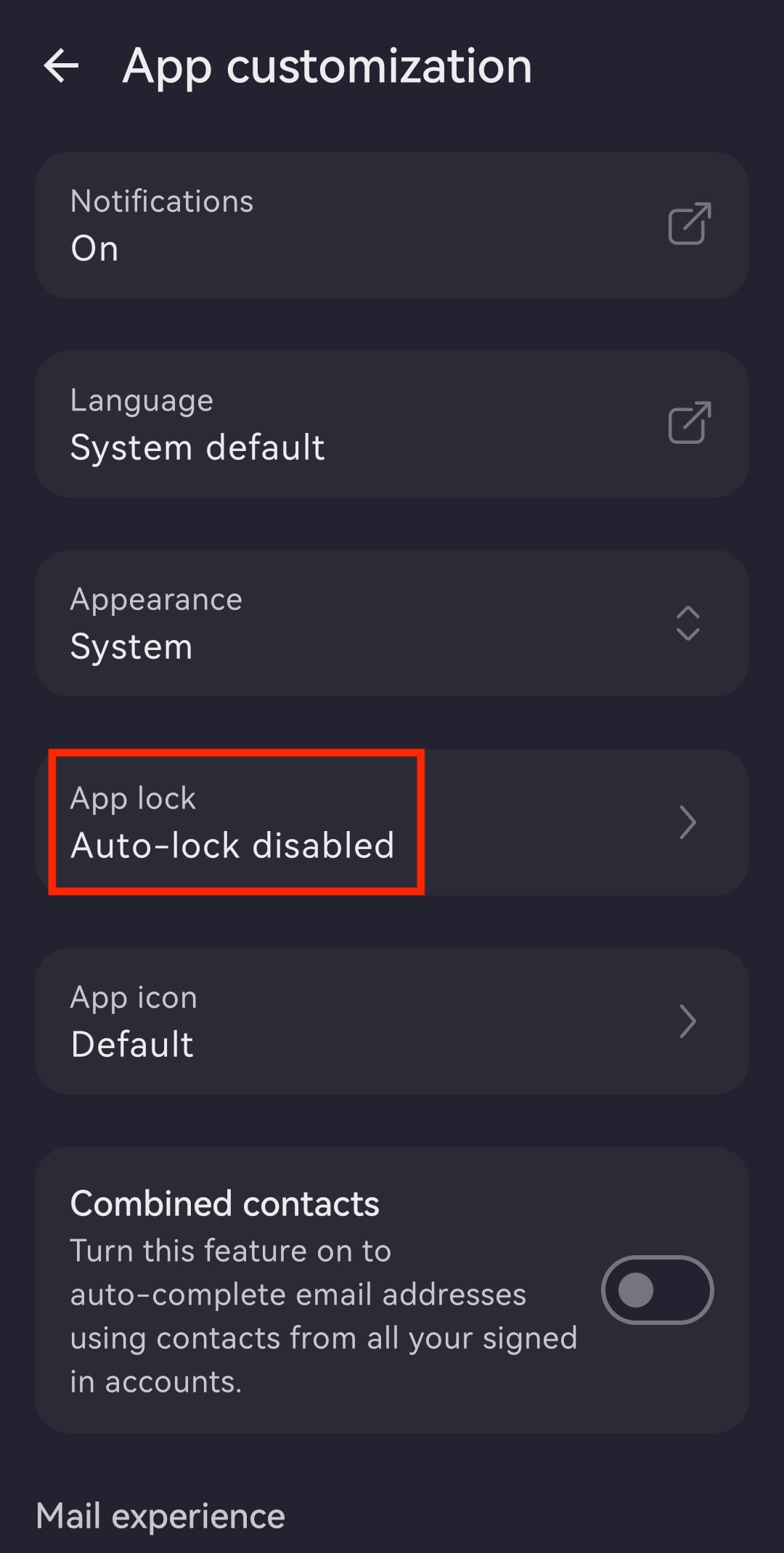
- เปิด การล็อคแอป
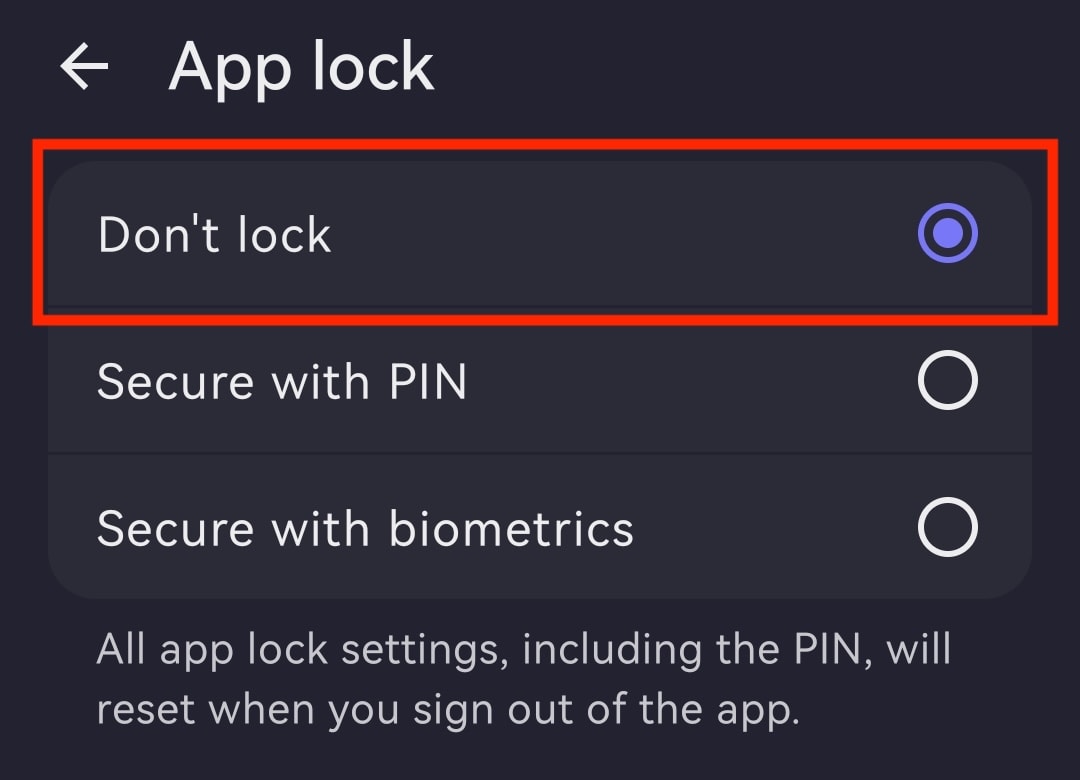
- เลือกระหว่าง:
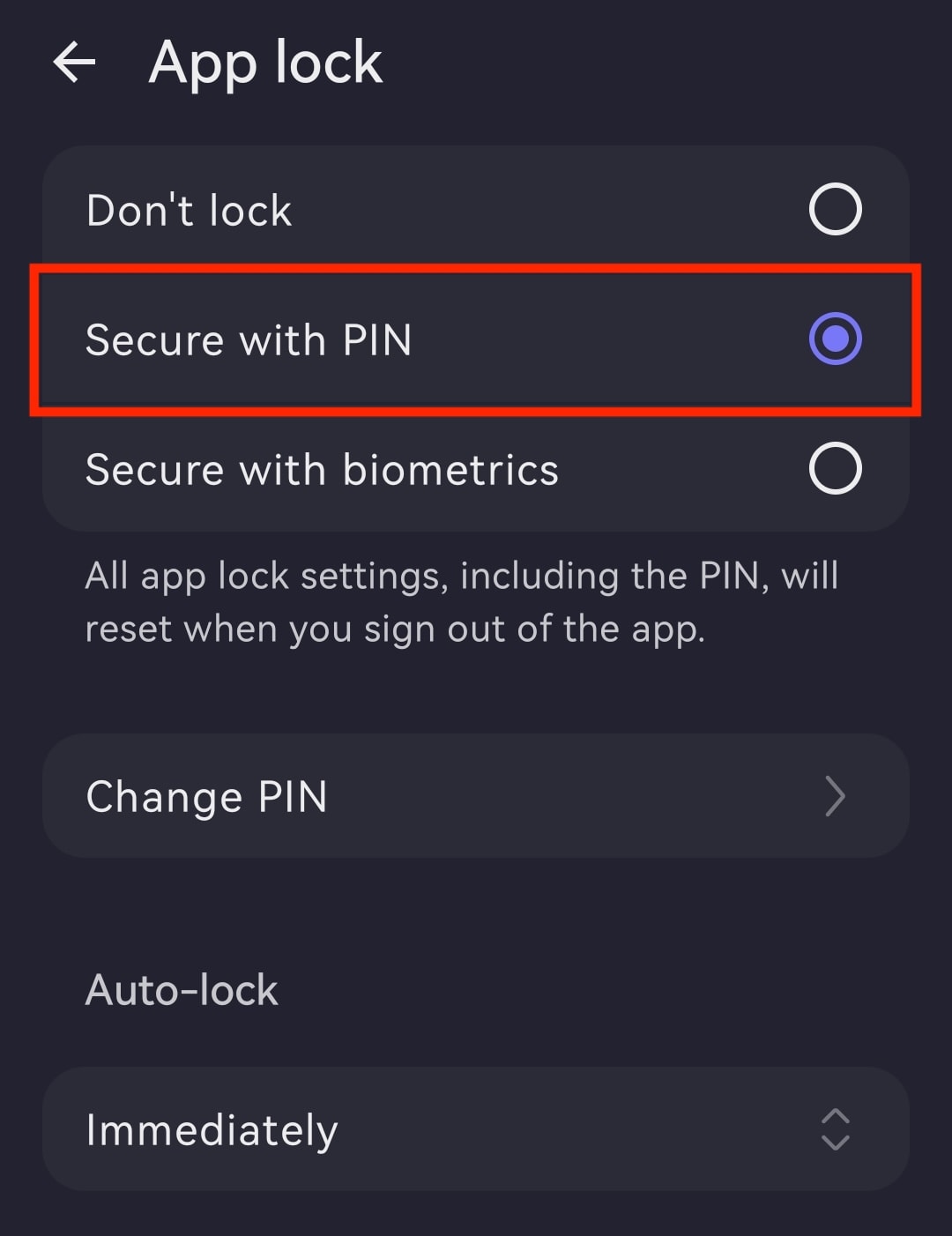
- ปลอดภัยด้วยรหัส PIN: ป้อนรหัส PIN และป้อนซ้ำเพื่อยืนยัน จากนั้นสามารถ เปลี่ยนตัวจับเวลาการล็อคอัตโนมัติ สลับเป็น ปลอดภัยด้วยไบโอเมตริก (จำเป็นต้องป้อนรหัส PIN) หรือ ปิดใช้งานการล็อคแอป
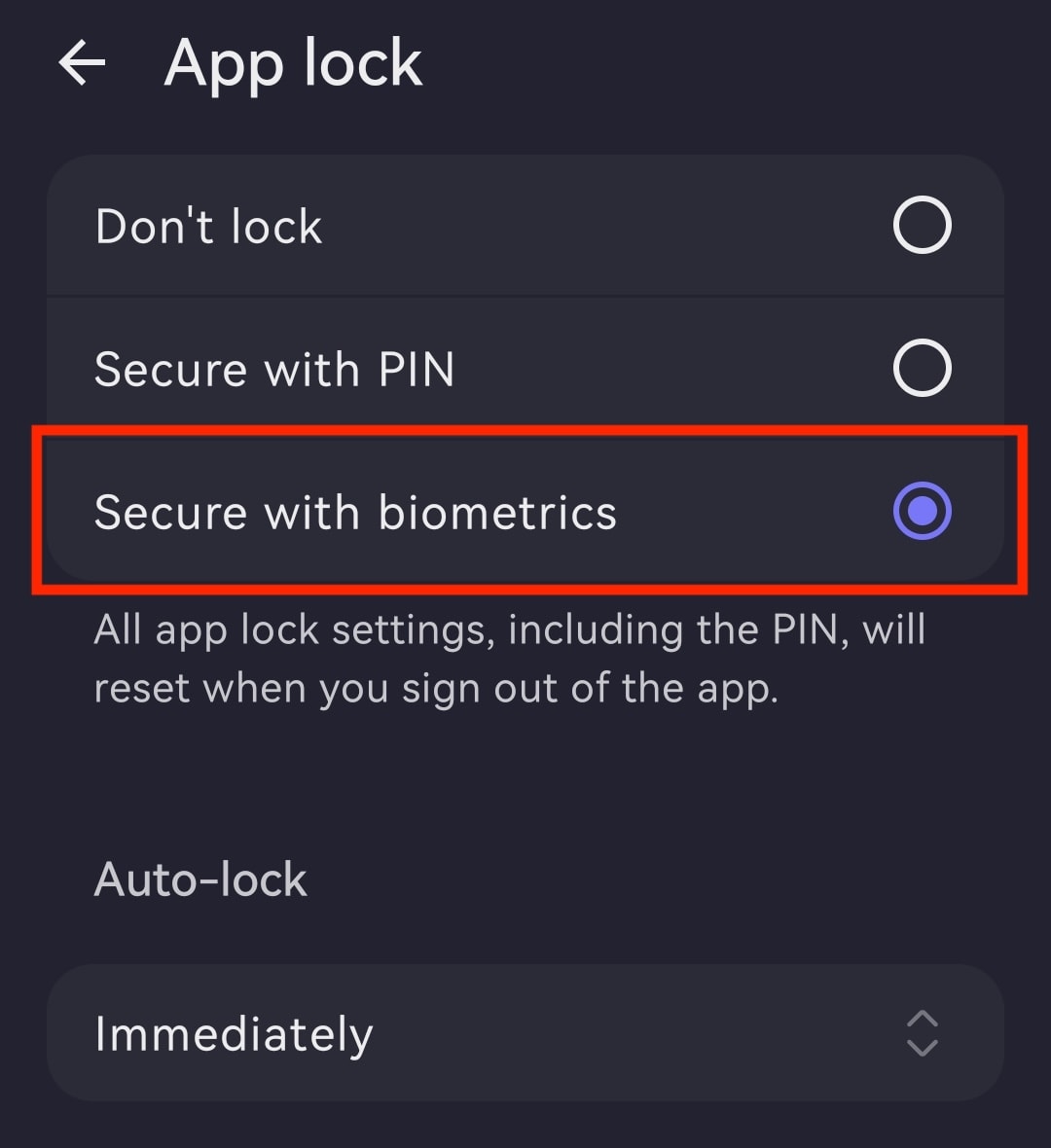
- ปลอดภัยด้วยไบโอเมตริก: ยืนยันโดยแตะที่บริเวณเซ็นเซอร์ลายนิ้วมือบนโทรศัพท์ จากนั้นสามารถ เปลี่ยนตัวจับเวลาการล็อคอัตโนมัติ สลับเป็น ปลอดภัยด้วยรหัส PIN (จำเป็นต้องใช้ลายนิ้วมือ) หรือ ปิดใช้งานการล็อคแอป
เปลี่ยนตัวจับเวลาการล็อคอัตโนมัติ
- เปิดแอป Proton Mail และเข้าสู่ระบบด้วยบัญชี Proton
- แตะ ☰ และเปิด การตั้งค่า
- ไปที่ การปรับแต่งแอป
- เปิด การล็อคแอป
- แตะ ที่ตัวจับเวลา (เช่น ทันที) ภายใต้ ล็อคอัตโนมัติ
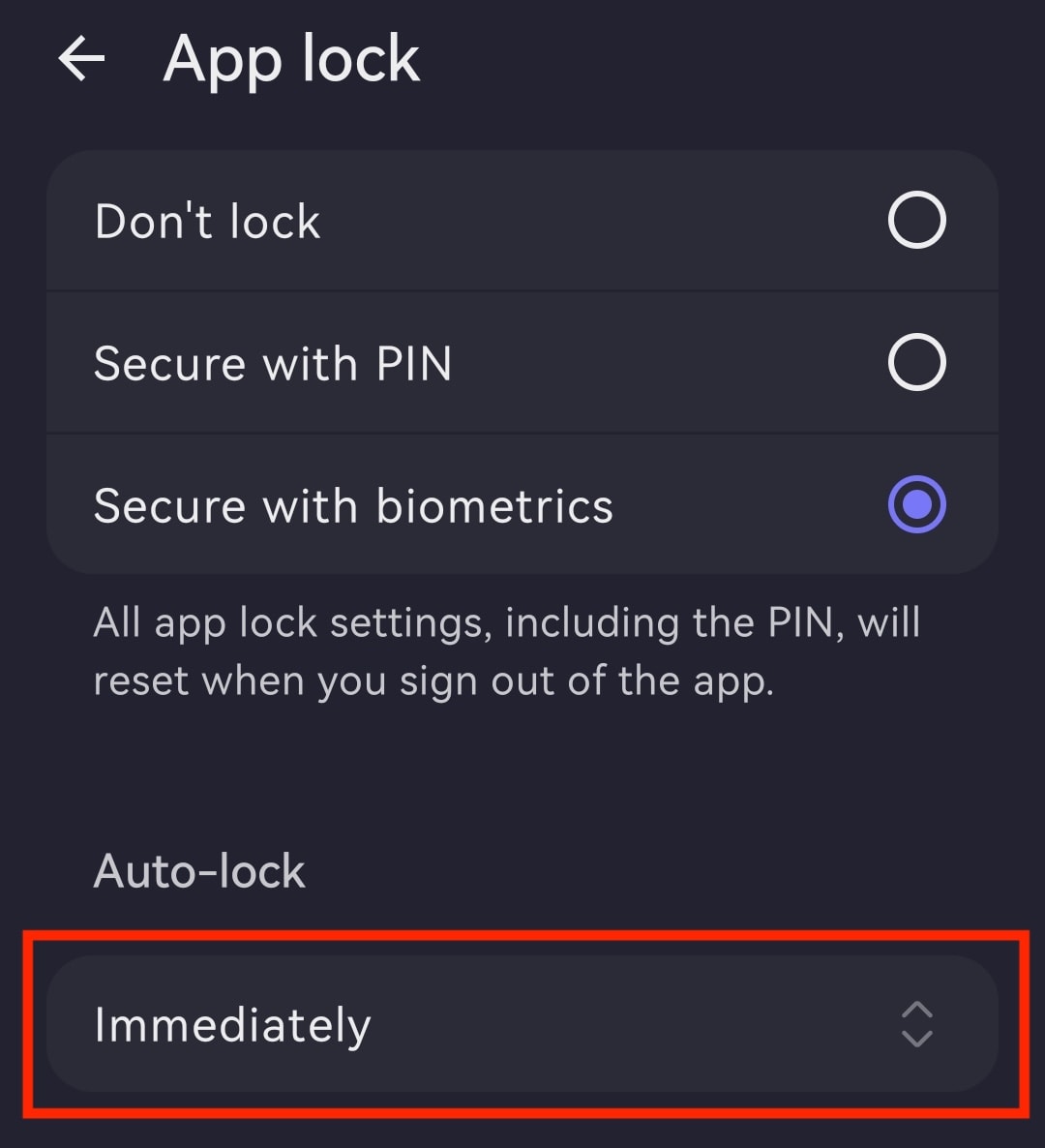
- ตั้งค่าเวลาการล็อคอัตโนมัติที่ต้องการ โดยมีตั้งแต่ ทันที ไปจนถึง หลังจาก 60 นาที

ปิดใช้งานการล็อคแอป
- เปิดแอป Proton Mail และเข้าสู่ระบบ
- แตะปุ่มเมนู ☰ และเปิด การตั้งค่า
- แตะ การปรับแต่งแอป
- เปิด การล็อคแอป
- เลือก ไม่ต้องล็อค